
Skip to content
  • Android
  • Java
  • 33% OFF

Smart Library Android App with Barcode

StackLib is a library management Android project with barcode scanning, built as a final year Android project with source code. Students scan a book's barcode to issue or return it, fines are calculated automatically, and books can be reserved with due-date reminders. Includes a librarian app, a PHP admin panel, MySQL database, project report and setup help.

ForDiplomaMCAB.Tech· CSE, IT

Platform
Android + Web API
1-on-1 setup
AnyDesk / Meet
Setup time
2 Hour
Download access
8 months
  • Source code
  • Project report
  • Setup guide
1 / 5

About this project

College libraries still run on registers and long queues at the issue desk. Students forget due dates, fines are worked out by hand and nobody knows when a popular book will come back. Library management Android project with barcode – StackLib – moves the whole circulation desk to the phone: the camera reads the book's barcode, the app checks the rules, and the issue or return is saved in a second.

How it works

  • The student logs in and sees their "shelf": every borrowed book as a coloured spine with a due-date ribbon.
  • Scan a book's barcode (or type its accession number) to issue or return it; the due date appears as a stamp.
  • Late returns get an automatic fine (Rs 2 per day, capped at Rs 200), shown with a clear breakdown.
  • If no copy is free, the student joins a reservation queue and is told when the book is ready for pickup.
  • A daily background reminder warns 2 days before the due date, on the due day and when a book is overdue.
  • At the desk, the librarian scans the student's member card, then the book, and collects fines with a PDF receipt.
  • Gemini AI fills book details from the ISBN, suggests books to read and writes a short reading insight, with offline fallbacks.

Users

  • Student: catalogue search, self issue/return by barcode, my books, renew, reservations, reminders, reading stats and badges, digital library card.
  • Librarian: desk dashboard, issue/return desk, members, fine collection with receipts, add books with ISBN lookup, reservation queue, reports with PDF export.
  • Admin (web): books and barcode labels, categories, members and librarians, issues, fines, reservations, notices, reports, settings.

Highlights

  • 3 roles, 23 app screens, 33 APIs, 17 admin panel files, 13 database tables
  • CameraX + ML Kit barcode scanning for book barcodes and member cards
  • Automatic fines, renew limits, first-in-queue reservations and borrowing rules
  • WorkManager due-date reminders and PDF receipts, labels and reports
  • Validations on every form (app + server), hashed passwords, token login, prepared SQL
  • Sample data with 40 real titles, 130 copies, 24 students and ready demo logins

What you get

  • Complete Android Studio source code (Java) and PHP admin panel + APIs
  • MySQL database file with sample data
  • Project report (56 pages) with DFD, ER, UML and all diagrams
  • Project abstract, project explanation with viva questions, setup guide
  • Setup help to run the project on your laptop

Who can use this project

Suitable as a final year project for BE / B.Tech (Computer, IT, E&TC), MCA, BCA and Diploma students looking for an Android project with source code, documentation and a report. A good choice if you want a database-driven library management system that also shows barcode scanning, background work and AI features.

Frequently asked questions

  • Can I test the barcode scan without real library books? Yes. The admin panel prints barcode labels for every copy; print one page and scan it with the phone.
  • Does it need an internet connection? Only for the Gemini AI features. Issue, return, fines and reservations work on your local Wi-Fi with XAMPP.
  • How are fines calculated? Days late × Rs 2 per day, capped at Rs 200. Both values can be changed in admin settings.
  • Can two students reserve the same book? Yes, they join a queue and the first student in line gets the next returned copy.

Who can take it

  • Diploma (Polytechnic) · best fit
  • MCA · best fit
  • BE / B.Tech · best fit

Branches: Computer Science & Engineering (CSE), Information Technology (IT)

We make it easy for you

  • 1-on-1 session on AnyDesk or Google Meet
  • We install the full project on your laptop
  • We explain the flow, modules and database for your viva
  • Report and step-by-step setup guide included
  • WhatsApp help whenever you get stuck

What you get

Everything unlocks in My projects right after payment.

  • Source codeComplete, working source code
  • Project reportEditable report / documentation
  • Setup guideStep-by-step installation guide

Project report preview

The first 5 pages of the report that comes with this project — 56 pages in the full report. Tap a page to read it — swipe for the next page.

Included free with this project

1-on-1 setup session on AnyDesk or Google Meet

After you buy, we schedule a session at a time that suits you. Our developer installs the complete project on your own laptop, runs it with you and explains it — so you can present it with confidence.

  1. 1

    Pick a time

    We call or WhatsApp you to fix the slot

  2. 2

    We install it

    Full setup on your system over AnyDesk

  3. 3

    We explain it

    Flow, modules and database on Google Meet

Modules inside

18 working modules — each one is explained in the report.

  • Student registration with library card (PRN, department, year)
  • Book catalogue search with category filters and availability
  • Barcode scan to self-issue and return books (ML Kit)
  • Due-date stamp and loan rules (14 days, max 3 books)
  • My books with renew and fine summary
  • Reservation queue with pickup-ready alerts
  • Daily due-date reminders (WorkManager)
  • Reading stats, streak and badges
  • AI book recommendations and reading insight (Gemini)
  • Librarian desk dashboard with today's numbers
  • Issue / return desk: scan member card, then book
  • Members list, member detail, block / unblock
  • Fine collection (cash / UPI) with PDF receipt
  • Add book with AI ISBN lookup and barcode labels
  • Reservation queue management for the librarian
  • Librarian reports with PDF export
  • Admin panel: books, categories, members, librarians, issues, fines
  • Admin panel: reservations, notices, reports, settings, AI logs

Want an extra module or a change?

We can add the features your guide asked for. Tell us what to change and get a quote on WhatsApp.

Customise this project

Technology used

Built with
Android (Java) - Android StudioVolley (REST API calls)CameraX + ML Kit Barcode ScanningWorkManager (background reminders)PdfDocument (receipts, labels, reports)Gemini API (with offline fallback)PHP 8 (APIs + Admin Panel)MySQL (XAMPP / phpMyAdmin)Bootstrap 5
Runs as
Android + Web API
Setup time
2 Hour with the guide
Documents
Project abstract (Word + PDF, 2 pages), Project report (Word, 56 pages, with all UML / DFD / ER diagrams), Project explanation with viva questions (Word + PDF), Installation / setup guide (Word + PDF), Database SQL with sample data, Screenshots (app screens + admin panel), README

How buying works

  1. 1

    Read the free abstract

    Sign in and download it (3 per day)

  2. 2

    Pay securely

    UPI, card or net banking

  3. 3

    Download instantly

    Source code and report in My projects for 8 months

  4. 4

    1-on-1 setup session

    We install it on your laptop and explain it

How to run it

An overview — the full guide comes with the project, and we help you if anything doesn’t start.

  1. 1Install XAMPP and start Apache and MySQL
  2. 2Copy Web_PHP\49-stacklib to C:\xampp\htdocs\academic-projects\49-stacklib
  3. 3Import Database\android_stacklib.sql in phpMyAdmin
  4. 4Open http://localhost/academic-projects/49-stacklib/admin and log in as admin@stacklib.in / admin123
  5. 5(Optional) Add your Gemini API key in admin Settings
  6. 6Open Android_App\StackLib in Android Studio and let Gradle sync
  7. 7If the popup "Gradle 8.9 is incompatible with JVM 25" appears, click Use JVM 21
  8. 8Run on a phone, enter your PC's Wi-Fi IP as the server on the login screen (emulator: 10.0.2.2)
  9. 9Log in as aditi.deshmukh@mitpune.edu.in / student123 or vandana.joshi@stacklib.in / librarian123
  10. 10Print barcode labels from admin Books > Labels and scan them to test

Questions about Smart Library Android App with Barcode

What do I get when I buy Smart Library Android App with Barcode?

Complete source code, the database, project abstract (word + pdf, 2 pages), project report (word, 56 pages, with all uml / dfd / er diagrams), project explanation with viva questions (word + pdf) and help to run it on your laptop. Files unlock in your dashboard right after payment.

Can I see the abstract before buying?

Yes. Sign in and download the free abstract from this page, and check it with your guide first.

Will you help me run and explain the project?

Yes. After you buy, we schedule a 1-on-1 session on AnyDesk or Google Meet. Our developer installs the complete project on your own laptop, runs it with you and explains the flow, modules and database so you are ready for your viva.

Can the project be changed for my college?

Small changes such as adding a module or changing fields are possible. Tell us before you pay and we will confirm what we can do and the cost.

Which courses is Smart Library Android App with Barcode suitable for?

It suits Diploma (Polytechnic), MCA, BE / B.Tech students from Computer Science & Engineering (CSE) and Information Technology (IT).

Similar projects

All Android projects →
AndroidJava33% OFF

Diploma (Polytechnic), MCA, BE / B.Tech

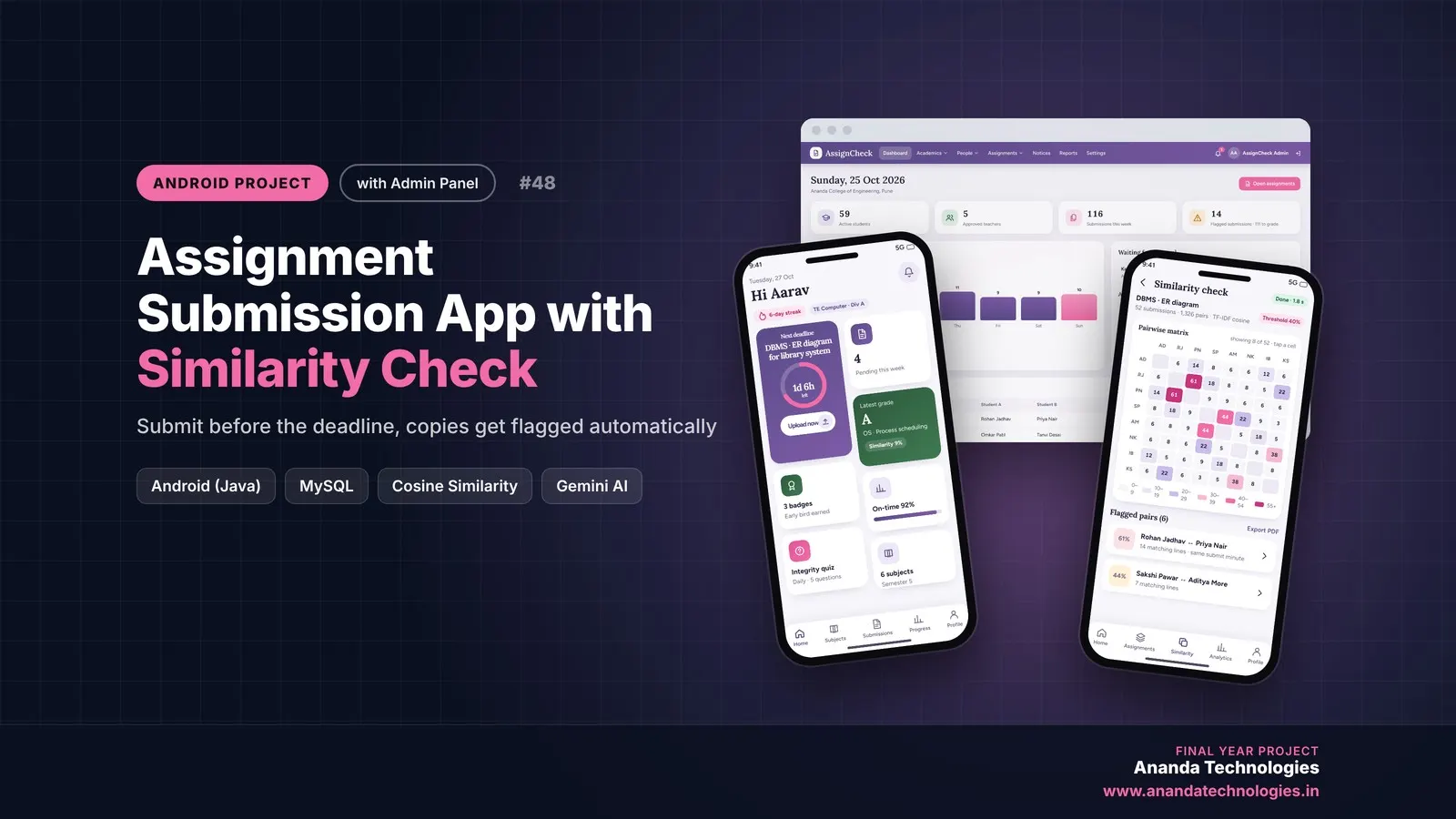
Assignment Submission App with Similarity Check

Assignment Submission App with Similarity Check is a final year Android project with source code where students upload assignments before the deadline and teachers compare every submission using TF-IDF cosine similarity to flag copied work. It includes a pre-submit writing check, rubric grading with Gemini AI suggestions, an originality report PDF and a PHP admin panel, along with the complete report, abstract and setup guide.

Project price₹8,000₹12,000View Project
AndroidJava33% OFF

Diploma (Polytechnic), MCA, BE / B.Tech

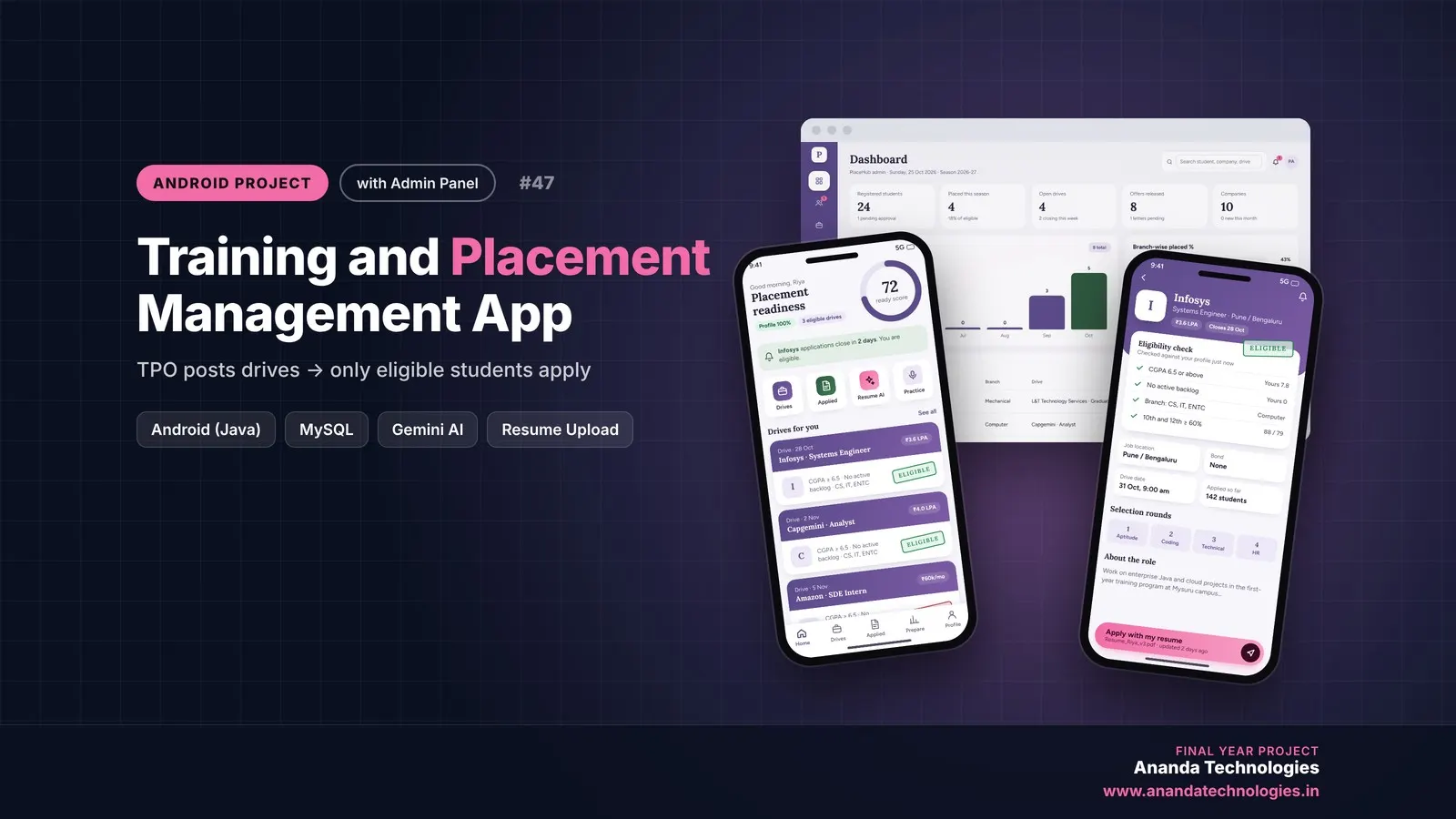
Training and Placement Cell App

PlaceHub is a training and placement cell Android project for final year students, with full source code. The TPO posts company drives with eligibility rules (CGPA, backlogs, branch, 10th/12th marks), and only eligible students can apply, track every round and accept offers. Includes Gemini AI resume review, aptitude practice, a PHP admin panel, MySQL database, a 55-page report and setup help.

Project price₹8,000₹12,000View Project
AndroidJava33% OFF

Diploma (Polytechnic), MCA, BE / B.Tech

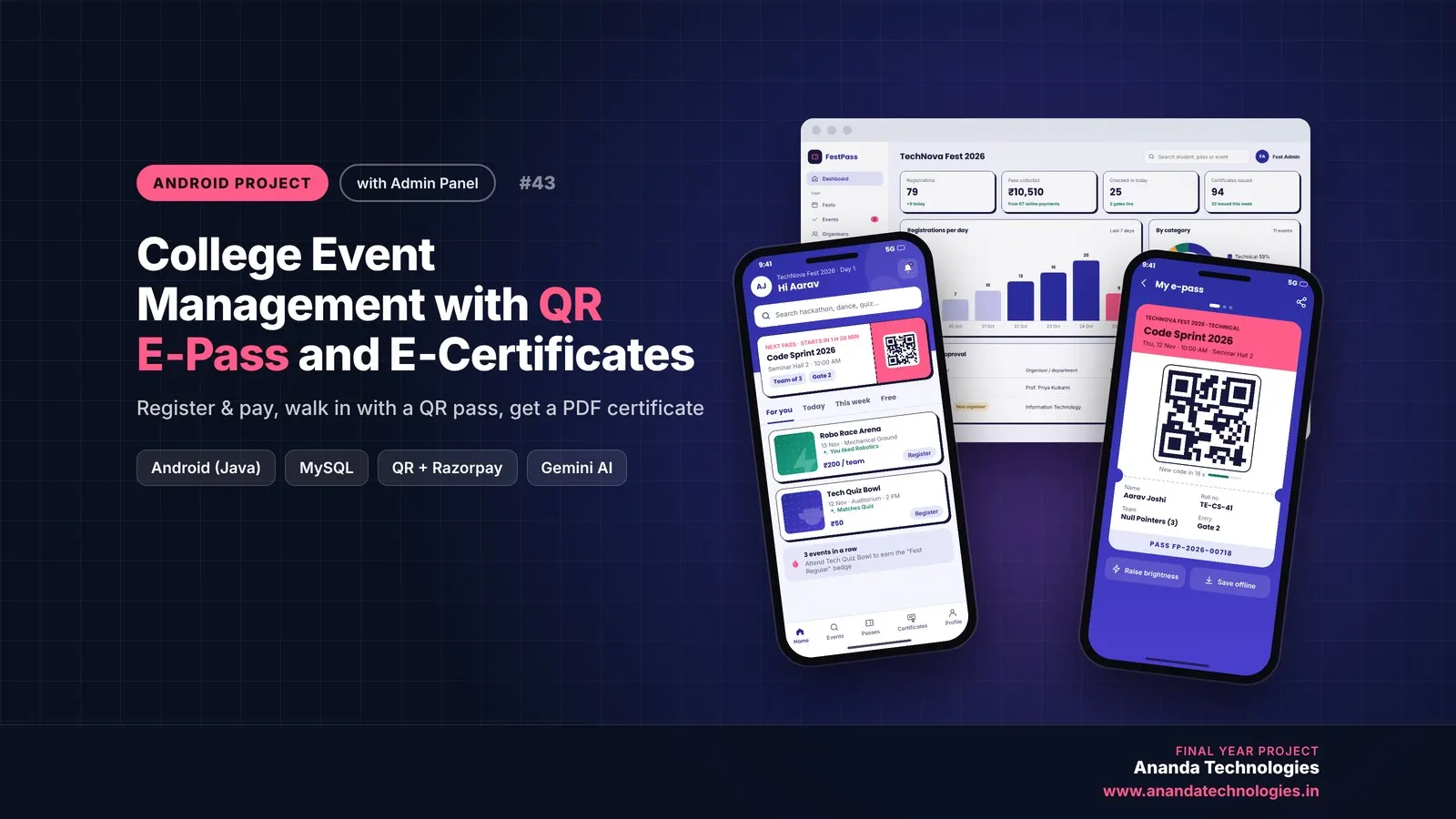
College Event Management with QR E-Pass and E-Certificates

College Event Management with QR E-Pass is a final year Android project with source code where students register and pay for fest events, walk in with a rotating QR e-pass and download PDF participation certificates. Organisers scan passes at the gate, publish results and see AI summaries, while the admin approves events and tracks everything from a web panel. Includes database, 76-page report, abstract and setup guide.

Project price₹8,000₹12,000View Project
None of these fit your topic?Send your idea — we build it and share the quote first.Request custom project

Get Smart Library Android App with Barcode for your submission

Leave your details and a counsellor will call to confirm your branch, any changes your guide needs, and how you want to pay.