Skip to content
Ananda Technologies Pvt. Ltd.
  • PHP
  • 40% OFF

CampusBallot - College Election Voting System

CampusBallot is a college election voting system PHP project where verified students cast one secret vote per election, with NOTA, a receipt code and live result charts.

A complete final year PHP project with source code, MySQL database, election officer panel, admin panel and full documentation.
ForCSEIT

Platform
Web app
1-on-1 setup
AnyDesk / Meet
Setup time
1 Hour
Download access
8 months
  • Source code
  • Project report
  • Setup guide
1 / 5

About this project

CampusBallot is a college election voting system PHP project for student council, sports and cultural committee elections. Students register with their roll number and college ID card, an election officer verifies them, and every verified student casts exactly one secret vote per election from any lab computer. Candidates file nominations with a symbol and manifesto, the officer approves them, and the count is shown as live charts the moment voting happens.

How it works

  • Student registers with roll number, department, year and ID card photo
  • Election officer checks the ID card and verifies or rejects with a reason
  • Admin creates the election (nomination last date, polling time) and its posts
  • Verified students file nominations; the officer approves or rejects them
  • During polling each student marks one candidate or NOTA for every post and submits once
  • The student gets a receipt code that anyone can check, without seeing the choice
  • Officers and admin watch the live count; the admin publishes the result after polling

Users

  • Student – vote, receipts, nomination, notices, profile
  • Election Officer – verify voters, review nominations, turnout report, live count, notices
  • Admin – elections, posts, nominations, departments, users, live results, publish and print result, notices, messages, settings

Highlights

  • 3 roles, 39 pages, 56 PHP files, 11 MySQL tables with sample data
  • One-time secret ballot: "who voted" and "whom they voted for" are stored in separate tables, saved in one transaction, with a unique key that blocks a second vote
  • NOTA on every post, department-only posts, minimum year rule for candidates
  • Live result charts (Chart.js) that refresh every 10 seconds for staff; students see results only after publishing
  • Printable vote receipt, turnout report and result sheet
  • Validations on every form (client and server), prepared statements, bcrypt passwords, CSRF tokens, role checks
  • Demo logins: admin / admin123, rahul@gmail.com / 123456, sunita@gmail.com / 123456

What you get

  • Complete PHP source code and MySQL database with sample data
  • Project report with diagrams, 2-page abstract, explanation with viva questions and setup guide (PDF)
  • Screenshots and README with a 10-minute demo script

Who can use this project

BCA, BSc Computer Science / IT, MCA, Diploma students and Engineering 2nd / 3rd year micro project groups.

Frequently asked questions

Does it need internet? No. Bootstrap, icons, font and Chart.js are inside the project; it runs on XAMPP. Can a student vote twice? No. The page checks first, and the database's unique key also blocks a second ballot. Can the admin see who voted for whom? No. Vote choices are saved without the student id. Is it good for a group of 3? Yes. The README and explanation give a clear part to each student.

Who can take it

Students who need a working project with source code, report and setup help for their submission.

Branches: Computer Science & Engineering (CSE), Information Technology (IT)

We make it easy for you

  • 1-on-1 session on AnyDesk or Google Meet
  • We install the full project on your laptop
  • We explain the flow, modules and database for your viva
  • Report and step-by-step setup guide included
  • WhatsApp help whenever you get stuck

What you get

Everything unlocks in My projects right after payment.

  • Source codeComplete, working source code
  • Project reportEditable report / documentation
  • Setup guideStep-by-step installation guide

Project report preview

The first 5 pages of the report that comes with this project — 54 pages in the full report. Tap a page to read it — swipe for the next page.

Included free with this project

1-on-1 setup session on AnyDesk or Google Meet

After you buy, we schedule a session at a time that suits you. Our developer installs the complete project on your own laptop, runs it with you and explains it — so you can present it with confidence.

  1. 1

    Pick a time

    We call or WhatsApp you to fix the slot

  2. 2

    We install it

    Full setup on your system over AnyDesk

  3. 3

    We explain it

    Flow, modules and database on Google Meet

Modules inside

18 working modules — each one is explained in the report.

  • Public: home with live election, countdown and votes counter
  • Public: elections list with phase filter
  • Public: candidates with symbol and manifesto, search and filter
  • Public: published results with charts and winners
  • Public: check vote receipt code (choice never shown)
  • Student: registration with ID card upload and verification status
  • Student: dashboard with vote status and voter slip
  • Student: secret ballot with NOTA, submitted only once
  • Student: printable vote receipt and receipt history
  • Student: file / withdraw nomination with symbol and manifesto
  • Officer: verify or reject voters after ID card check
  • Officer: approve or reject nominations with remark
  • Officer: turnout report (department-wise, ballots per hour, print)
  • Officer: live count charts with auto refresh
  • Admin: dashboard with live count tabs and ballots per hour chart
  • Admin: elections and posts with date, department and year rules
  • Admin: publish / hide result and print result sheet
  • Admin: departments, users (verify, block, add officer), notices, messages, settings

Want an extra module or a change?

We can add the features your guide asked for. Tell us what to change and get a quote on WhatsApp.

Customise this project

Technology used

Built with
PHP 8,MySQL (XAMPP / phpMyAdmin),Bootstrap 5,JavaScript,Chart.js
Runs as
Web app
Setup time
1 Hour with the guide
Documents
Project abstract (2 pages),, project report (55 pages with 8 diagrams: architecture, DFD 0, DFD 1, ER, use case, activity, sequence, site map),, project explanation with 24 viva questions and answers,, setup guide - all as PDF., SQL file with sample data,, screenshots of all pages,, README with default logins and a 10-minute demo script.

How buying works

  1. 1

    Read the free abstract

    Sign in and download it (3 per day)

  2. 2

    Pay securely

    UPI, card or net banking

  3. 3

    Download instantly

    Source code and report in My projects for 8 months

  4. 4

    1-on-1 setup session

    We install it on your laptop and explain it

How to run it

An overview — the full guide comes with the project, and we help you if anything doesn’t start.

  1. 1Install XAMPP 8 and start Apache and MySQL.
  2. 2Copy the CampusBallot folder to C:\xampp\htdocs\php_projects\
  3. 3Open http://localhost/phpmyadmin and click Import.
  4. 4Choose CampusBallot\database\campusballot_db.sql and click Import.
  5. 5Open http://localhost/php_projects/CampusBallot/
  6. 6Admin panel: http://localhost/php_projects/CampusBallot/admin/ (admin / admin123)
  7. 7Student login: rahul@gmail.com / 123456, officer login: sunita@gmail.com / 123456
  8. 8The sample election is live for about 5 hours after import - re-import before a demo.

Questions about CampusBallot

What do I get when I buy CampusBallot?

Complete source code, the database, project abstract (2 pages),, project report (55 pages with 8 diagrams: architecture, dfd 0, dfd 1, er, use case, activity, sequence, site map),, project explanation with 24 viva questions and answers, and help to run it on your laptop. Files unlock in your dashboard right after payment.

Can I see the abstract before buying?

Yes. Sign in and download the free abstract from this page, and check it with your guide first.

Will you help me run and explain the project?

Yes. After you buy, we schedule a 1-on-1 session on AnyDesk or Google Meet. Our developer installs the complete project on your own laptop, runs it with you and explains the flow, modules and database so you are ready for your viva.

Can the project be changed for my college?

Small changes such as adding a module or changing fields are possible. Tell us before you pay and we will confirm what we can do and the cost.

Similar projects

All PHP projects →
PHP40% OFF

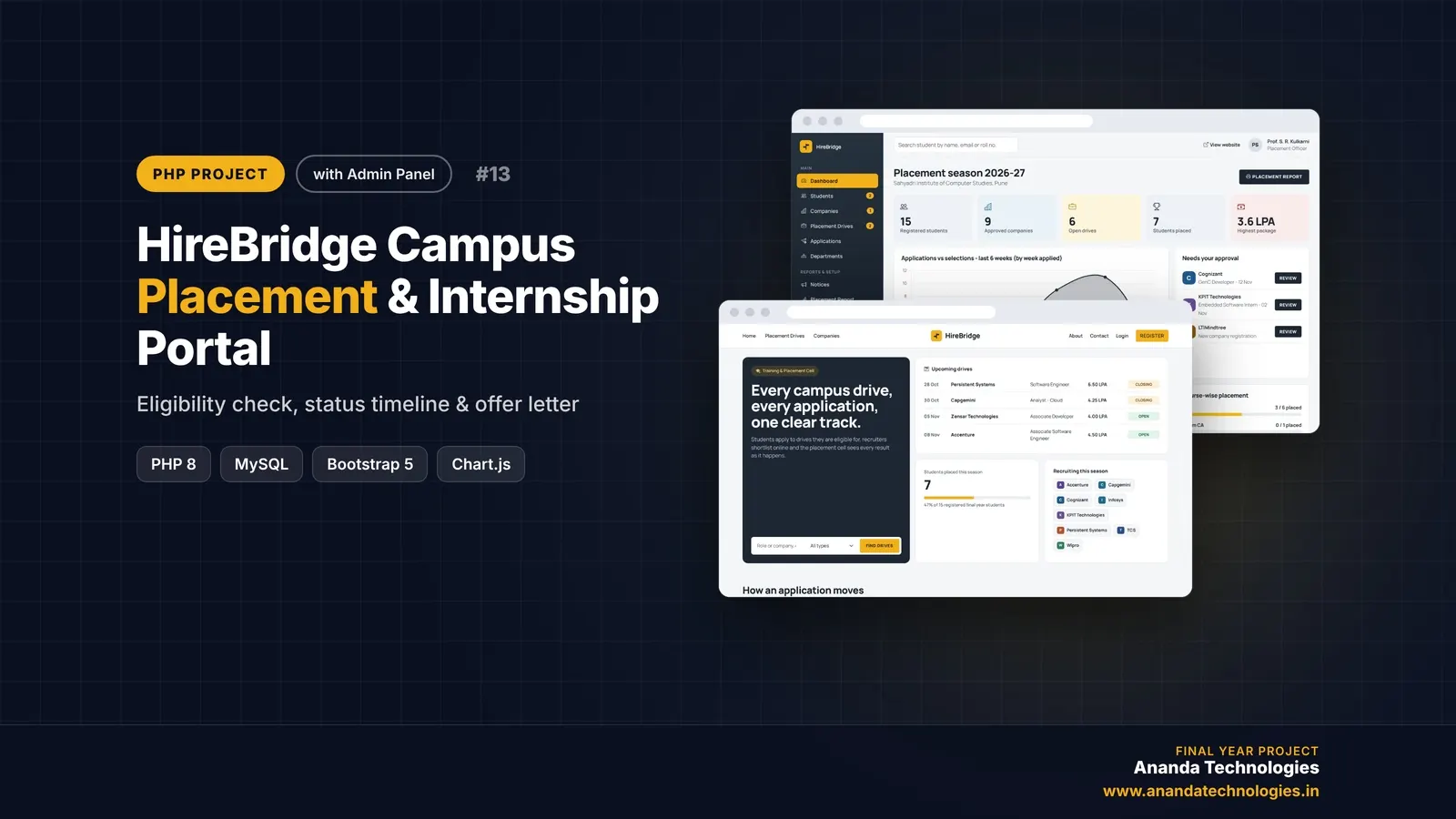
HireBridge - Campus Placement & Internship Portal

HireBridge is a campus placement portal PHP project with source code for the Training & Placement Cell of a college. Students apply only to drives they are eligible for and track every application on a status timeline, companies shortlist and interview online, and the admin approves and prints the placement report - a complete final year PHP project with source code and documentation.

Free abstract· Download₹0
Project price₹3,000₹5,000View Project
None of these fit your topic?Send your idea — we build it and share the quote first.Request custom project

Get CampusBallot for your submission

Leave your details and a counsellor will call to confirm your branch, any changes your guide needs, and how you want to pay.