Skip to content
  • AI & ML
  • Java
  • Android
  • 33% OFF

AI Time Table Generator

AI Time Table Generator is an AI timetable generator Android project for final year students, with full source code. The admin enters only college timings, branches and divisions; the system creates classes, labs, faculty and subject allocation, and a Genetic Algorithm builds a clash-free weekly timetable. Students and faculty see it in the Android app, and leave is rescheduled automatically. Includes PHP admin panel, MySQL database, report and setup guide.

ForDiplomaMCAB.Tech· CSE, IT

Platform
Android + Web API
1-on-1 setup
AnyDesk / Meet
Setup time
2 Hour
Download access
8 months
  • Source code
  • Project report
  • Setup guide

About this project

About the project

Making the timetable of an engineering college by hand takes days, and one small change - a teacher on leave, a lab booked twice - breaks the whole week. This AI timetable generator Android project does the complete job automatically. A Setup Wizard builds the college structure from a few inputs, an AI allocation gives every subject a teacher, and a Genetic Algorithm places every lecture and practical so that no teacher, room or division clashes. It is a complete automatic timetable generator using genetic algorithm, with an Android app for students and faculty.

How it works

  • Admin enters college timings, recess and lunch, working days, branches and divisions in the Setup Wizard (live preview of the day).
  • The system creates time slots, departments, HOD logins, divisions, practical batches, classrooms, labs, the AICTE / MSBTE syllabus and faculty in seconds.
  • HODs tag teachers with subjects; the AI allocation gives every division and practical batch a teacher by tags, specialization and load.
  • The Genetic Algorithm (selection, crossover, mutation, repair, elitism) generates a timetable with 0 clashes and shows its learning curve.
  • Timetables of every class, teacher and room can be viewed, printed on A4 or downloaded as Excel.
  • When a teacher's leave is approved, lectures of that day are automatically given to a free substitute or shifted to a free slot, and the app shows a notification.

Users

  • Admin (Web panel + app) - Setup Wizard, Excel import, masters, timetable generation, print, conflicts, availability, leave, notices
  • HOD (Web panel + app) - own department faculty and subjects, subject tagging and allocation mode, faculty load, conflicts, leave approval, notices
  • Faculty (Android app) - today's lectures, weekly timetable with PDF, workload, apply leave and see adjustments, notifications
  • Student (Android app) - today's lectures, own division and batch timetable with PDF, notifications

Highlights

  • 4 roles, 15 app screens, 25 web pages, 14 APIs, 18 database tables
  • Genetic Algorithm with hard and soft constraints: no teacher / room / division clash, practicals in labs in continuous slots, teacher availability and daily limits
  • Tested: 15 divisions (about 370 sessions) generated in about 20-30 seconds with 0 clashes
  • Conflict detection, faculty load report and automatic leave rescheduling
  • Validations on every form (email, 10-digit mobile, password, ranges, dates, duplicates) in app, browser and server
  • Hashed passwords, token based staff APIs and prepared statements; demo logins created by the wizard

What you get

  • Complete Android Studio project (Java) and PHP admin / HOD panel with APIs
  • MySQL database file (18 tables) - the Setup Wizard fills a full demo college in one click
  • Project report (Word, 90+ pages) with DFD, ER, UML diagrams, algorithm and test cases
  • 2-page project abstract, project explanation with 28 viva questions, setup guide
  • Screenshots, Excel import templates and README
  • Setup help to run the project on your laptop

Who can use this project

Final year and pre-final year students of BE / B.Tech, MCA, BCA and Diploma (Computer Engineering, CSE, IT) who want a timetable scheduling project with real AI logic, source code and documentation. It is also a good choice for students looking for a college timetable management system project or a genetic algorithm project with report.

Frequently asked questions

Does it need internet or any paid AI API? No. The Genetic Algorithm runs on your own laptop in PHP, so timetable generation works fully offline and free.

Can I enter my own college's timings, branches and teachers? Yes. Everything is entered in the Setup Wizard or uploaded from Excel templates (faculty, syllabus, students, subject tags); no code change is needed.

How are practicals handled? Each practical is placed for every batch in a lab in 2 or 3 continuous lectures, never across a break, and different batches of one division can have practicals at the same time.

Can I run the app on a real phone? Yes. Keep the phone and laptop on the same Wi-Fi and enter the laptop's IPv4 address as the server on the login screen.

Who can take it

  • Diploma (Polytechnic) · best fit
  • MCA · best fit
  • BE / B.Tech · best fit

Branches: Computer Science & Engineering (CSE), Information Technology (IT)

We make it easy for you

  • 1-on-1 session on AnyDesk or Google Meet
  • We install the full project on your laptop
  • We explain the flow, modules and database for your viva
  • Report and step-by-step setup guide included
  • WhatsApp help whenever you get stuck

What you get

Everything unlocks in My projects right after payment.

  • Source codeComplete, working source code
  • Project reportEditable report / documentation
  • Setup guideStep-by-step installation guide

Included free with this project

1-on-1 setup session on AnyDesk or Google Meet

After you buy, we schedule a session at a time that suits you. Our developer installs the complete project on your own laptop, runs it with you and explains it — so you can present it with confidence.

  1. 1

    Pick a time

    We call or WhatsApp you to fix the slot

  2. 2

    We install it

    Full setup on your system over AnyDesk

  3. 3

    We explain it

    Flow, modules and database on Google Meet

Modules inside

17 working modules — each one is explained in the report.

  • Setup Wizard: college timings, recess, lunch, branches, divisions with live day preview
  • Automatic time slots, departments, HOD logins, divisions and practical batches
  • Automatic classrooms and labs calculated from practical hours
  • Built-in AICTE / MSBTE syllabus or college syllabus from Excel
  • Faculty, students, syllabus and subject tagging import from Excel
  • HOD subject tagging with 3 allocation modes (Both / HOD only / AI)
  • AI teacher-subject allocation by tags, specialization and load
  • Genetic Algorithm timetable generation with learning curve
  • Class, faculty and room timetables with A4 print and Excel download
  • Conflict detection (teacher, room, division, capacity, overload)
  • Faculty availability with automatic rescheduling
  • Leave apply, approve / reject with automatic substitute or shifted lecture
  • Faculty load report and HOD-wise department control
  • Notifications to all, a class or a teacher
  • Student app: today's lectures, weekly timetable, PDF, notifications
  • Faculty app: timetable, workload, apply leave, adjustments, notifications
  • HOD / Admin app: leave requests, tagging, faculty, subjects, load, conflicts, notices, generate

Technology used

Built with
Android (Java) - Android StudioVolley (API calls)PHP 8 (APIs + Admin Panel)MySQL (XAMPP / phpMyAdmin)Genetic Algorithm (timetable optimisation)Material Components UIAndroid PdfDocument (timetable PDF)
Runs as
Android + Web API
Setup time
2 Hour with the guide
Documents
Project abstract (Word + PDF, 2 pages), Project report (Word, 90+ pages, editable), Project explanation with viva questions (Word + PDF), Installation / setup guide (Word + PDF), Database SQL file (demo data created by the Setup Wizard), Admin panel and app screenshots, Excel import templates and README quick start

How buying works

  1. 1

    Read the free abstract

    Sign in and download it (3 per day)

  2. 2

    Pay securely

    UPI, card or net banking

  3. 3

    Download instantly

    Source code and report in My projects for 8 months

  4. 4

    1-on-1 setup session

    We install it on your laptop and explain it

How to run it

An overview — the full guide comes with the project, and we help you if anything doesn’t start.

  1. 1Install XAMPP and start Apache and MySQL
  2. 2Copy the Web_PHP\3-timetable folder into C:\xampp\htdocs\academic-projects
  3. 3Open phpMyAdmin and import Database\android_timetable_ai.sql
  4. 4Open http://localhost/academic-projects/3-timetable and login as admin / admin123
  5. 5Run the Setup Wizard (timings, branches, divisions) - timetable is generated automatically
  6. 6Open Android_App\TimetableAI in Android Studio and wait for Gradle sync
  7. 7If asked to select Gradle JVM, click Use JVM 21
  8. 8Run the app and enter server IP 10.0.2.2 (emulator) or your computer's IPv4 (phone)
  9. 9Login with the HOD / faculty / student accounts shown on the Login Details page

Questions about AI Time Table Generator

What do I get when I buy AI Time Table Generator?

Complete source code, the database, project abstract (word + pdf, 2 pages), project report (word, 90+ pages, editable), project explanation with viva questions (word + pdf) and help to run it on your laptop. Files unlock in your dashboard right after payment.

Can I see the abstract before buying?

Yes. Sign in and download the free abstract from this page, and check it with your guide first.

Will you help me run and explain the project?

Yes. After you buy, we schedule a 1-on-1 session on AnyDesk or Google Meet. Our developer installs the complete project on your own laptop, runs it with you and explains the flow, modules and database so you are ready for your viva.

Can the project be changed for my college?

Small changes such as adding a module or changing fields are possible. Tell us before you pay and we will confirm what we can do and the cost.

Which courses is AI Time Table Generator suitable for?

It suits Diploma (Polytechnic), MCA, BE / B.Tech students from Computer Science & Engineering (CSE) and Information Technology (IT).

Similar projects

All AI & ML projects →
AI & MLJava33% OFF

Diploma (Polytechnic), MCA, BE / B.Tech

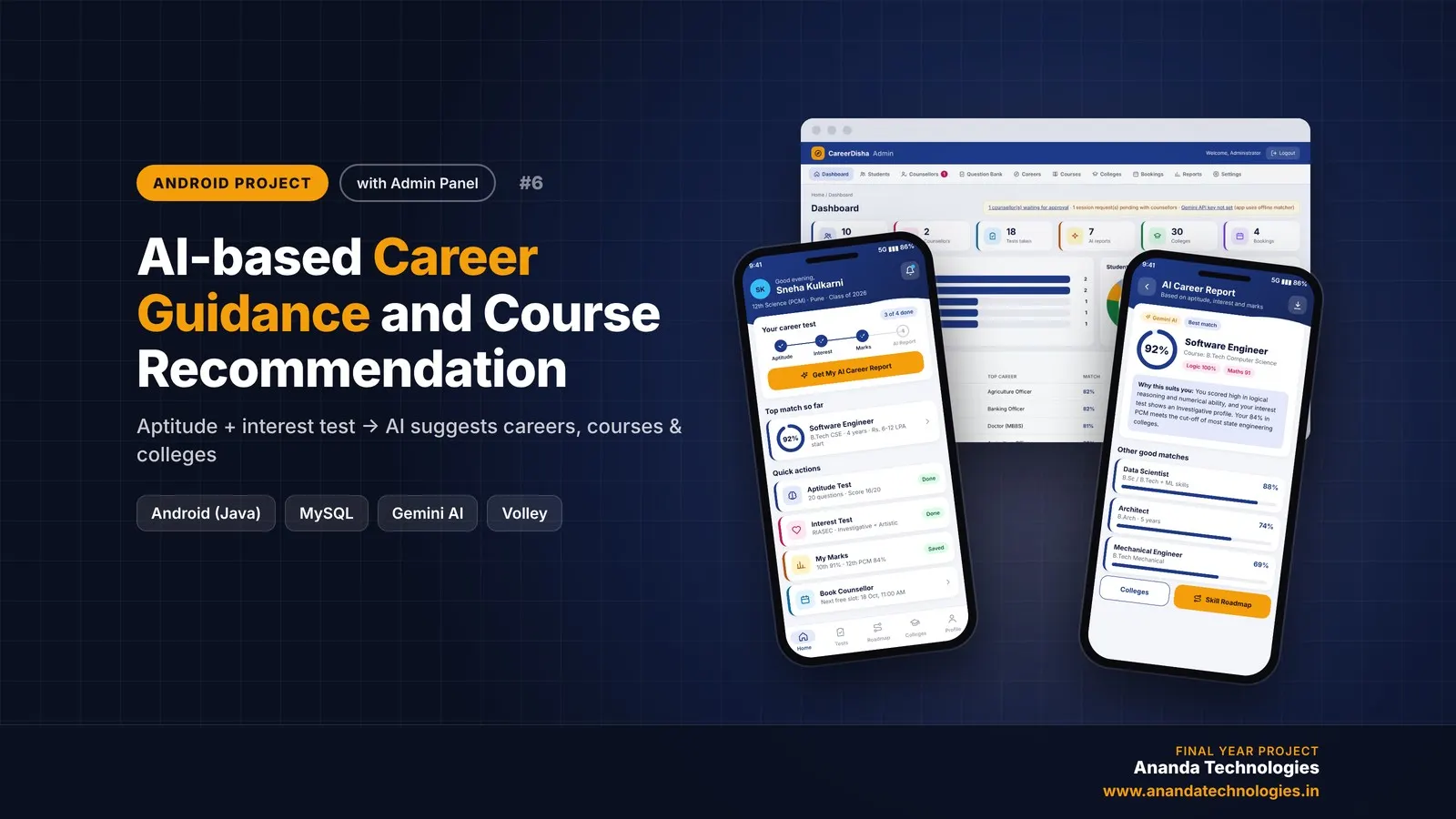
AI-based Career Guidance and Course Recommendation

CareerDisha is an AI career guidance Android project for final year students, with full source code. A student takes an aptitude test and a RIASEC interest test, enters 10th / 12th marks, and Google Gemini suggests the top 5 careers with matching courses, colleges and a step-by-step skill roadmap. Includes counsellor booking, PDF report, PHP admin panel, MySQL database, project report and setup guide.

Project price₹8,000₹12,000View Project
AI & MLJava33% OFF

Diploma (Polytechnic), MCA, BE / B.Tech

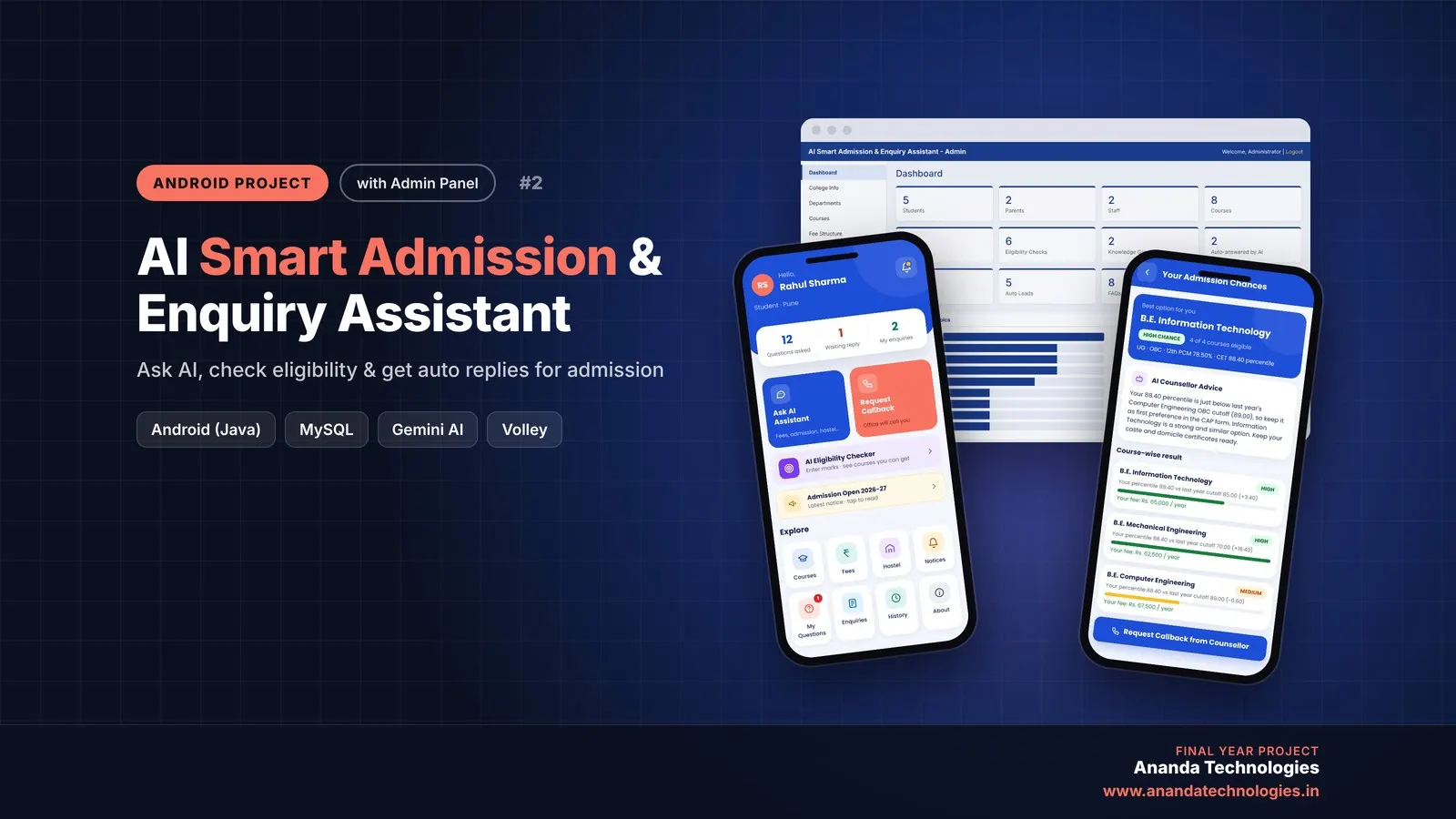
AI Smart Admission & Enquiry Assistant

AI Smart Admission & Enquiry Assistant is an AI college admission enquiry Android project for final year students, with full source code. Students and parents get instant answers from the college's own data through Google Gemini, check their eligibility and admission chance for every course, and get automatic replies when new information is added. Comes with a PHP admin panel, MySQL database, report and setup guide.

Project price₹8,000₹12,000View Project
AndroidJava33% OFF

Diploma (Polytechnic), MCA, BE / B.Tech, M.Tech

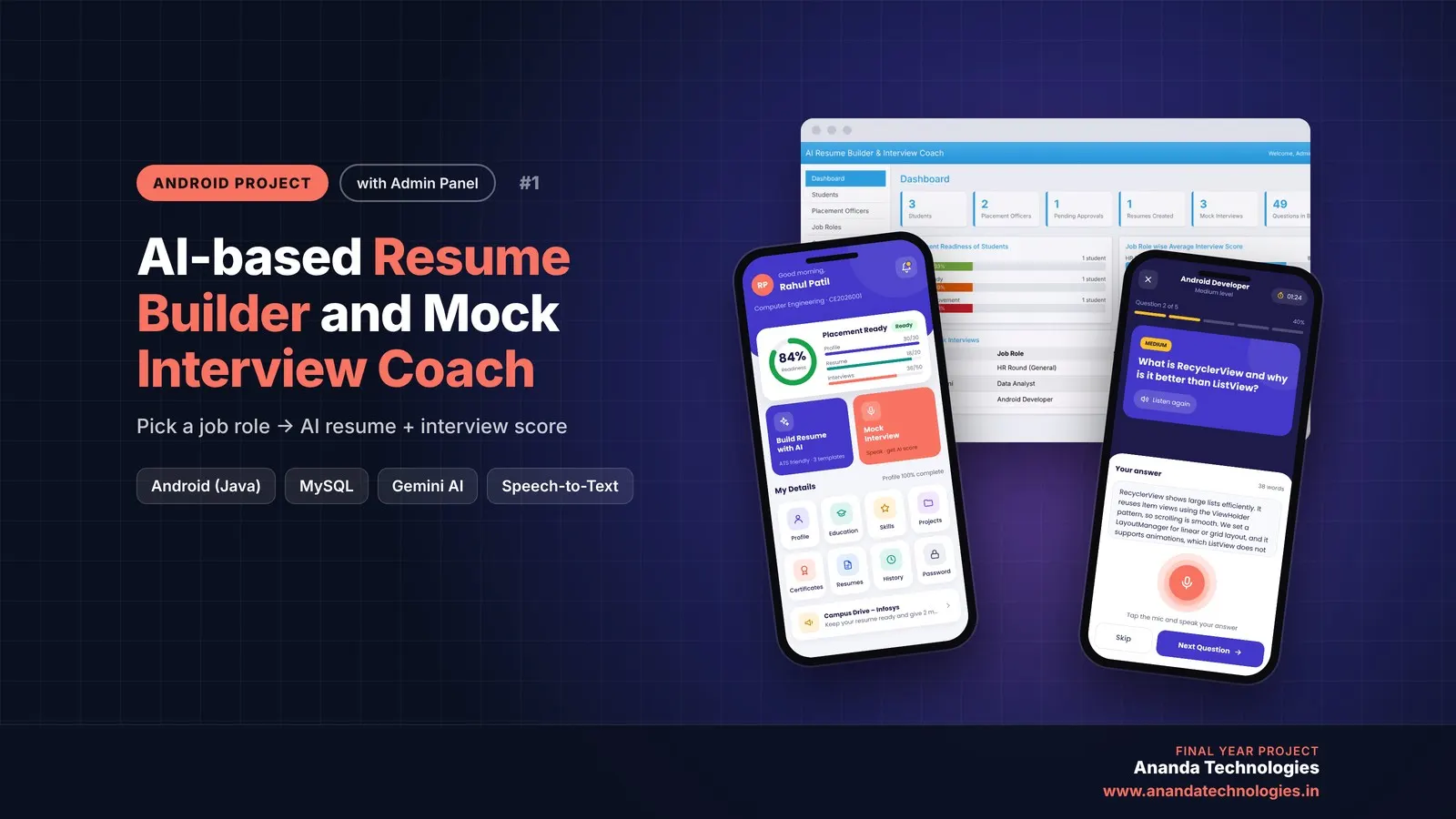
AI-based Resume Builder and Mock Interview Coach

AI Resume Builder and Mock Interview Coach is a final year Android project with source code that writes an ATS-friendly resume for the selected job role using Google Gemini AI and conducts spoken mock interviews with an AI score and feedback for every answer. It includes a placement officer app, a web admin panel, MySQL database and full project report.

Project price₹8,000₹12,000View Project

Get AI Time Table Generator for your submission

Leave your details and a counsellor will call to confirm your branch, any changes your guide needs, and how you want to pay.