Skip to content
  • AI & ML
  • Java
  • Android
  • 33% OFF

AI-based Personal Diet and Fitness Planner

NutriFit is an AI diet and fitness planner Android project for final year students, delivered with complete source code. It works out each user's BMI and daily calories, uses Google Gemini to create an Indian meal plan and a weekly workout, gets every plan reviewed by a dietitian, and tracks steps, water, weight and food. Includes a PHP admin panel, MySQL database, project report and setup guide.

ForDiplomaMCAB.Tech· CSE, IT

Platform
Android + Web API
1-on-1 setup
AnyDesk / Meet
Setup time
1 Hour
Download access
8 months
  • Source code
  • Project report
  • Setup guide

About this project

About the project

Most people trying to lose or gain weight do not know their real calorie need, and generic fitness apps suggest food nobody eats at home. This AI diet and fitness planner Android project solves that for Indian users. The app calculates BMI and daily calories with the Mifflin-St Jeor formula, asks Google Gemini for a six-meal Indian plan built around that number, checks the plan before showing it, and sends it to a real dietitian for approval. It is a complete diet planner app project with tracking, charts and reports, not just a chatbot.

How it works

  • The user fills age, gender, height, weight, activity level, goal and veg / non-veg preference; the server saves BMI and the daily calorie target.
  • AI Meal Plan: Gemini gets the profile, the calorie target and the calorie values from the app's own food database, and returns six meals in a fixed JSON format.
  • Accuracy check: the app verifies the meal count, the calorie total (within 7%) and the diet rule (no egg or chicken for a veg user). A wrong plan is sent back to Gemini once with the problem; a backup Gemini model is used if the main one is busy.
  • AI Workout Plan: weekly plan by level, days, home or gym and minutes per session.
  • The chosen dietitian approves the plan or asks for changes with a remark, and answers the user's questions.
  • Daily steps (phone sensor), water, weight and food are logged; the weekly report shows charts and downloads as PDF.

Users

  • User (Android app) - body profile and calorie calculator, AI meal and workout plans, step counter, water tracker, weight log, food diary, ask dietitian, weekly report
  • Dietitian (Android app) - client list and progress charts, plan review with remark, replies to client questions
  • Admin (Web panel) - dietitian approval, users, food categories and food items, AI plans, questions, notifications, date-wise reports

Highlights

  • 3 roles, 24 app screens, 13 admin pages, 32 APIs, 12 database tables
  • 45 Indian food items with calories, protein, carbs and fat in the food database
  • Gemini plans checked in the app + reviewed by a dietitian before the user follows them
  • Charts for steps, water, calories and weight; weekly progress report as PDF
  • Validations on every form (email, 10-digit mobile, password, age / height / weight ranges, no future dates, duplicates) in app and server
  • Hashed passwords and prepared statements; sample users, plans and demo logins included

What you get

  • Complete Android Studio project (Java) and PHP admin panel with APIs
  • MySQL database file with food items, sample users, plans and one week of tracking data
  • Project report (Word, 85+ pages) with DFD, ER, UML diagrams and 66 test cases
  • 2-page project abstract, project explanation with 40+ viva questions, setup guide
  • App screen mockups, admin panel screenshots and README
  • Setup help to run the project on your laptop

Who can use this project

Final year and pre-final year students of BE / B.Tech, MCA, BCA and Diploma (Computer Engineering, CSE, IT) who want a Gemini AI Android project with source code and documentation. It is also a good choice if your guide has asked for a health or fitness topic such as a calorie counter and step counter app.

Frequently asked questions

Is the Gemini API key free? Yes. A free key from Google AI Studio is enough for demos, no card needed. Without a key, profile, tracking, food diary, reports and dietitian review still work; only new AI plans need the key.

How are daily calories calculated? BMR from the Mifflin-St Jeor formula is multiplied by the activity factor, then 500 kcal is reduced for weight loss or 400 kcal added for weight gain, with a minimum of 1200 kcal.

Does the step counter work on the emulator? The emulator has no step sensor, so the app offers "Add steps manually" for the demo. On a real phone the sensor counts steps automatically.

Can I add my own foods? Yes. The admin adds food categories and items with calories and macros from the web panel; the food diary and the AI prompt use them directly.

Who can take it

  • Diploma (Polytechnic) · best fit
  • MCA · best fit
  • BE / B.Tech · best fit

Branches: Computer Science & Engineering (CSE), Information Technology (IT)

We make it easy for you

  • 1-on-1 session on AnyDesk or Google Meet
  • We install the full project on your laptop
  • We explain the flow, modules and database for your viva
  • Report and step-by-step setup guide included
  • WhatsApp help whenever you get stuck

What you get

Everything unlocks in My projects right after payment.

  • Source codeComplete, working source code
  • Project reportEditable report / documentation
  • Setup guideStep-by-step installation guide

Included free with this project

1-on-1 setup session on AnyDesk or Google Meet

After you buy, we schedule a session at a time that suits you. Our developer installs the complete project on your own laptop, runs it with you and explains it — so you can present it with confidence.

  1. 1

    Pick a time

    We call or WhatsApp you to fix the slot

  2. 2

    We install it

    Full setup on your system over AnyDesk

  3. 3

    We explain it

    Flow, modules and database on Google Meet

Modules inside

18 working modules — each one is explained in the report.

  • User registration and login with full validation
  • Body profile with BMI, BMI category and daily calorie calculator
  • AI Meal Plan: six-meal Indian plan from Google Gemini by cuisine and note
  • Plan accuracy check with automatic correction and backup AI model
  • AI Workout Plan by level, days, home / gym and minutes
  • My Plans with dietitian review status and remark, plan PDF download
  • Step counter using the phone sensor with daily goal, distance and calories burned
  • Water tracker with daily target and 7-day chart
  • Weight log with target line chart and BMI history
  • Food diary with food search, meal type, quantity, calories and macros
  • Choose dietitian and ask questions
  • Weekly progress report with charts and PDF export
  • Dietitian registration with admin approval
  • Dietitian dashboard, client list and client progress charts
  • Plan review: approve or needs change with remark
  • Replies to client questions and notifications
  • Admin web panel: dashboard charts, users, dietitian approval, food categories and food items
  • Admin AI plan viewer with print, questions, notifications and date-wise reports

Technology used

Built with
Android (Java) - Android StudioVolley (API calls)PHP 8 (APIs + Admin Panel)MySQL (XAMPP / phpMyAdmin)Bootstrap 5 and Chart.js (admin panel)Google Gemini API (structured JSON output)MPAndroidChart (app charts)Android step counter sensor and PdfDocument (PDF reports)
Runs as
Android + Web API
Setup time
1 Hour with the guide
Documents
Project abstract (Word + PDF, 2 pages), Project report (Word + PDF, 85+ pages, editable), Project explanation with viva questions (Word + PDF), Installation / setup guide (Word + PDF), Database SQL file with sample data, App screen mockups, admin panel screenshots and UML diagrams, README quick start

How buying works

  1. 1

    Read the free abstract

    Sign in and download it (3 per day)

  2. 2

    Pay securely

    UPI, card or net banking

  3. 3

    Download instantly

    Source code and report in My projects for 8 months

  4. 4

    1-on-1 setup session

    We install it on your laptop and explain it

How to run it

An overview — the full guide comes with the project, and we help you if anything doesn’t start.

  1. 1Install XAMPP and start Apache and MySQL
  2. 2Copy the Web_PHP\nutrifit folder into C:\xampp\htdocs
  3. 3Open phpMyAdmin and import Database\nutrifit.sql
  4. 4Open http://localhost/nutrifit/admin and login as admin (admin@nutrifit.com / admin123)
  5. 5Paste a free Gemini API key in Config.java (GEMINI_API_KEY) of the Android project
  6. 6Open Android_App\NutriFit in Android Studio and wait for Gradle sync
  7. 7If asked to select Gradle JVM, click Use JVM 21
  8. 8Run the app and set server IP 10.0.2.2 (emulator) or your computer's IPv4 (phone) in Server settings
  9. 9Login with the demo user / dietitian accounts given in README

Questions about AI-based Personal Diet and Fitness…

What do I get when I buy AI-based Personal Diet and Fitness…?

Complete source code, the database, project abstract (word + pdf, 2 pages), project report (word + pdf, 85+ pages, editable), project explanation with viva questions (word + pdf) and help to run it on your laptop. Files unlock in your dashboard right after payment.

Can I see the abstract before buying?

Yes. Sign in and download the free abstract from this page, and check it with your guide first.

Will you help me run and explain the project?

Yes. After you buy, we schedule a 1-on-1 session on AnyDesk or Google Meet. Our developer installs the complete project on your own laptop, runs it with you and explains the flow, modules and database so you are ready for your viva.

Can the project be changed for my college?

Small changes such as adding a module or changing fields are possible. Tell us before you pay and we will confirm what we can do and the cost.

Which courses is AI-based Personal Diet and Fitness… suitable for?

It suits Diploma (Polytechnic), MCA, BE / B.Tech students from Computer Science & Engineering (CSE) and Information Technology (IT).

Similar projects

All AI & ML projects →
AI & MLJava33% OFF

Diploma (Polytechnic), MCA, BE / B.Tech

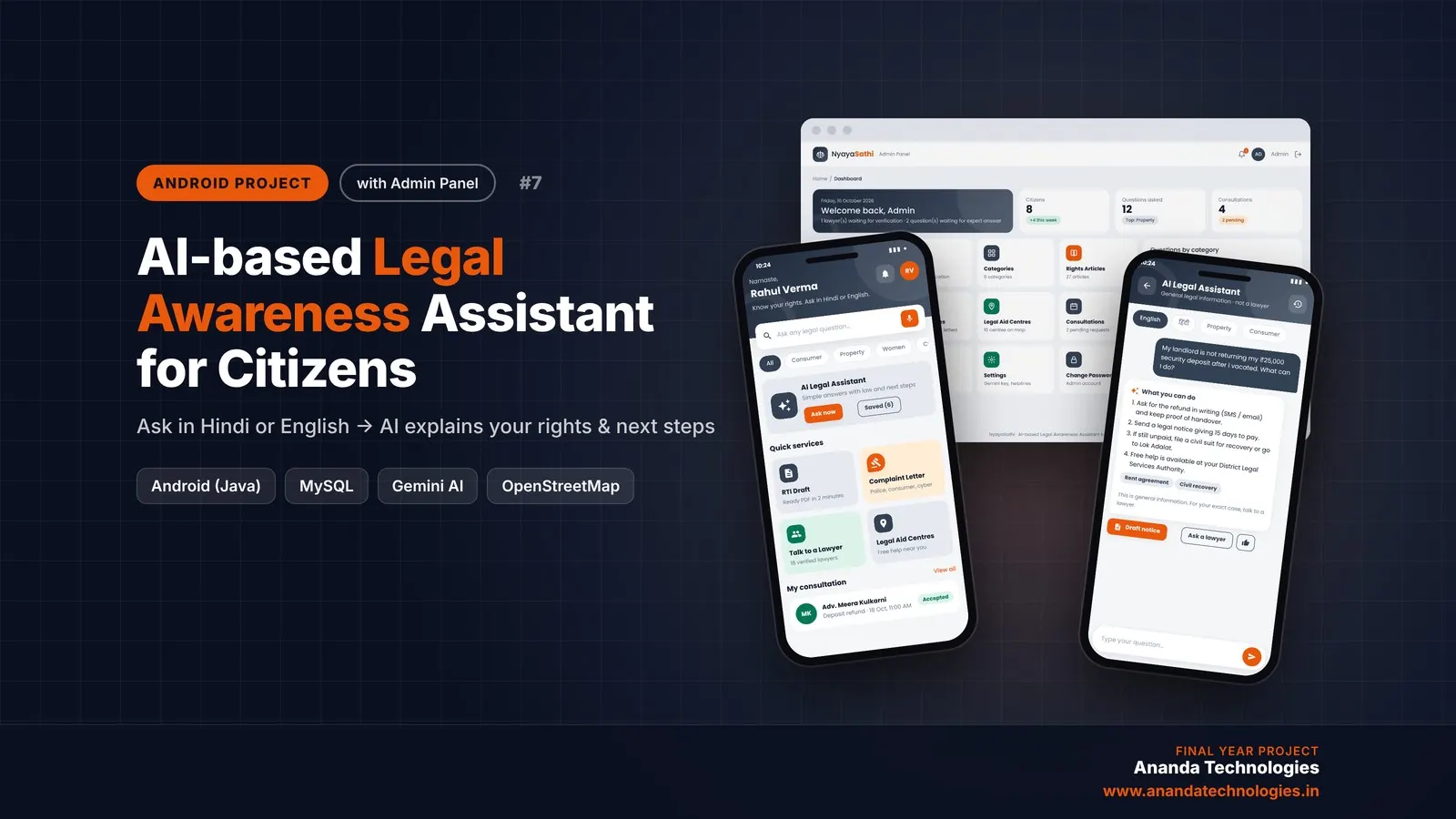
AI-based Legal Awareness Assistant for Citizens

AI-based Legal Awareness Assistant for Citizens (NyayaSathi) is an AI legal awareness Android project for final year students, with full source code. Citizens ask legal questions in simple Hindi or English and Google Gemini explains their rights with clear next steps, the app makes RTI applications and complaint letters as PDF, shows free legal aid centres on a map and connects them with verified lawyers. Comes with a PHP admin panel, MySQL database, report and setup guide.

Project price₹8,000₹12,000View Project
AI & MLJava33% OFF

Diploma (Polytechnic), MCA, BE / B.Tech

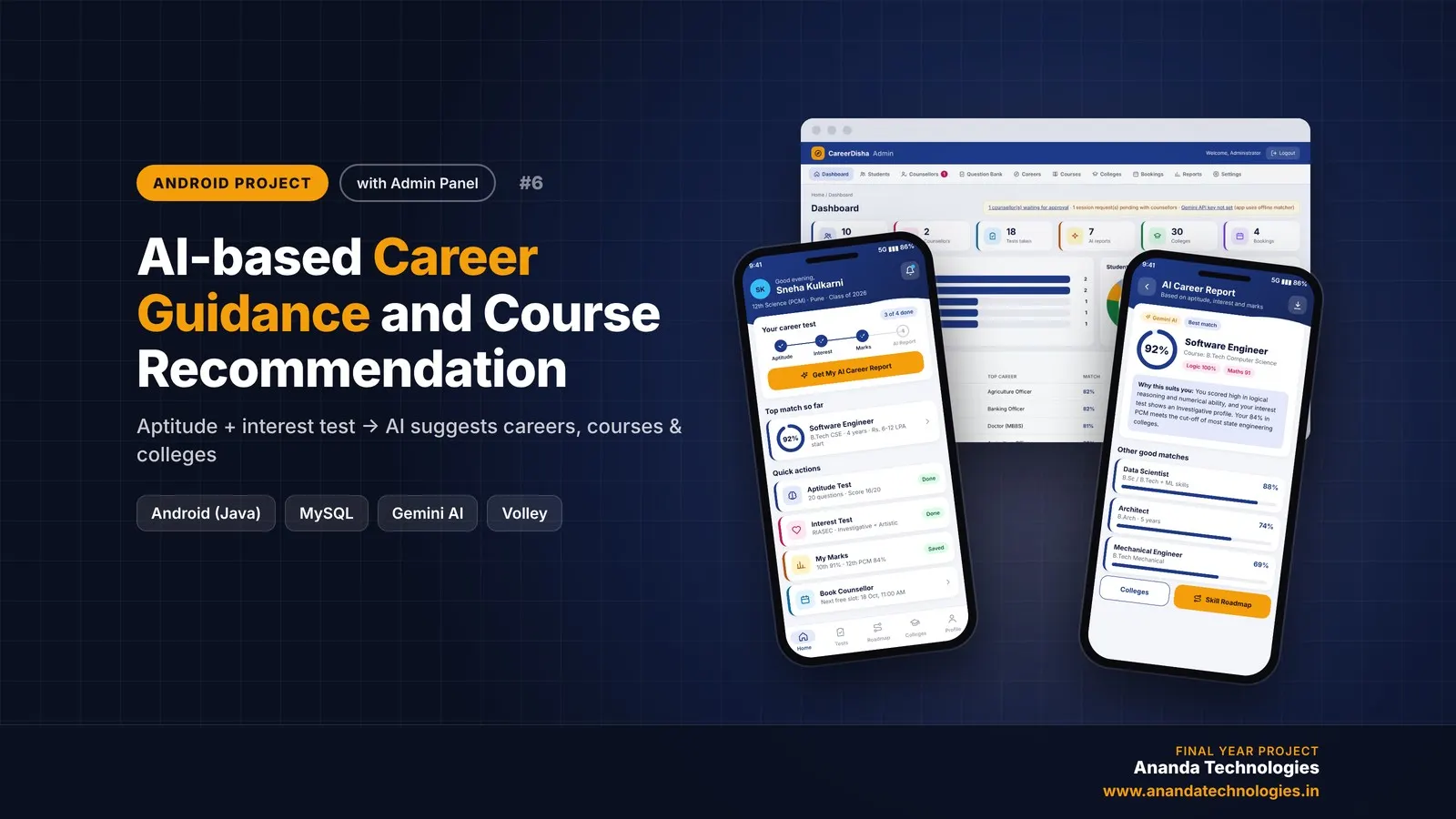
AI-based Career Guidance and Course Recommendation

CareerDisha is an AI career guidance Android project for final year students, with full source code. A student takes an aptitude test and a RIASEC interest test, enters 10th / 12th marks, and Google Gemini suggests the top 5 careers with matching courses, colleges and a step-by-step skill roadmap. Includes counsellor booking, PDF report, PHP admin panel, MySQL database, project report and setup guide.

Project price₹8,000₹12,000View Project
AI & MLJava33% OFF

Diploma (Polytechnic), MCA, BE / B.Tech

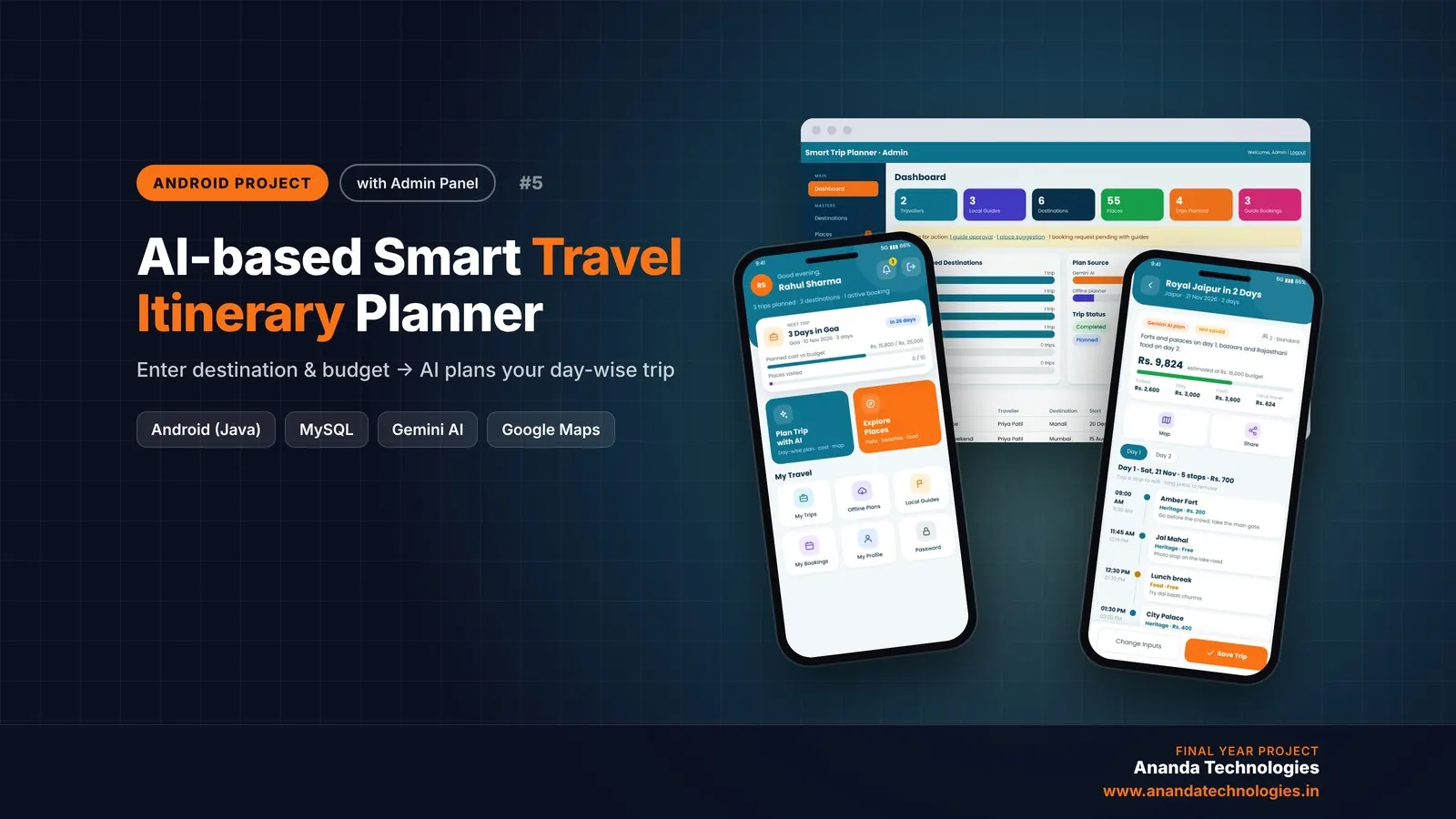
AI-based Smart Travel Itinerary Planner

AI-based Smart Travel Itinerary Planner is an AI travel itinerary planner Android project for final year students, with full source code. A traveller enters destination, days, budget and interests, and Google Gemini builds a day-wise plan with timings, cost and a map route, while local guides accept bookings from the same app. Includes a PHP admin panel, MySQL database, project report and setup guide.

Project price₹8,000₹12,000View Project

Get AI-based Personal Diet and Fitness… for your submission

Leave your details and a counsellor will call to confirm your branch, any changes your guide needs, and how you want to pay.