Skip to content
Ananda Technologies Pvt. Ltd.
  • PHP
  • 40% OFF

ShutterBook - Photography Studio Booking & Gallery Portal

ShutterBook is a photography studio booking system PHP project with a live slot calendar, photographer panel and private client albums with favourite photo selection.

A complete final year PHP project with source code, MySQL database, report and setup guide for BCA, BSc IT and MCA students.

ForCSEIT

Platform
Web app
1-on-1 setup
AnyDesk / Meet
Setup time
1 Hour
Download access
8 months
  • Source code
  • Project report
  • Setup guide
1 / 5

About this project

ShutterBook is a photography studio booking system PHP project for a studio that offers wedding, pre-wedding, baby and maternity, birthday, product and corporate shoots. Clients see the free slots of the next five weeks, book a shoot and pay an advance online. The studio assigns a free photographer, the photographer uploads the edited photos into a private album, and the client picks favourite photos for the printed album.

How it works

  • Admin adds categories and fixed-price packages (price, duration, edited photos, album picks)
  • Client opens a package, picks a free date and Morning / Afternoon / Evening slot on the 5-week calendar
  • Booking is held for 30 minutes and confirmed with a 30% advance (Razorpay test mode or Demo payment)
  • Admin assigns only a free photographer (leave days and other shoots are checked)
  • Photographer marks the shoot done, uploads photos and publishes the gallery
  • Client marks favourites with a heart up to the package limit, submits the selection and pays the balance
  • Photos can be downloaded only after full payment; photographer delivers the album and the client rates the shoot

Users

  • Client – book shoots, pay advance and balance, private album, favourites, download, cancel, rating
  • Photographer – assigned shoots, shoot done, gallery upload, delivery, schedule and leave days, portfolio
  • Admin – packages, photographer approval, assign shoots, payments and refunds, reports, notices, settings

Highlights

  • 3 roles, 44 pages, 12 MySQL tables, 64 PHP files
  • Live slot calendar: free count = photographers – leaves – bookings, with a named lock so a slot is never double booked
  • Private album photos shown only after an owner check; AJAX favourite selection with a limit
  • Advance + balance payment with Razorpay test mode or offline Demo mode, printable receipts
  • Validations on every form (client side and server side), prepared statements, CSRF tokens, bcrypt passwords
  • Admin dashboard with charts, reports with date filter and print
  • Demo logins: admin / admin123, rahul@gmail.com / 123456, arjun@gmail.com / 123456

What you get

  • Complete PHP source code with MySQL database and sample data
  • Project report (55 pages) with 8 diagrams, abstract, explanation with viva questions, setup guide (PDF)
  • Screenshots and README with a 10-minute demo script

Who can use this project

BCA, BSc CS / IT, MCA, Diploma (Computer / IT) final year students and Engineering 2nd / 3rd year micro project.

Frequently asked questions

Does it work without internet? Yes. Demo payment mode works offline; internet is needed only for Razorpay test payments.

Which software is needed? XAMPP (PHP 8 + MySQL) and any browser. The setup guide explains every step.

Is the payment real? No. Razorpay works in test mode only, so no real money is charged.

Can I change the packages and prices? Yes. Admin can add and edit categories, packages, prices and slot timings from the admin panel.

Who can take it

Students who need a working project with source code, report and setup help for their submission.

Branches: Computer Science & Engineering (CSE), Information Technology (IT)

We make it easy for you

  • 1-on-1 session on AnyDesk or Google Meet
  • We install the full project on your laptop
  • We explain the flow, modules and database for your viva
  • Report and step-by-step setup guide included
  • WhatsApp help whenever you get stuck

What you get

Everything unlocks in My projects right after payment.

  • Source codeComplete, working source code
  • Project reportEditable report / documentation
  • Setup guideStep-by-step installation guide

Project report preview

The first 5 pages of the report that comes with this project — 54 pages in the full report. Tap a page to read it — swipe for the next page.

Included free with this project

1-on-1 setup session on AnyDesk or Google Meet

After you buy, we schedule a session at a time that suits you. Our developer installs the complete project on your own laptop, runs it with you and explains it — so you can present it with confidence.

  1. 1

    Pick a time

    We call or WhatsApp you to fix the slot

  2. 2

    We install it

    Full setup on your system over AnyDesk

  3. 3

    We explain it

    Flow, modules and database on Google Meet

Modules inside

18 working modules — each one is explained in the report.

  • Public: home page with bento photo grid and next free slot
  • Public: packages with category, duration and price filters
  • Public: package detail with 5-week slot calendar and free slots
  • Public: portfolio gallery with lightbox, photographers, about, contact
  • Client: book a shoot (date, slot, studio / outdoor venue)
  • Client: 30-minute slot hold and 30% advance payment with receipt
  • Client: 6-step booking timeline, cancel up to 2 days before the shoot
  • Client: private album with favourite selection (heart, limit, submit)
  • Client: balance payment, photo download after full payment, rating
  • Photographer: dashboard with week board and work to finish
  • Photographer: mark shoot done, upload up to 20 photos, publish gallery
  • Photographer: see client favourites and mark album delivered
  • Photographer: schedule and leave days, portfolio upload for approval
  • Admin: dashboard with collection chart, category donut, workload
  • Admin: categories, packages, portfolio approval
  • Admin: bookings with assign free photographer and cancel
  • Admin: photographers approval, clients, payments with refund
  • Admin: reports with date filter and print, enquiries, notices, settings

Want an extra module or a change?

We can add the features your guide asked for. Tell us what to change and get a quote on WhatsApp.

Customise this project

Technology used

Built with
PHP 8,MySQL (XAMPP / phpMyAdmin),Bootstrap 5,JavaScript,Chart.js,Razorpay (test mode)
Runs as
Web app
Setup time
1 Hour with the guide
Documents
Project abstract (2 pages),, project report (55 pages with 8 diagrams),, project explanation with viva questions and answers,, setup guide - all as PDF;, SQL file with sample data;, screenshots;, README with 10-minute demo script

How buying works

  1. 1

    Read the free abstract

    Sign in and download it (3 per day)

  2. 2

    Pay securely

    UPI, card or net banking

  3. 3

    Download instantly

    Source code and report in My projects for 8 months

  4. 4

    1-on-1 setup session

    We install it on your laptop and explain it

How to run it

An overview — the full guide comes with the project, and we help you if anything doesn’t start.

  1. 1Install XAMPP and start Apache and MySQL.
  2. 2Copy the ShutterBook folder to C:\xampp\htdocs\php_projects\
  3. 3Open http://localhost/phpmyadmin and click Import.
  4. 4Choose ShutterBook\database\shutterbook_db.sql and click Go.
  5. 5Open http://localhost/php_projects/ShutterBook/
  6. 6Admin panel: http://localhost/php_projects/ShutterBook/admin/ (admin / admin123)
  7. 7Client login: rahul@gmail.com / 123456, photographer login: arjun@gmail.com / 123456
  8. 8Payment works in Demo mode; for Razorpay test mode add your rzp_test_ key in Admin > Settings.

Questions about ShutterBook

What do I get when I buy ShutterBook?

Complete source code, the database, project abstract (2 pages),, project report (55 pages with 8 diagrams),, project explanation with viva questions and answers, and help to run it on your laptop. Files unlock in your dashboard right after payment.

Can I see the abstract before buying?

Yes. Sign in and download the free abstract from this page, and check it with your guide first.

Will you help me run and explain the project?

Yes. After you buy, we schedule a 1-on-1 session on AnyDesk or Google Meet. Our developer installs the complete project on your own laptop, runs it with you and explains the flow, modules and database so you are ready for your viva.

Can the project be changed for my college?

Small changes such as adding a module or changing fields are possible. Tell us before you pay and we will confirm what we can do and the cost.

Similar projects

All PHP projects →
PHP40% OFF

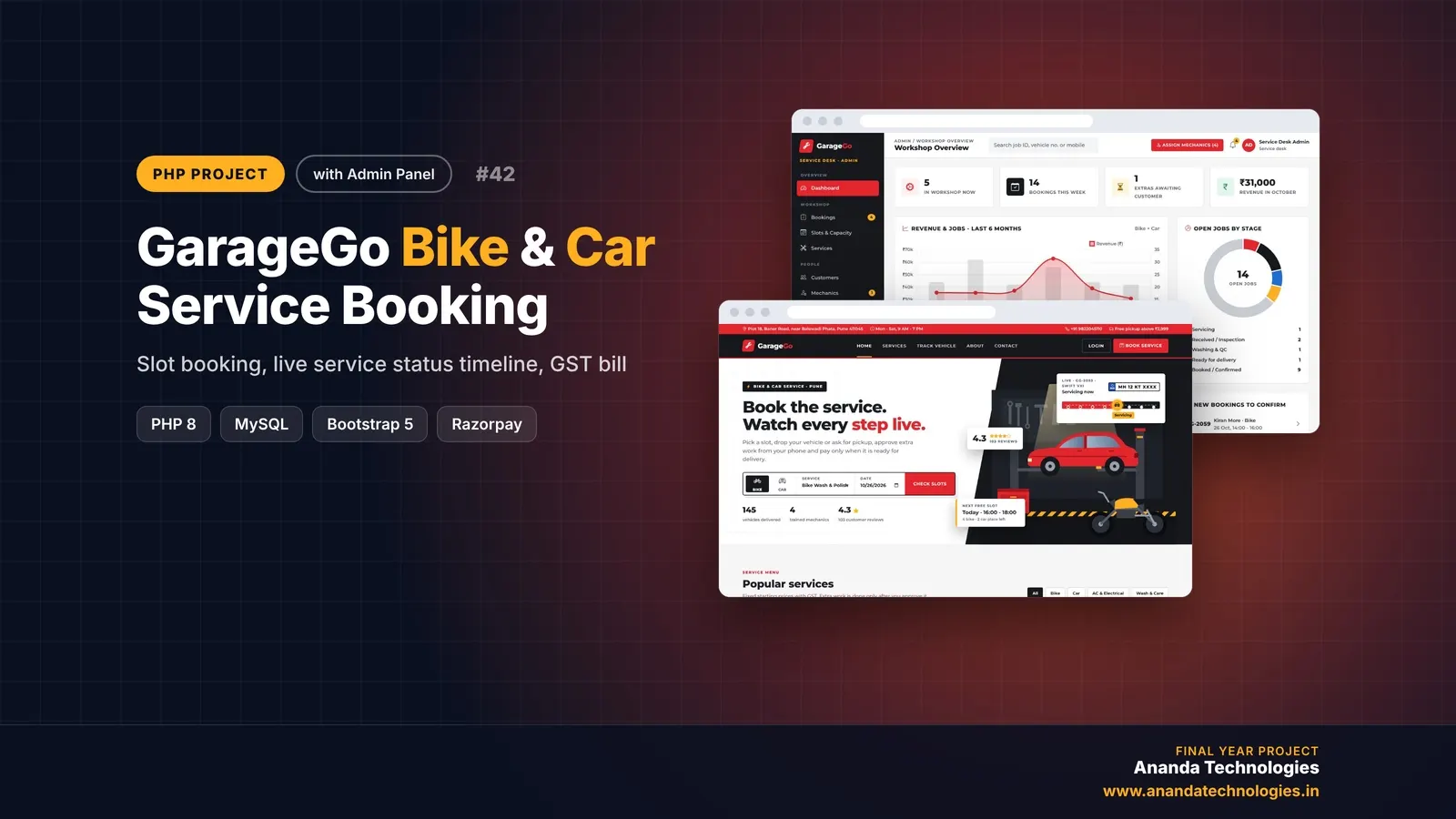
GarageGo - Bike & Car Service Booking System

GarageGo is a bike and car service booking system PHP project where customers book 2-hour service slots, follow their vehicle on a live 8-step status timeline and approve extra parts before they are fitted. A complete final year PHP project with source code, MySQL database, mechanic and admin panels, GST invoice and full documentation.

Free abstract· Download₹0
Project price₹3,000₹5,000View Project
PHP40% OFF

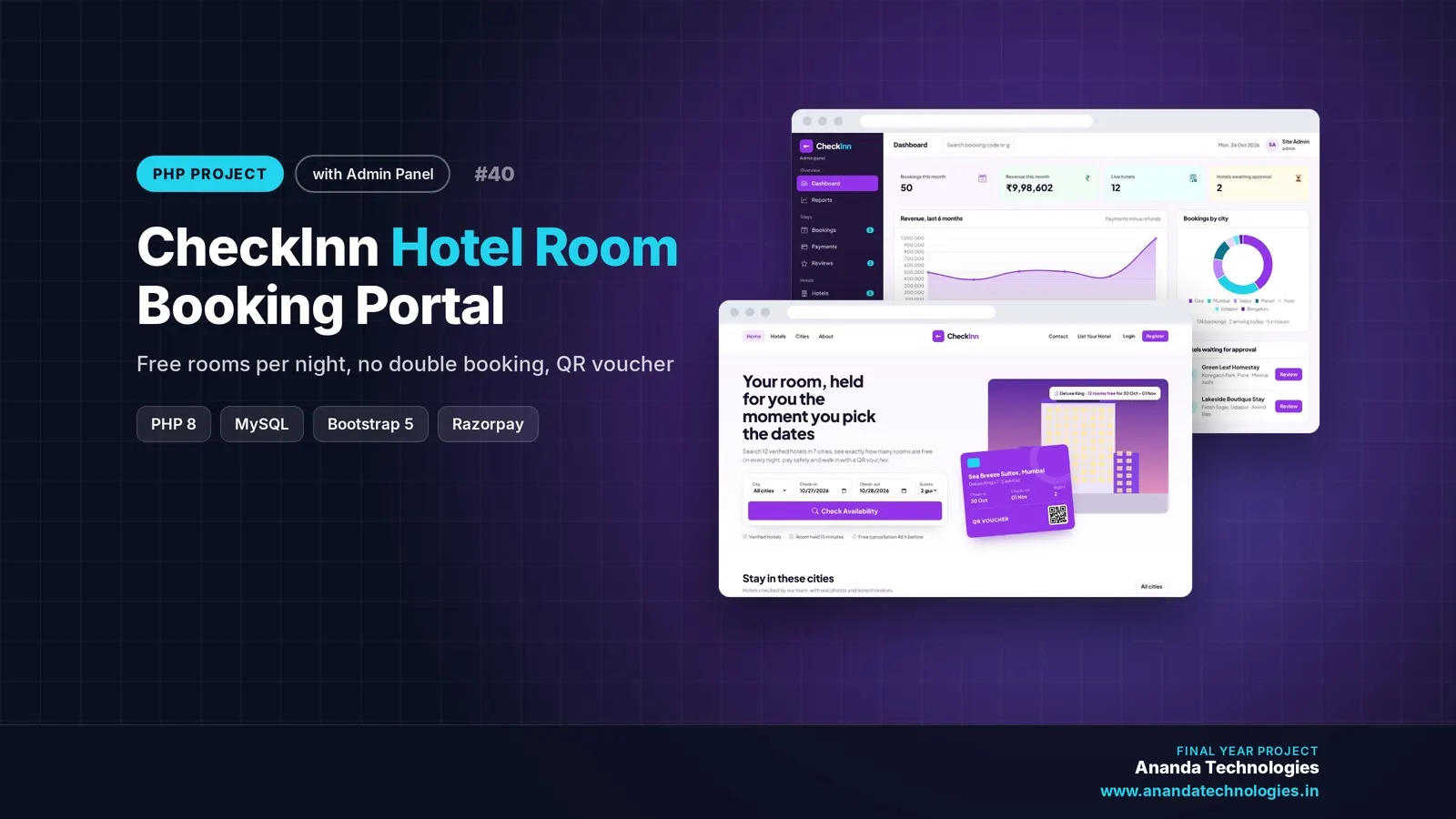
CheckInn - Hotel Room Booking System

CheckInn is a hotel room booking system PHP project where guests see free rooms for every night, book without double booking, pay with Razorpay test mode and check in with a QR voucher. A complete final year PHP project with source code, MySQL database, hotel partner panel, admin panel and full documentation.

Free abstract· Download₹0
Project price₹3,000₹5,000View Project
None of these fit your topic?Send your idea — we build it and share the quote first.Request custom project

Get ShutterBook for your submission

Leave your details and a counsellor will call to confirm your branch, any changes your guide needs, and how you want to pay.