Skip to content
Ananda Technologies Pvt. Ltd.
  • PHP
  • 40% OFF

SafeCampus AI - Campus Grievance Redressal System with Anonymous Complaints

SafeCampus AI is a campus grievance redressal system PHP project where students report ragging, harassment and campus issues, even anonymously, and follow every step on a timeline.

A final year PHP project with source code, MySQL database, committee and admin panels, ATR PDF and complete documentation.

ForCSEIT

Platform
Web app
1-on-1 setup
AnyDesk / Meet
Setup time
1 Hour
Download access
8 months
  • Source code
  • Project report
  • Setup guide
1 / 5

About this project

SafeCampus AI is a campus grievance redressal system PHP project built for college anti-ragging and grievance cells. Students file complaints online and get a ticket code, a keyword classifier sets the priority (Emergency, High, Medium, Low), and the Whistleblower Vault lets anyone report without giving a name. Committee members work on assigned cases and generate an Action Taken Report (ATR) PDF, while the admin controls everything from one panel.

How it works

  • Student or guest files a complaint with category, description and evidence
  • The classifier reads the text and sets the priority automatically
  • Anonymous complaints get a 16-digit token and passkey for tracking
  • Admin assigns the case to a committee member (status In-Review)
  • Committee chats securely, updates status with remarks and uploads evidence
  • Every step appears on the complaint timeline for the student
  • Committee generates the ATR PDF; the student rates the resolution

Users

  • Guest: file anonymously, track a vault case
  • Student: complaints, evidence, chat, timeline, feedback, withdraw
  • Committee member: assigned cases, status update, chat, notices, ATR PDF
  • Admin: users, departments, categories, complaints, reports, SLA, audit logs, settings

Highlights

  • 63 PHP files, 17 database tables with Indian sample data
  • Keyword-based priority classifier editable from admin settings
  • Anonymous Whistleblower Vault with token + passkey
  • SLA overdue report, resolution rate, audit log
  • Action Taken Report PDF with TCPDF
  • Security: password hashing, PDO prepared statements, CSRF tokens, role checks, safe file upload
  • 60 test cases executed, all passed
  • Demo logins: admin, committee and student accounts ready

What you get

  • Complete PHP source code with SQL file and sample data
  • Project report (60 pages) with all diagrams, abstract, SRS, explanation with viva Q&A and setup guide (all PDF)
  • Screenshots and README with a 10-minute demo script

Who can use this project

BCA, BSc CS / IT, MCA, Diploma students and Engineering students (micro project / mini project).

Frequently asked questions

Does it need a payment gateway? No, this project has no payment module. Can I run it on XAMPP? Yes, XAMPP with PHP 8.2 or newer; the setup guide has every step. Is the "AI" a real machine learning model? It is a rule-based keyword classifier with weights, easy to explain in viva and editable by the admin. Is documentation included? Yes: abstract, SRS, full report, explanation and setup guide as PDF.

Who can take it

Students who need a working project with source code, report and setup help for their submission.

Branches: Computer Science & Engineering (CSE), Information Technology (IT)

We make it easy for you

  • 1-on-1 session on AnyDesk or Google Meet
  • We install the full project on your laptop
  • We explain the flow, modules and database for your viva
  • Report and step-by-step setup guide included
  • WhatsApp help whenever you get stuck

What you get

Everything unlocks in My projects right after payment.

  • Source codeComplete, working source code
  • Project reportEditable report / documentation
  • Setup guideStep-by-step installation guide

Project report preview

The first 5 pages of the report that comes with this project — 59 pages in the full report. Tap a page to read it — swipe for the next page.

Included free with this project

1-on-1 setup session on AnyDesk or Google Meet

After you buy, we schedule a session at a time that suits you. Our developer installs the complete project on your own laptop, runs it with you and explains it — so you can present it with confidence.

  1. 1

    Pick a time

    We call or WhatsApp you to fix the slot

  2. 2

    We install it

    Full setup on your system over AnyDesk

  3. 3

    We explain it

    Flow, modules and database on Google Meet

Modules inside

18 working modules — each one is explained in the report.

  • Guest: file anonymous complaint and get 16-digit token + passkey
  • Guest: track vault case status and timeline
  • Student: register, login, forgot / reset password
  • Student: dashboard with counts and campus notices
  • Student: new complaint with live suggested priority
  • Student: my complaints with search, filter and pagination
  • Student: complaint details with evidence upload, secure chat and timeline
  • Student: feedback on resolved case, withdraw complaint
  • Committee: dashboard with emergency-first priority queue
  • Committee: assigned cases, case details, evidence upload
  • Committee: update status with compulsory remarks
  • Committee: secure chat, notices with mark-as-read
  • Committee: Action Taken Report preview and PDF
  • Admin: dashboard with complaint, pending, resolved and emergency tiles
  • Admin: users, departments, categories management
  • Admin: complaints view, assign to committee, status, timeline
  • Admin: reports, overdue / SLA list, resolution rate, ATR list, audit logs
  • Admin: settings, notices and classifier keywords

Want an extra module or a change?

We can add the features your guide asked for. Tell us what to change and get a quote on WhatsApp.

Customise this project

Technology used

Built with
PHP 8.2,MySQL (XAMPP / phpMyAdmin),PDO,Bootstrap 4 with AdminLTE 3,JavaScript,jQuery,TCPDF
Runs as
Web app
Setup time
1 Hour with the guide
Documents
Project abstract (2 pages),, SRS (IEEE format),, project report (60 pages with all diagrams: architecture, DFD 0 and 1, ER, use case, activity, sequence, site map),, explanation with 25 viva questions and answers,, setup guide - all as PDF;, SQL file with sample data;, screenshots;, README with 10-minute demo script.

How buying works

  1. 1

    Read the free abstract

    Sign in and download it (3 per day)

  2. 2

    Pay securely

    UPI, card or net banking

  3. 3

    Download instantly

    Source code and report in My projects for 8 months

  4. 4

    1-on-1 setup session

    We install it on your laptop and explain it

How to run it

An overview — the full guide comes with the project, and we help you if anything doesn’t start.

  1. 1Install XAMPP (PHP 8.2 or newer) and start Apache and MySQL.
  2. 2Copy the SafeCampusAI folder to C:\xampp\htdocs\php_projects\
  3. 3Open http://localhost/phpmyadmin and click Import.
  4. 4Choose SafeCampusAI\database\safecampus.sql and click Import (creates safecampus_ai).
  5. 5Keep internet on (theme and icons load from CDN).
  6. 6Open http://localhost/php_projects/SafeCampusAI/
  7. 7Sign in as principal@campus.edu / Password@123 (admin).
  8. 8Committee: committee@campus.edu, Student: student1@campus.edu (same password).

Questions about SafeCampus AI

What do I get when I buy SafeCampus AI?

Complete source code, the database, project abstract (2 pages),, srs (ieee format),, project report (60 pages with all diagrams: architecture, dfd 0 and 1, er, use case, activity, sequence, site map), and help to run it on your laptop. Files unlock in your dashboard right after payment.

Can I see the abstract before buying?

Yes. Sign in and download the free abstract from this page, and check it with your guide first.

Will you help me run and explain the project?

Yes. After you buy, we schedule a 1-on-1 session on AnyDesk or Google Meet. Our developer installs the complete project on your own laptop, runs it with you and explains the flow, modules and database so you are ready for your viva.

Can the project be changed for my college?

Small changes such as adding a module or changing fields are possible. Tell us before you pay and we will confirm what we can do and the cost.

Similar projects

All PHP projects →
PHP40% OFF

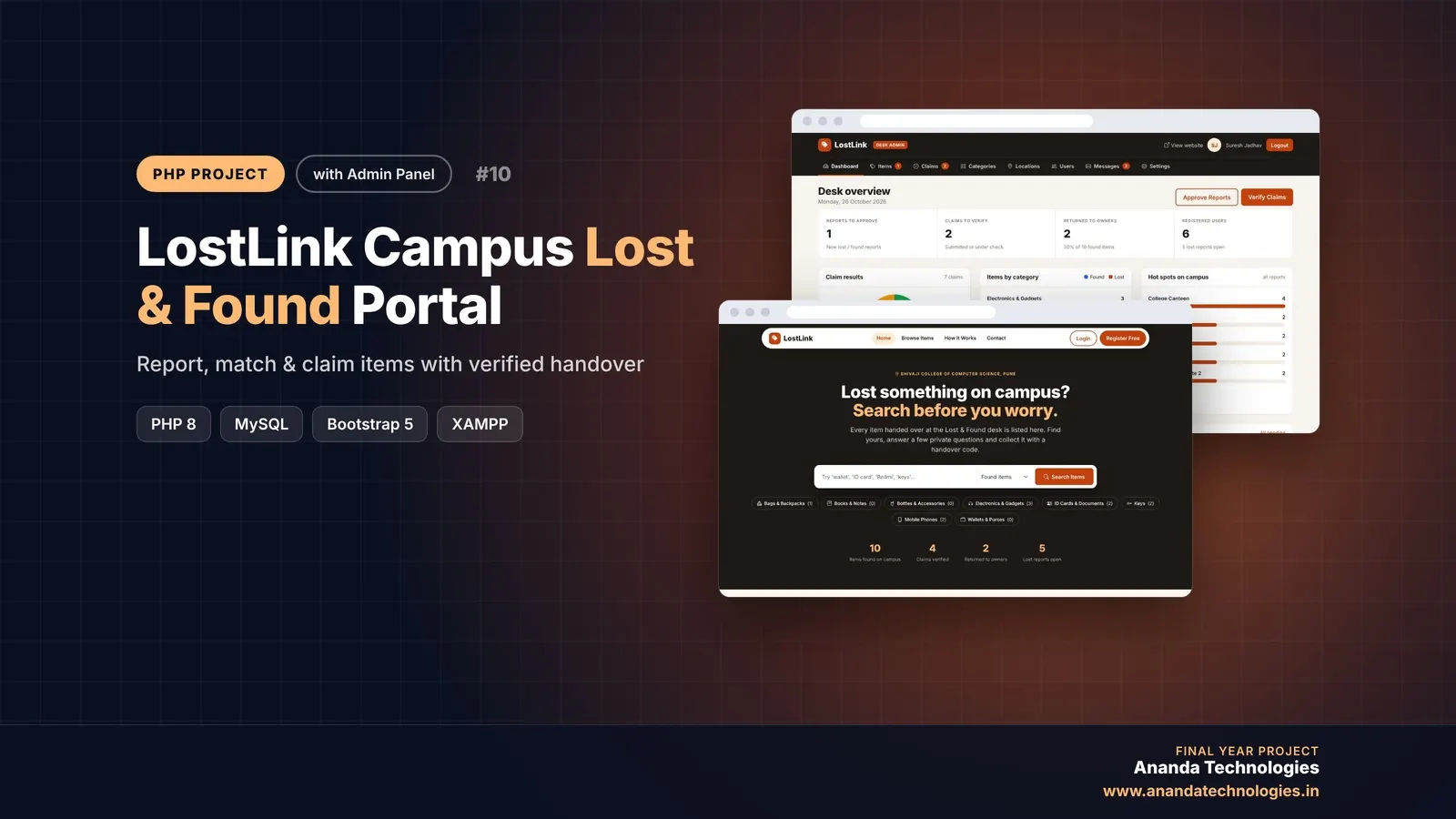
LostLink – Campus Lost & Found Portal

LostLink is a lost and found system PHP project where students report lost or found campus items, see automatic matches and claim items with hidden-mark proof. A complete final year PHP project with source code, admin verification panel, MySQL database and full documentation.

Free abstract· Download₹0
Project price₹3,000₹5,000View Project
PHP40% OFF

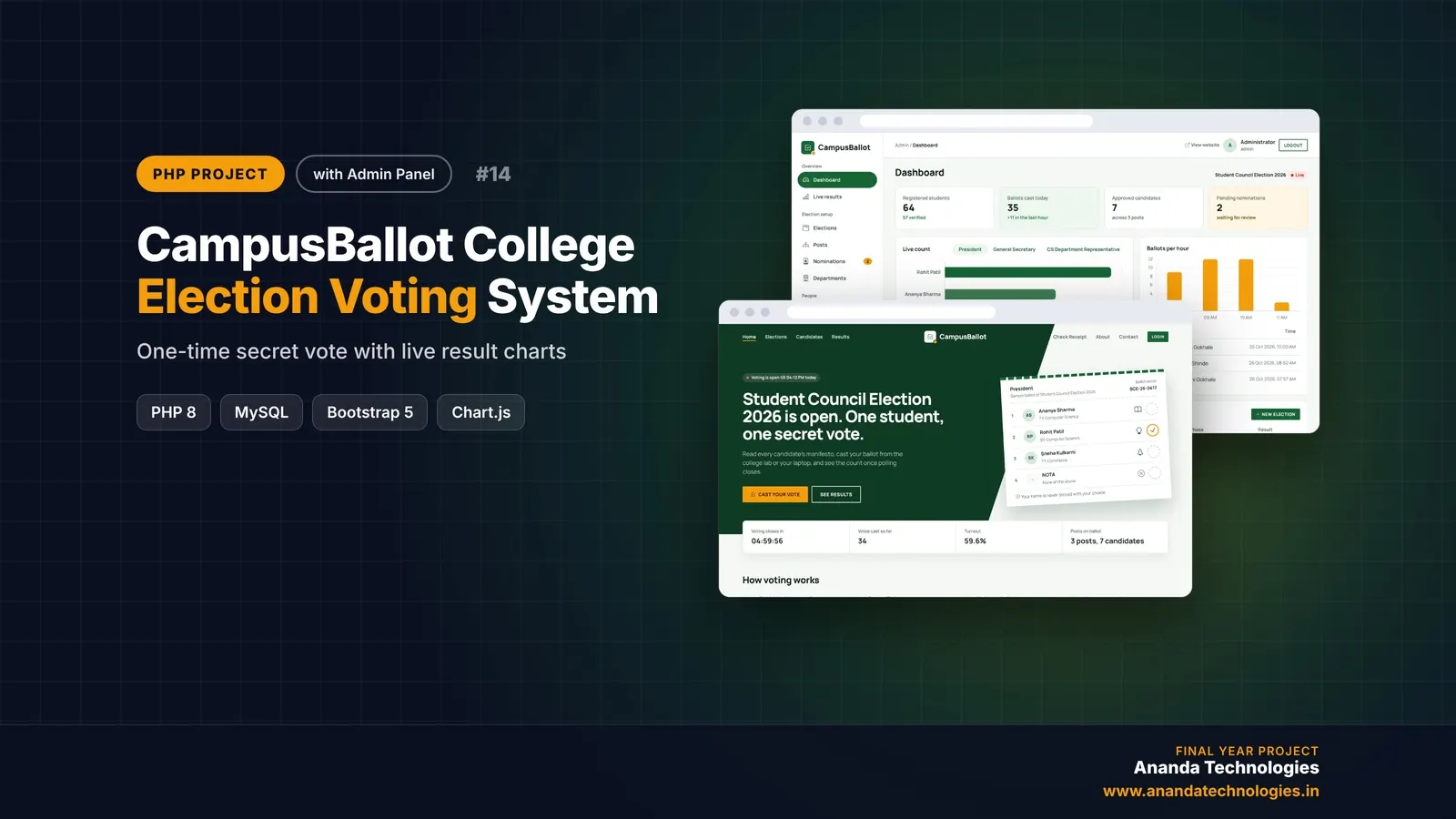
CampusBallot - College Election Voting System

CampusBallot is a college election voting system PHP project where verified students cast one secret vote per election, with NOTA, a receipt code and live result charts. A complete final year PHP project with source code, MySQL database, election officer panel, admin panel and full documentation.

Free abstract· Download₹0
Project price₹3,000₹5,000View Project
PHP40% OFF

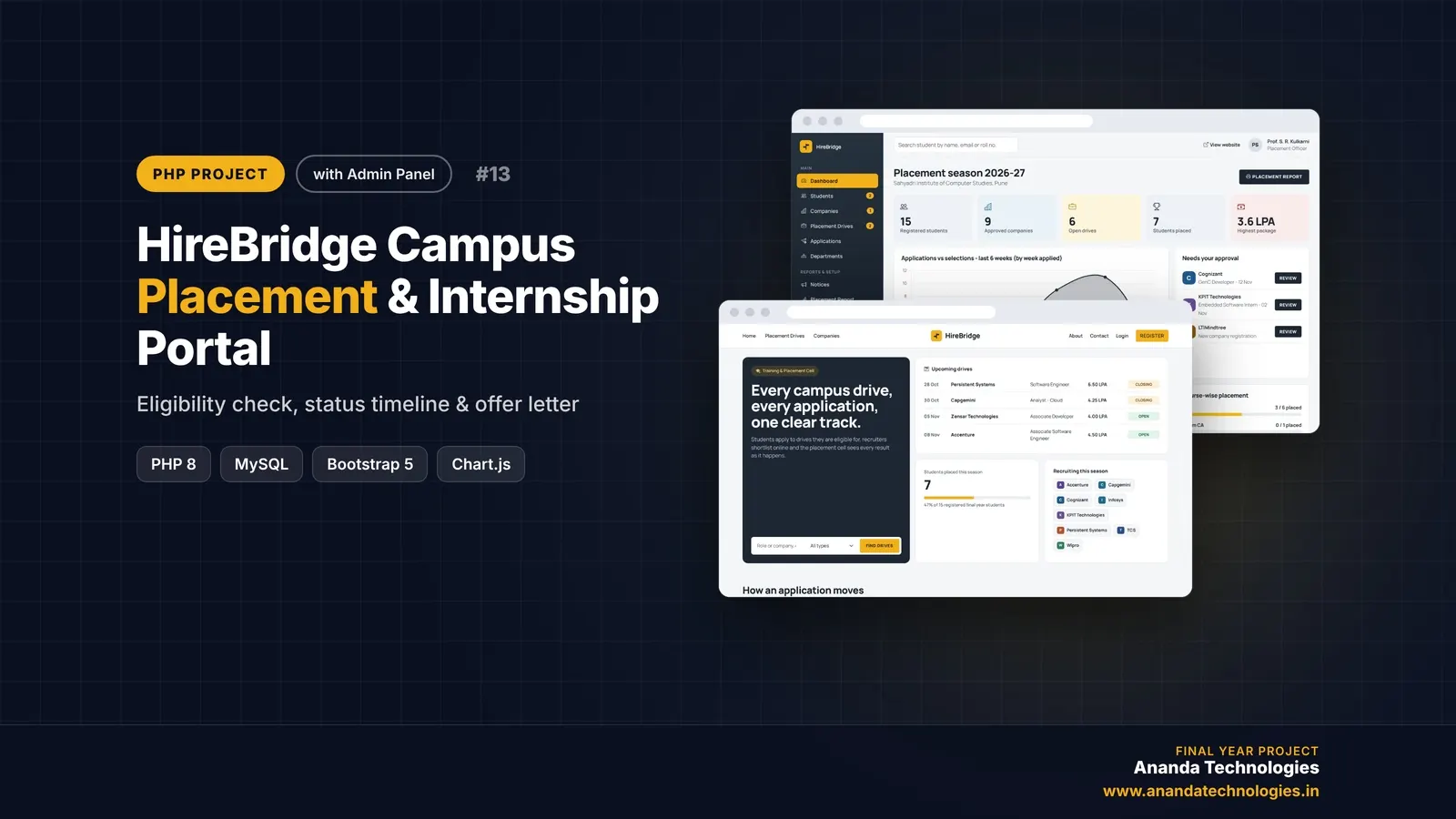
HireBridge - Campus Placement & Internship Portal

HireBridge is a campus placement portal PHP project with source code for the Training & Placement Cell of a college. Students apply only to drives they are eligible for and track every application on a status timeline, companies shortlist and interview online, and the admin approves and prints the placement report - a complete final year PHP project with source code and documentation.

Free abstract· Download₹0
Project price₹3,000₹5,000View Project
None of these fit your topic?Send your idea — we build it and share the quote first.Request custom project

Get SafeCampus AI for your submission

Leave your details and a counsellor will call to confirm your branch, any changes your guide needs, and how you want to pay.