Skip to content
  • AI & ML
  • Java
  • Android
  • 33% OFF

AI-based Spoken English Tutor

AI Spoken English Tutor (BolChaal) is a final year Android project with source code where students practise real-life English conversations with a Gemini AI partner by voice. After every session the app scores grammar, vocabulary, fluency and pronunciation and shows corrections, while trainers review sessions and an admin manages everything from a web panel. Includes MySQL database, 51-page report, abstract, viva questions and setup guide.

ForDiplomaMCAB.Tech· CSE, IT

Platform
Android + Web API
1-on-1 setup
AnyDesk / Meet
Setup time
2 Hour
Download access
8 months
  • Source code
  • Project report
  • Setup guide

About this project

About the project

Many college students can read and write English but freeze when they have to speak it in an interview, a group discussion or a simple phone call. Spoken English classes are costly and give each learner very little speaking time. AI Spoken English Tutor (BolChaal) solves this with an Android app that acts as a patient speaking partner: the student talks, the AI replies by voice, and every answer is checked for grammar, vocabulary, fluency and pronunciation. A trainer follows each student's progress, and an admin controls topics, users and AI settings from a web panel.

How it works

  • The student registers and takes a 5-question AI placement test that sets the level (Beginner, Intermediate or Advanced).
  • The student picks a topic such as Job Interview, Ordering Food or At the Railway Station; the AI plays the role (HR manager, waiter, ticket clerk).
  • Android speech-to-text turns the student's voice into text and the AI reply is spoken back with text-to-speech.
  • At the end, Gemini returns scores, corrections and new words. If the internet or API key is missing, an offline rule-based checker gives the result instead.
  • Pronunciation practice compares the spoken sentence word by word and marks wrong words in red.
  • The weak-area report groups past mistakes (tenses, prepositions, articles) and gives a mini lesson with a 5-question quiz.
  • XP, daily streak, badges, a batch leaderboard and a level certificate (PDF) keep students practising.

Users

  • Student: placement test, AI conversation practice, scores and corrections, pronunciation, vocabulary, weak areas, challenges, progress chart, certificate.
  • Trainer: sees their students, reviews sessions with star rating and feedback, adds topics, assigns topics with a due date and views a batch report.
  • Admin: approves trainers, manages students, categories, topics, word bank, badges, notices, AI settings and printable reports.

Highlights

  • 3 roles, 26 Android screens, 33 PHP APIs, 16 admin pages, 14 MySQL tables
  • Gemini API for conversation, scoring, placement test and lessons, with a full offline fallback
  • Speech-to-text and text-to-speech with accent and voice-speed settings
  • Line charts, progress timeline, leaderboard and PDF certificate / session report
  • Validations on every form in the app and on the server (email, 10-digit mobile, password, duplicates, ranges, dates)
  • Hashed passwords and prepared SQL statements
  • Sample data with ready demo logins for student, trainer and admin

What you get

  • Complete Android Studio project (Java) and PHP admin panel + APIs
  • MySQL database file with realistic sample data
  • Project report (Word, 51 pages) with DFD, ER, UML diagrams and test cases
  • Project abstract (Word + PDF), project explanation with viva questions
  • Step-by-step setup guide (PDF) and README
  • Setup help if you get stuck

Who can use this project

Suitable as a final year project for BE / B.Tech (Computer, IT, AI & DS), MCA, BCA and Diploma students. It is a good choice if you want an Android project with source code that uses AI, speech recognition and a real admin panel, and that comes with documentation and a report ready for submission.

Frequently asked questions

Does the app work without a Gemini API key? Yes. An offline checker scores sessions and runs the conversation with built-in replies, so the demo never stops. With a free Gemini key the feedback becomes much richer.

Will speech-to-text work on the emulator? Yes, if the emulator has the Google app and microphone access enabled. A real Android phone gives the best result.

Can I add my own topics? Yes. Trainers add topics from the app and the admin can add or edit topics, levels and goal words from the web panel.

Can I run it on a real phone? Yes. Keep the phone and PC on the same Wi-Fi and type the PC's IPv4 address on the login screen.

Who can take it

  • Diploma (Polytechnic) · best fit
  • MCA · best fit
  • BE / B.Tech · best fit

Branches: Computer Science & Engineering (CSE), Information Technology (IT)

We make it easy for you

  • 1-on-1 session on AnyDesk or Google Meet
  • We install the full project on your laptop
  • We explain the flow, modules and database for your viva
  • Report and step-by-step setup guide included
  • WhatsApp help whenever you get stuck

What you get

Everything unlocks in My projects right after payment.

  • Source codeComplete, working source code
  • Project reportEditable report / documentation
  • Setup guideStep-by-step installation guide

Included free with this project

1-on-1 setup session on AnyDesk or Google Meet

After you buy, we schedule a session at a time that suits you. Our developer installs the complete project on your own laptop, runs it with you and explains it — so you can present it with confidence.

  1. 1

    Pick a time

    We call or WhatsApp you to fix the slot

  2. 2

    We install it

    Full setup on your system over AnyDesk

  3. 3

    We explain it

    Flow, modules and database on Google Meet

Modules inside

18 working modules — each one is explained in the report.

  • Student registration with level choice and AI placement test (5 spoken questions)
  • AI role-play conversation practice on daily-life, career and college topics
  • Speech-to-text input and text-to-speech AI replies (accent and speed settings)
  • Session score: grammar, vocabulary, fluency, pronunciation with corrections
  • Pronunciation practice with word-by-word matching and red marking
  • Weak area report with AI mini lesson and 5-question quiz
  • Vocabulary builder with word of the day, mastered / revise lists
  • Daily challenge, XP, streak, badges and batch leaderboard
  • Progress report with line chart, timeline and level-up
  • Session history with full transcript and PDF report
  • Level completion certificate (PDF)
  • Trainer: student list, student detail with score trend and weak areas
  • Trainer: session review with star rating, feedback and next topic suggestion
  • Trainer: add / hide topics and assign topics with due date
  • Trainer: batch report and notifications
  • Admin: dashboard with charts, students, trainer approval / block
  • Admin: categories, topics & levels, placement / pronunciation items, word bank, badges
  • Admin: practice sessions with transcript, notices, AI settings, printable reports

Technology used

Built with
Android (Java) - Android StudioVolley (API calls)Android SpeechRecognizer (speech-to-text) and TextToSpeechGoogle Gemini API (with offline rule-based fallback)PHP 8 (APIs + Admin Panel)MySQL (XAMPP / phpMyAdmin)Bootstrap 5
Runs as
Android + Web API
Setup time
2 Hour with the guide
Documents
Project abstract (Word + PDF, 2 pages), Project report (Word, 51 pages), Project explanation with 22 viva questions (Word + PDF), Installation / setup guide (Word + PDF), Database SQL with sample data, App and admin panel screenshots, README

How buying works

  1. 1

    Read the free abstract

    Sign in and download it (3 per day)

  2. 2

    Pay securely

    UPI, card or net banking

  3. 3

    Download instantly

    Source code and report in My projects for 8 months

  4. 4

    1-on-1 setup session

    We install it on your laptop and explain it

How to run it

An overview — the full guide comes with the project, and we help you if anything doesn’t start.

  1. 1Install XAMPP and start Apache and MySQL
  2. 2Copy Web_PHP\17-spoken-english to C:\xampp\htdocs\academic-projects\17-spoken-english
  3. 3Open phpMyAdmin and import Database\android_spoken_english.sql
  4. 4Open http://localhost/academic-projects/17-spoken-english/ and login as admin@bolchaal.in / admin123
  5. 5Optional: AI Settings -> paste your free Gemini API key
  6. 6Open Android_App\BolChaal in Android Studio
  7. 7If asked "Gradle 8.9 is incompatible with JVM 25", click Use JVM 21
  8. 8Run the app, enter server IP on login screen (emulator 10.0.2.2, phone = PC IPv4)
  9. 9Allow microphone permission
  10. 10Login as student priya.sharma@gmail.com / 123456 or trainer kavita@bolchaal.in / 123456

Questions about AI-based Spoken English Tutor

What do I get when I buy AI-based Spoken English Tutor?

Complete source code, the database, project abstract (word + pdf, 2 pages), project report (word, 51 pages), project explanation with 22 viva questions (word + pdf) and help to run it on your laptop. Files unlock in your dashboard right after payment.

Can I see the abstract before buying?

Yes. Sign in and download the free abstract from this page, and check it with your guide first.

Will you help me run and explain the project?

Yes. After you buy, we schedule a 1-on-1 session on AnyDesk or Google Meet. Our developer installs the complete project on your own laptop, runs it with you and explains the flow, modules and database so you are ready for your viva.

Can the project be changed for my college?

Small changes such as adding a module or changing fields are possible. Tell us before you pay and we will confirm what we can do and the cost.

Which courses is AI-based Spoken English Tutor suitable for?

It suits Diploma (Polytechnic), MCA, BE / B.Tech students from Computer Science & Engineering (CSE) and Information Technology (IT).

Similar projects

All AI & ML projects →
AI & MLJava33% OFF

Diploma (Polytechnic), MCA, BE / B.Tech

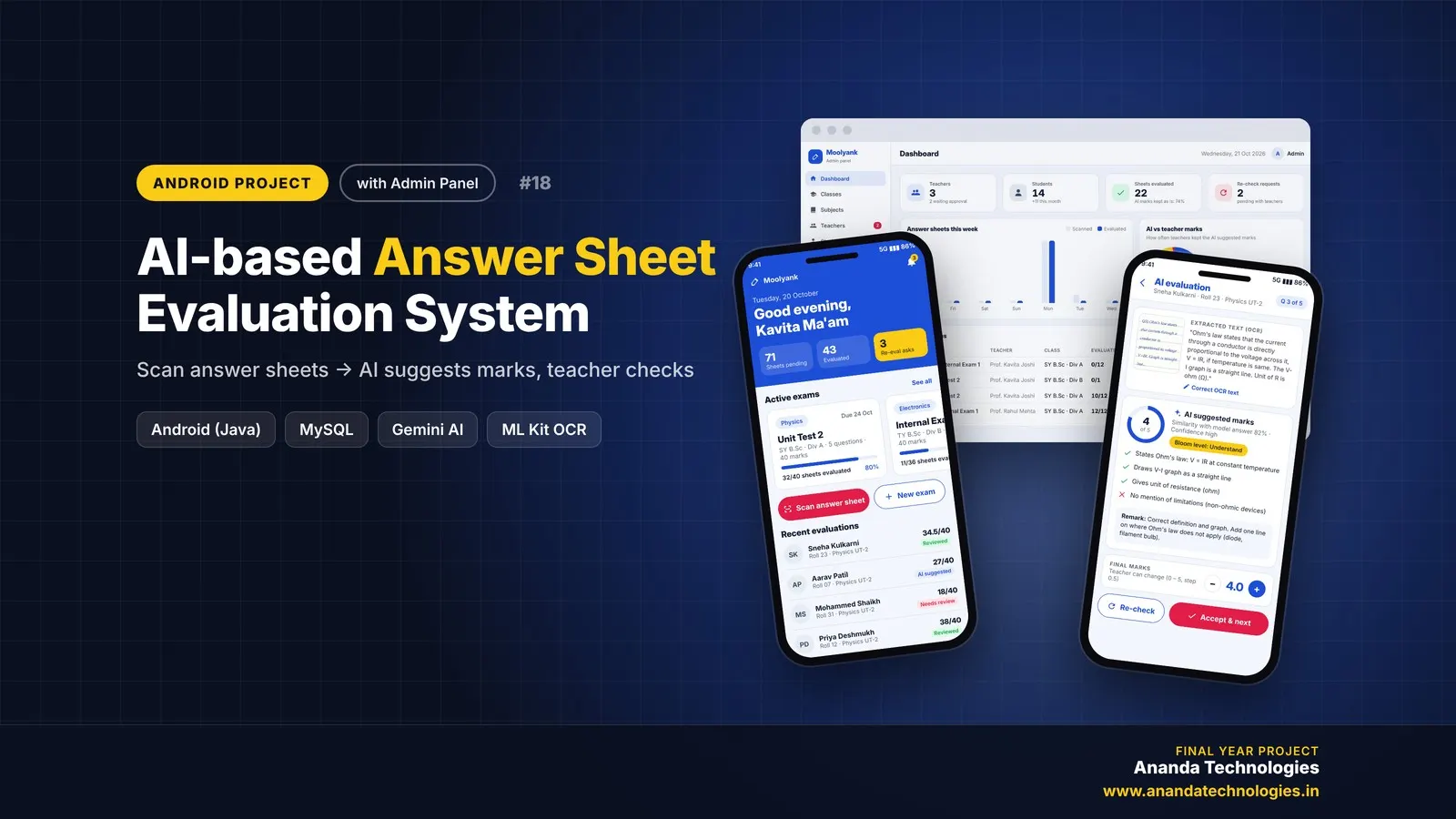
AI-based Answer Sheet Evaluation System

AI Answer Sheet Evaluation System (Moolyank) is a final year Android project with source code that checks handwritten answer sheets with AI. Teachers photograph each page, Gemini Vision reads the handwriting and the app suggests marks against the model answer and marking scheme, which the teacher reviews and publishes. It includes a PHP admin panel, MySQL database, a 49-page project report, abstract and setup guide.

Project price₹8,000₹12,000View Project
AI & MLJava33% OFF

Diploma (Polytechnic), MCA, BE / B.Tech, BCA

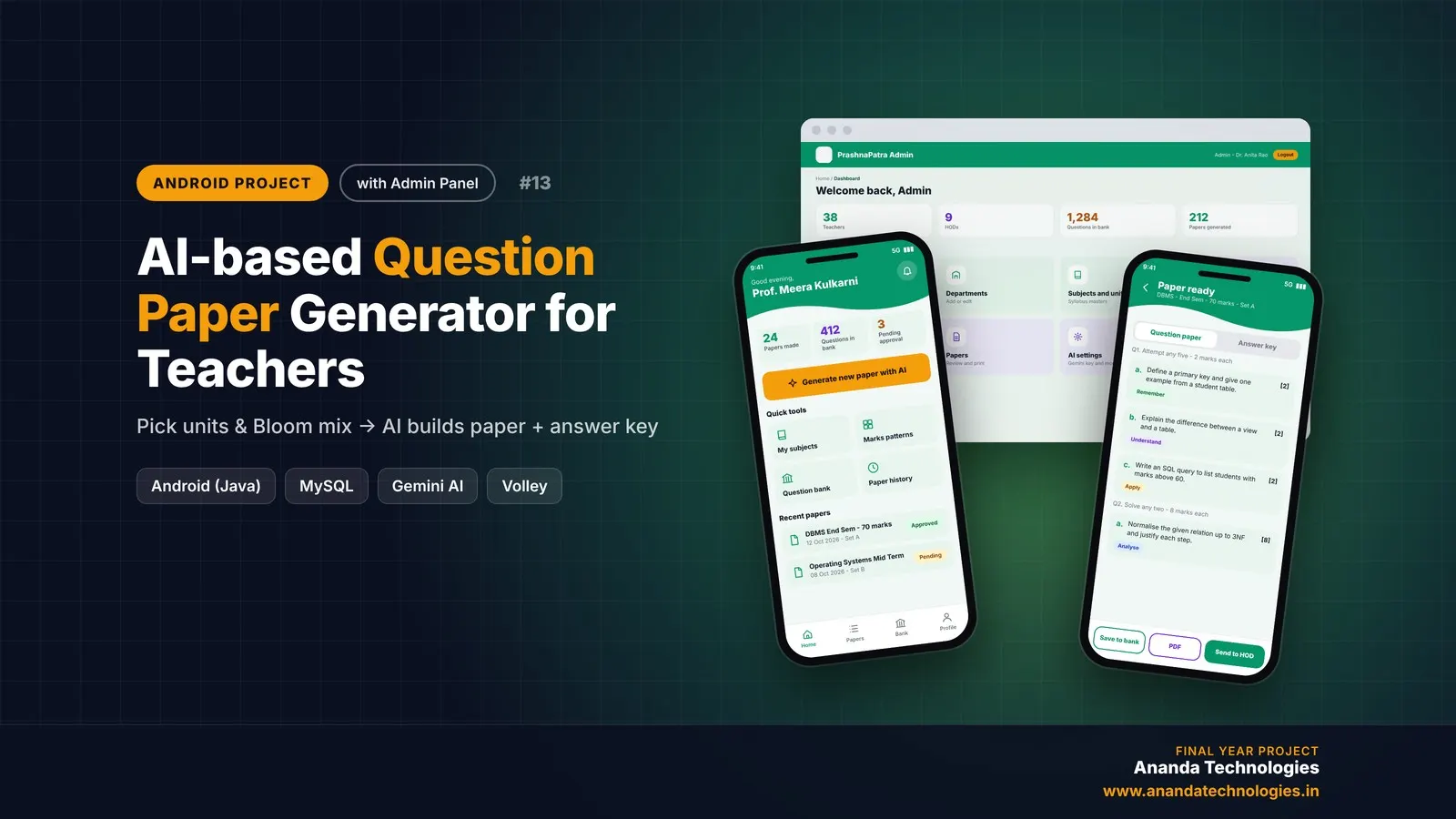
AI-based Question Paper Generator for Teachers

AI-based Question Paper Generator for Teachers is a final year Android project with source code that helps teachers build balanced exam papers and answer keys in minutes. A teacher picks units, a marks pattern and a Bloom's taxonomy mix, Gemini AI writes the questions, and the HOD approves the paper before it is printed. It comes with a PHP admin panel, MySQL database, project report, abstract and setup guide.

Project price₹8,000₹12,000View Project
AI & MLJava33% OFF

Diploma (Polytechnic), MCA, BE / B.Tech

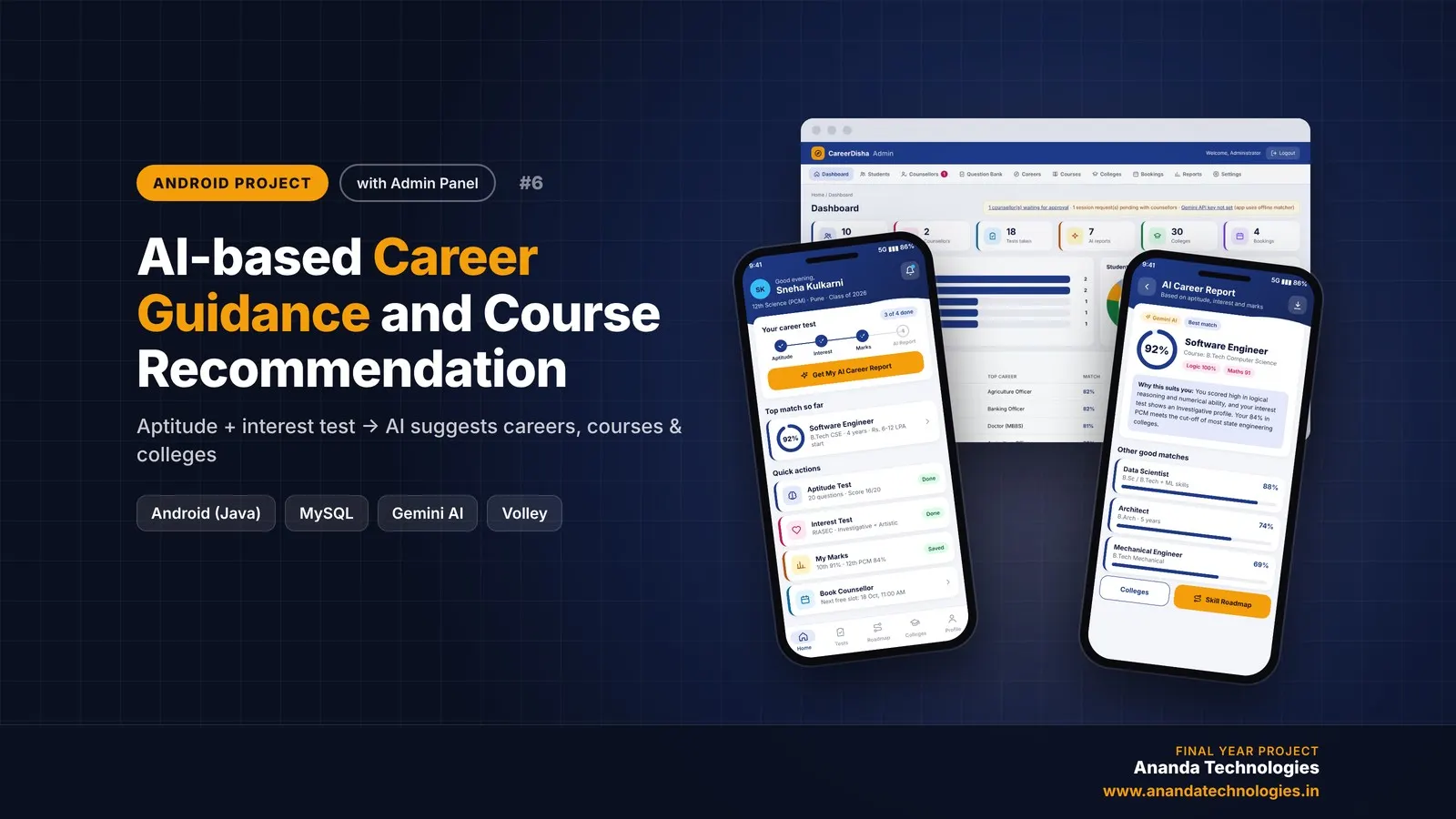
AI-based Career Guidance and Course Recommendation

CareerDisha is an AI career guidance Android project for final year students, with full source code. A student takes an aptitude test and a RIASEC interest test, enters 10th / 12th marks, and Google Gemini suggests the top 5 careers with matching courses, colleges and a step-by-step skill roadmap. Includes counsellor booking, PDF report, PHP admin panel, MySQL database, project report and setup guide.

Project price₹8,000₹12,000View Project

Get AI-based Spoken English Tutor for your submission

Leave your details and a counsellor will call to confirm your branch, any changes your guide needs, and how you want to pay.