
Business Software
Online Course Platform for Coaching Teachers in Latur: A Practical Guide
How Latur coaching teachers can sell recorded courses online: what to record first, YouTube vs WhatsApp vs your own platform, must-have features and mistakes to avoid.
6 min read · updated
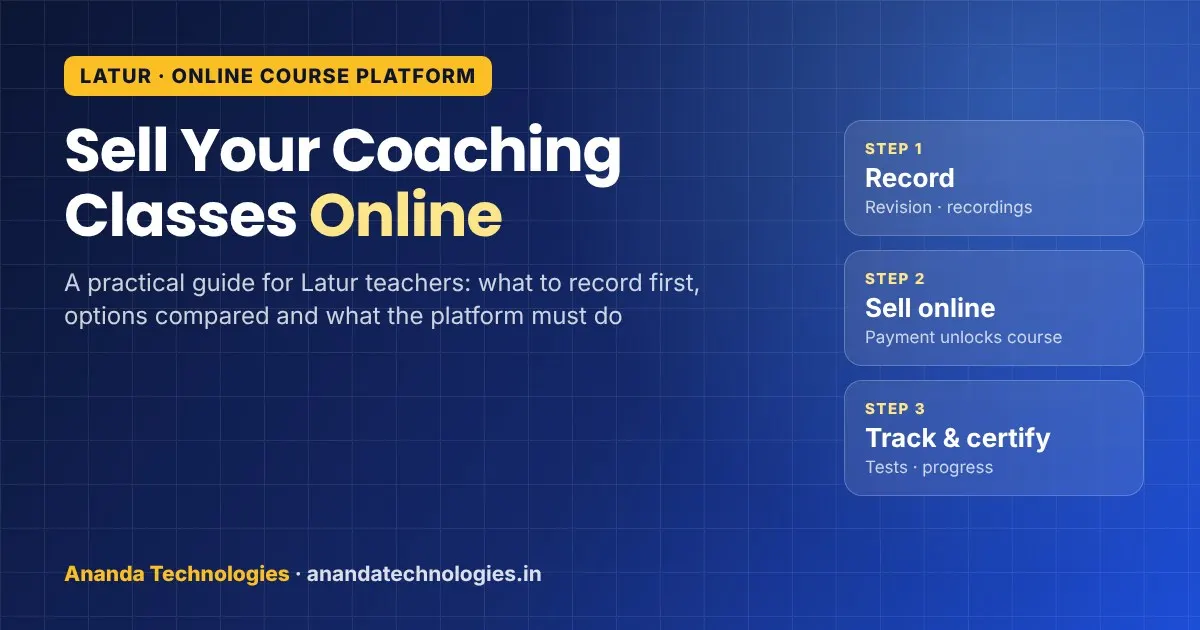
This guide is for coaching teachers in Latur who are thinking about an online course platform for teachers: a place of your own where students pay, watch your recorded lessons, take tests and get a certificate, without you sending YouTube links and checking GPay screenshots every evening. It covers what to record first, how the common options compare, what the platform must do, and the mistakes that waste a teacher's time.
Why Latur teachers are looking at recorded courses now
Latur has a name across Maharashtra for its education. The "Latur pattern" of intensive coaching and practice on probable question papers, linked to teachers of Rajarshi Shahu College, made the city known for SSC and HSC toppers for many years, and the district is also described as a hub for higher education.
The coaching market has changed in the last few years. National brands have opened offline centres in Latur: ALLEN started classes with the 2023-24 batches, and Aakash and Physics Wallah's Vidyapeeth have centres on Ambajogai Road. Each of them gives its students an app with recorded lectures and tests.
An independent teacher or a small class cannot match their advertising budget, but you have things they do not: you know the State Board syllabus and the local exam pattern closely, you can explain in Marathi when a student is stuck, and parents already know your name. A recorded course on your own platform lets you offer that to more students, including those in Udgir, Ausa, Nilanga or Ahmedpur who cannot come to the city every day.
What to record first
Do not try to record your whole year in one go. Start with something small that students already ask for:
- Revision or crash course before board exams or MHT-CET, built from your best explanations of high-weightage chapters.
- Recordings of your live batch, so students who miss a class or fall sick can catch up instead of copying notes.
- Foundation course for 8th–10th students that parents can buy for the vacation.
- Chapter-wise doubt videos for the questions every batch asks you again and again.
- Skill courses if you also teach computers, spoken English or accounts.
Record a short free preview lesson for each course. It helps parents judge your teaching before they pay.
Your options compared
| Option | Good for | Problems for a paid course |
|---|---|---|
| YouTube channel | Free lectures, getting known | Anyone can watch, so it is hard to charge; you cannot see which student finished |
| WhatsApp or Telegram group | Quick notes and announcements | Videos get forwarded for free; fees are collected and checked by hand |
| Big course marketplace apps | Reaching a large audience | Your course sits next to many other teachers; branding and student data are not fully yours |
| Your own online course platform | Selling your own courses under your institute name | Needs setup and a little time to learn; you must still market it yourself |
Many teachers use more than one: free YouTube videos to get noticed, and their own platform for the paid course.
What a good online course platform for teachers should do
When you see a demo, check these one by one:
- Course structure – sections and lessons, with video, PDF notes and a free preview lesson.
- Online payment that unlocks the course automatically – no manual adding of students after every payment.
- Student login – each student has their own login and can continue from where they stopped.
- Works on phone – most students in Latur and nearby talukas will study on a mobile phone, often on mobile data. Ask to see the student portal on a phone during the demo.
- Quizzes and assignments – short tests after a chapter tell you who has understood.
- Progress tracking – see who finished, who stopped halfway and who needs a call.
- Certificates – one consistent design with your institute name, issued when a course is complete.
- Your name and logo – the platform should carry your brand, not the vendor's.
- Roles and access – separate logins for you, other teachers and office staff, with payment details visible only to the people you choose.
- Backups and data ownership – ask where student data is stored and how you can get a copy.
A word on video piracy
Teachers often ask whether recorded lectures can be fully protected. Be realistic: no platform can stop a student from pointing another phone at the screen. What a proper platform does is keep lessons inside the course for enrolled students only, instead of open links that spread through groups. That alone removes most of the casual forwarding that happens on WhatsApp and Telegram.
Pricing your course without guesswork
We do not suggest any fee figures here, because your subject, level and reputation decide that. A few practical rules teachers use:
- Price the recorded course below your offline fee, because students get less personal attention.
- Offer recordings free or at a small extra charge to your own offline students; it reduces absentee complaints.
- Bundle tests with the course, since students value practice more than extra videos.
- Give a fixed access period (for example, until the exam) so the course stays current.
Mistakes to avoid
- Recording long, unedited three-hour lectures. Cut them into 10–25 minute lessons by topic.
- Poor sound. A simple collar mic matters more than an expensive camera.
- Launching ten courses together. Launch one, collect feedback, then add more.
- Forgetting to tell your existing students and parents. Your first buyers are usually people who already know you.
- Letting the vendor own the domain or student data.
Your website matters too: parents often check it before paying. Our guide on what parents look for on school and coaching class websites covers that side.
Ready platform or custom build?
For most teachers and small classes, a ready LMS set up in your name is faster and cheaper to start with than building software from scratch. A custom build makes sense when you have special needs, such as a large institute with branches, a link to existing admission software or a unique test format.
Our ready LMS, Ananda Learn, covers course and video uploads, a student portal, online payments that give course access, quizzes and assignments, progress tracking, recorded classes and certificates with your institute name. We set it up with your name and logo, usually in 1–2 days, and training for you and your team is included. Students can use the portal from a phone browser. For day-to-day class management (enquiries, batches, attendance and fee instalments), Ananda Classes is in early access, and we are building it with coaching classes in Marathwada.
If you need something built around your own process, see our custom software development service. Before you sign with any vendor, our website quotation checklist shows what a written quote should include.
How we work with Latur teachers
Ananda Technologies is a software company with its office in Nanded. We work with Latur businesses and institutes by phone, WhatsApp, online meetings and visits when needed. Pricing depends on what you need, so we share a clear written quote after a free demo. To see the platform with a course like yours, contact us.
Frequently asked questions
What is an online course platform for teachers?
It is a website where a teacher or coaching class uploads recorded lessons, notes and tests. Students pay online, log in with their own account, watch the lessons and take quizzes, and the teacher can see progress and issue certificates.
Can students in Latur use it on a mobile phone?
Yes, a good platform lets students log in from a phone browser as well as a computer. Ask the vendor to show the student portal on a phone during the demo, and keep lessons short so they work well on mobile data.
Can recorded lectures be fully protected from copying?
No platform can stop someone from recording the screen with another phone. A proper platform keeps lessons inside the course for enrolled students only, which stops most of the free forwarding that happens with open links on WhatsApp and Telegram.
Should I build custom software or use a ready LMS?
Most teachers and small classes start faster with a ready LMS set up in their own name. A custom build makes sense for larger institutes with branches, special test formats or a need to link with existing admission software.