
Websites & Apps
Google Business Profile Guide for Parbhani Shops: Get Found on Google Maps
A simple step-by-step guide for Parbhani shop owners to set up, verify and keep a Google Business Profile updated so nearby customers find them on Google Maps.
6 min read · updated
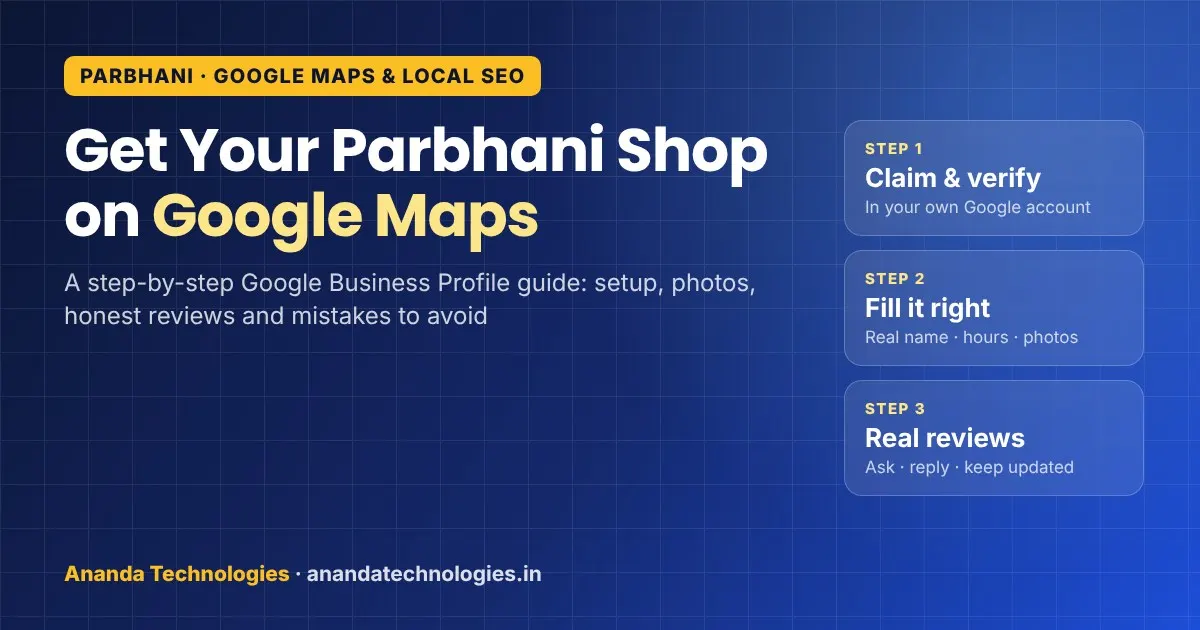
When someone in Parbhani types "medical near me", "hardware shop Jintur road" or "tailor in Parbhani" on their phone, Google shows a map with three businesses first. A free, complete Google Business Profile Parbhani shoppers can find is what puts your shop in that map box. This guide explains, in simple steps, how a Parbhani shop owner can set up the profile, fill it properly, collect honest reviews and avoid the mistakes that get listings suspended.
Why the Google Maps box matters for Parbhani shops
Parbhani district has nine talukas — Parbhani, Gangakhed, Sonpeth, Pathri, Manwath, Palam, Sailu, Jintur and Purna — and people from these towns come to Parbhani city for shopping, hospitals, coaching and repairs. Parbhani is also a major railway junction between Marathwada and Telangana, and pilgrims visit places like the Sai Janmasthan temple in Pathri. Many of these visitors do not know your shop's name. They search by need ("mobile repair", "fertiliser shop", "sweet mart") and pick from what Google shows.
If your profile is missing, half-filled or shows wrong timings, the customer simply walks into the shop that Google showed instead. The profile is free; the only cost is your time to fill it well.
Step 1: Create or claim your profile
- Open Google Maps and search your shop's name. If it already appears (sometimes customers or Google add it), tap "Own this business?" or "Claim this business".
- If it does not appear, go to Google Business Profile and add a new business with your Google account. Use an account you will keep for years — not a staff member's personal Gmail.
- Google will ask you to verify that you run the business. The method Google offers differs from shop to shop; often it is a short video of your signboard, counter and the street. Keep your shop board clearly visible.
Tip: once verified, add a trusted person (your son, manager or your website agency) as a manager, not as owner. The owner access should stay with you.
Step 2: Fill the details the way Google wants
Google's guidelines for representing a business are strict, and many suspended listings break one of these simple rules.
| Field | Do this | Avoid this |
|---|---|---|
| Business name | Exactly the name written on your shop board | Adding "Best hardware shop Parbhani" or phone numbers to the name |
| Category | The most specific one, e.g. "Hardware store", "Pharmacy" | Ten categories "just in case" |
| Address | Your real shop address, with floor and landmark | A relative's house, a P.O. box or a fake second address |
| Phone | A number that rings at your shop and that you control | A number of a staff member who may leave |
| Hours | Your real customer hours, plus special hours for festivals | "Open 24 hours" when you are not |
| Website | Your own website page | A WhatsApp link or someone else's site |
Service-area businesses
If you do not have a counter where customers visit — for example an electrician, AC repair person, pest control service or a home tutor — Google lets you hide the address and set a service area instead (Parbhani city, Purna, Gangakhed and so on). Google's guidelines say a service area should generally stay within about two hours' driving from your base. Shops with a counter can show the address and also add a service area if they deliver.
Step 3: Photos, products and description
A profile with clear photos looks alive. Add:
- The shop front with the board (so people recognise it from the road)
- The inside — counters, shelves, waiting area
- Your top products or services, with short names
Write a plain business description: what you sell, which areas you serve and what makes you useful (home delivery, Marathi/Hindi/Urdu-speaking staff, parking). Google does not allow links or price offers in the description, so keep offers for Posts instead.
Marathi is the first language of most people in Parbhani district, with Urdu and Hindi also widely spoken, so a description and a few posts in Marathi can help customers feel at home. Keep the business name in one language only — Google does not want the same name repeated in two scripts.
Step 4: Reviews — ask honestly, reply to every one
Reviews are one of the things customers read before they visit. Simple habits that work for small shops:
- Keep a small QR code of your review link near the billing counter.
- After a good sale or repair, ask the customer politely: "If you liked our service, please write a review on Google."
- Reply to every review, good or bad, within a few days. For a complaint, apologise, explain briefly and invite them to call.
Do not pay for reviews, offer discounts in exchange for reviews, or ask family members to post fake ones. Google can remove such reviews and may restrict the profile. A slow, real flow of reviews is safer than a sudden jump.
Step 5: Keep it updated every month
Treat the profile like your shop board — it must always be correct.
- Update holiday and festival timings (Diwali, Eid, Gudi Padwa, local yatra days).
- Add a Post for new stock, a seasonal offer or a new service. For agri-input and seed shops, the Kharif and Rabi seasons are a natural time to post.
- Answer questions in the Q&A section.
- Check Performance: how many people called, asked for directions or visited your website from the profile.
Common mistakes Parbhani shop owners make
- Two or three profiles for one shop — created by different family members. Merge or remove duplicates; one location should have one profile.
- Keywords stuffed in the name — this is the fastest way to get suspended.
- Old phone number that no longer works.
- No website link, or a link to a Facebook page. A simple website gives Google and customers more trust. See our checklist on what a business website should have and how to choose a website developer.
- Profile made by an agency in their own account — when you change agencies, you lose the listing. Always keep the owner role yourself.
Profile + website: why both help
The Google Business Profile helps you appear on Maps for nearby searches. A website with proper pages helps you appear in normal search results and gives customers details the profile cannot hold — full product lists, service pages, enquiry forms, Marathi content.
If you run a retail counter, a billing system that keeps stock and daily sales in order also makes your profile posts easier — you always know what is new in stock. Our Ananda POS billing software is built for shops like these.
How Ananda Technologies can help
Ananda Technologies is a software company with its office in Nanded, serving Parbhani businesses by phone/WhatsApp, online meetings and visits when needed. Our SEO and digital marketing service includes Google Business Profile setup and optimisation, local SEO, Search Console setup and a monthly report on searches, clicks and calls. Everything is set up in your Google account; we take only manager access. We do not promise a fixed ranking, because nobody controls Google — but we fix what is in your control.
If you also need a website, see our website development service — Marathi, English or bilingual sites, with domain and hosting in your name.
Talk to us for a free audit call — we will check your current listing and tell you what to fix first, with a written quotation if you want us to do it.
Frequently asked questions
Is Google Business Profile free for a shop in Parbhani?
Yes. Creating and running a Google Business Profile is free. You only need a Google account and a real business address or service area. You pay only if you hire someone to set it up or manage it for you.
I have no shop counter. Can I still be on Google Maps?
Yes. Service businesses like electricians, AC repair or home tutors can hide their address and set a service area such as Parbhani city, Purna or Gangakhed. Google's guidelines say the area should generally stay within about two hours' drive of your base.
Can I add "best shop in Parbhani" to my business name?
No. Google wants the exact name on your shop board. Adding keywords, phone numbers or city names to the name breaks Google's guidelines and can get the profile suspended.
How soon will my shop show on Google Maps after setup?
It depends on verification and on local competition. Changes to a verified profile often start showing within a few weeks, but nobody can promise a fixed ranking. Complete details, real photos and steady honest reviews help the most.