Skip to content
Ananda Technologies Pvt. Ltd.
  • Java

TypeMaster

TypeMaster is a typing speed test Java project for BCA / BSc final year students.

Platform
Java Desktop (Swing + MySQL)
1-on-1 setup
AnyDesk / Meet
Setup time
1 Hour
Download access
8 months
1 / 5

About this project

FULL PROJECT TITLE

TypeMaster - Typing Speed Test & Practice Tutor

Use this title in your synopsis and report.

TypeMaster is a typing speed test Java project for BCA / BSc final year students. Students learn finger placement through 32 key lessons in 8 levels with a glowing on-screen keyboard, and take live timed speed tests where every typed character turns green or red. Comes with complete source code, MySQL database, report and full documentation.

Computer typing institutes train students for 30, 40 and 50 WPM typing certificates, yet most still time tests with a stopwatch, count errors by hand, write fees in a receipt book and type certificates one by one.

TypeMaster – Typing Speed Test Java project is a Java Swing desktop application with a MySQL database that brings the whole work of a typing institute into one system with three roles - Admin, Trainer and Student. Students learn finger placement through 32 key lessons in 8 levels with a glowing on-screen keyboard, and take live timed speed tests where every typed character turns green or red. The system aligns the typed text with the passage (so one skipped letter costs one error), calculates gross WPM, net WPM and accuracy by the standard 5- characters-per-word method, applies the batch pass rule and lists weak keys with advice. Trainers give timed assignments and review results; the office manages batches, admissions, partial fees with numbered PDF receipts, QR-coded certificates, notices, seven reports, an activity log and backup / restore.

How it works

  • Admin creates batches and admits students (login created automatically) -> student practises lessons and takes speed tests -> every result is saved with a test number and pass / fail -> trainer gives assignments and writes remarks -> office receives fees and prints receipts -> admin issues a certificate on a passed test at the batch target
  • > reports, leaderboard and dashboards show progress

Users

  • Admin – Dashboard, batches, students (CSV import), fees & receipts, test results, certificates, levels, lessons, passages, staff, notices, 7 reports, leaderboard, activity log, backup, settings
  • Trainer – Dashboard, my students and progress, assignments, result review with remarks, leaderboard, notices, trainer reports
  • Student – Dashboard with speed ring and streak, lesson practice, live speed test, result card, progress graph, assignments, certificates, fees, notice board

Highlights

  • A tested desktop system (111 Java classes, 49 screens, 14 tables) that measures typing reliably and runs a typing institute end to end, verified with 68 automated logic tests and 36 UI validation tests.
  • Same standard calculation for every student; no manual counting
  • Full history, graphs, streaks and leaderboard motivate students
  • Office work (fees, receipts, certificates, reports) in the same system
  • Works offline with free tools; passwords hashed; audit log and backup
  • Sample data and demo logins so every screen has data on the first run

What you get

  • Complete Java source code (Eclipse project, runs in NetBeans / IntelliJ too)
  • MySQL database SQL file with sample data
  • Project report (55 pages) with all diagrams, abstract, project explanation with viva questions
  • Setup guide and README with a 10-minute demo script
  • Setup help from Ananda Technologies

Who can use this project

BCA and BSc (CS / IT) final year students who want a Java Swing MySQL project with source code that is easy to explain in viva and has enough content for 3 students and 3 college demos.

Frequently asked questions

  • Does it need internet? No, it is a desktop application and works fully offline.
  • Which IDE do I need? Eclipse is used in the setup guide; NetBeans and IntelliJ also open it because the screens are plain Swing code.
  • Can 3 students share this project? Yes, the README gives a 3-student split and a 3-demo plan.
  • Is the report editable? Yes, the report is given in Word and PDF.

Who can take it

Students who need a working project with source code, report and setup help for their submission.

Branches: Computer Science & Engineering (CSE), Information Technology (IT)

We make it easy for you

  • 1-on-1 session on AnyDesk or Google Meet
  • We install the full project on your laptop
  • We explain the flow, modules and database for your viva
  • Report and step-by-step setup guide included
  • WhatsApp help whenever you get stuck

What you get

Everything unlocks in My projects right after payment.

  • Source codeComplete, working source code
  • Project reportEditable report / documentation
  • Setup guideStep-by-step installation guide
  • Viva questionsCommon viva questions with answers

Project report preview

The first 5 pages of the report that comes with this project — 62 pages in the full report. Tap a page to read it — swipe for the next page.

Included free with this project

1-on-1 setup session on AnyDesk or Google Meet

After you buy, we schedule a session at a time that suits you. Our developer installs the complete project on your own laptop, runs it with you and explains it — so you can present it with confidence.

  1. 1

    Pick a time

    We call or WhatsApp you to fix the slot

  2. 2

    We install it

    Full setup on your system over AnyDesk

  3. 3

    We explain it

    Flow, modules and database on Google Meet

Modules inside

18 working modules — each one is explained in the report.

  • Login for 3 roles: Admin, Trainer, Student
  • Separate dashboard for every role
  • Dashboard with speed ring and streak
  • Batches
  • My students and progress
  • Lesson practice
  • Students (CSV import)
  • Assignments
  • Live speed test
  • Fees & receipts
  • Result review with remarks
  • Result card
  • Test results
  • Leaderboard
  • Progress graph
  • Certificates
  • Notices
  • Levels

Want an extra module or a change?

We can add the features your guide asked for. Tell us what to change and get a quote on WhatsApp.

Customise this project

Technology used

Built with
Java 17 (Swing + FlatLaf)MySQL 8 (XAMPP / MySQL Workbench)JDBC (MySQL Connector/J)OpenPDF (PDF bills and reports)Eclipse IDE (also NetBeans / IntelliJ)
Runs as
Java Desktop (Swing + MySQL)
Setup time
1 Hour with the guide
Documents
Project Abstract (2 pages, Word + PDF), Project Report (55 pages, Word + PDF) with architecture, DFD, ER, use case, activity and sequence diagrams, Project Explanation with viva questions and answers (Word + PDF), Setup Guide with step-by-step installation and common errors (Word + PDF), Database SQL file with sample data, Screenshots of every screen, README with logins, 3-student split and 10-minute demo script

How buying works

  1. 1

    Read the free abstract

    Sign in and download it (3 per day)

  2. 2

    Pay securely

    UPI, card or net banking

  3. 3

    Download instantly

    Source code and report in My projects for 8 months

  4. 4

    1-on-1 setup session

    We install it on your laptop and explain it

How to run it

An overview — the full guide comes with the project, and we help you if anything doesn’t start.

  1. 1Install JDK 17 (or newer) and MySQL 8 (or XAMPP and start MySQL).
  2. 2Import Database/typemaster_db.sql in MySQL Workbench or phpMyAdmin. (Sample dates are calculated from the import day, so charts always show recent data.).
  3. 3Eclipse: File > Import > Existing Projects into Workspace > select the TypeMaster folder.
  4. 4If your MySQL root user has a password, write it in TypeMaster/config/db.properties.
  5. 5Run src/com/typemaster/Main.java (Run As > Java Application).
  6. 6Demo logins: Admin admin / admin123; Trainer trainer / user123 (also prakash, ayesha); Student student / user123 (also tm26001 ... tm26031; tm26008 is blocked on purpose)

Questions about TypeMaster

What do I get when I buy TypeMaster?

Complete source code, the database, project abstract (2 pages, word + pdf), project report (55 pages, word + pdf) with architecture, dfd, er, use case, activity and sequence diagrams, project explanation with viva questions and answers (word + pdf) and help to run it on your laptop. Files unlock in your dashboard right after payment.

Can I see the abstract before buying?

Yes. Sign in and download the free abstract from this page, and check it with your guide first.

Will you help me run and explain the project?

Yes. After you buy, we schedule a 1-on-1 session on AnyDesk or Google Meet. Our developer installs the complete project on your own laptop, runs it with you and explains the flow, modules and database so you are ready for your viva.

Can the project be changed for my college?

Small changes such as adding a module or changing fields are possible. Tell us before you pay and we will confirm what we can do and the cost.

Similar projects

All Java projects →
Java40% OFF

SchoolVan - Van Driver Student Fee & Attendance

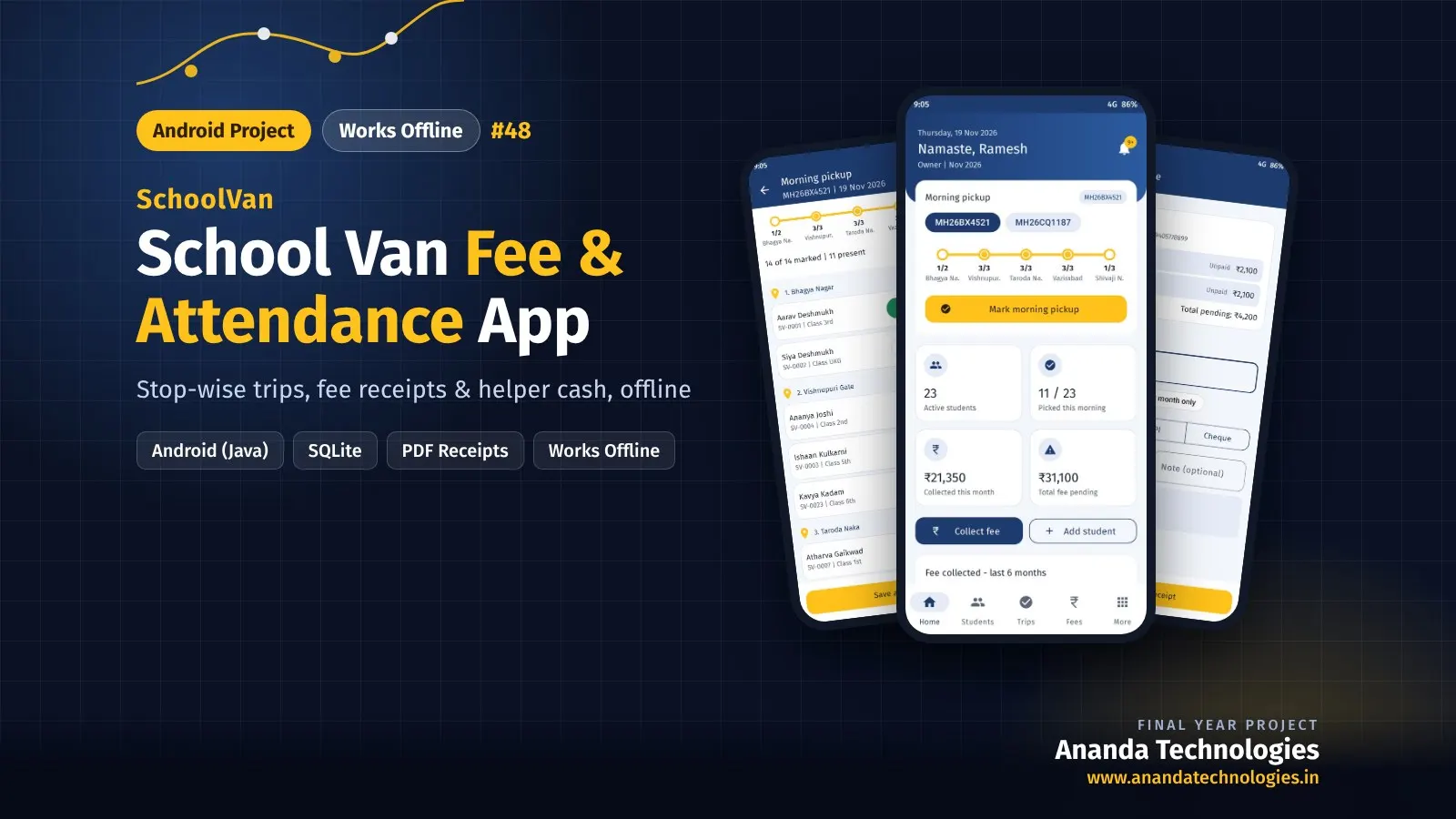
SchoolVan is a school van fee attendance Android project that works fully offline on the phone for BCA / BSc final year students. It keeps vans, schools, route stops, helpers and students; marks morning pickup and afternoon drop stop by stop with a live route strip; creates monthly fee dues with concessions; collects full or part payments adjusted. Comes with complete source code, SQLite database, report and full documentation.

Free abstract· Download₹0
Project price₹3,000₹5,000View Project
Java40% OFF

JobPulse - Govt Job & Exam Notification Portal

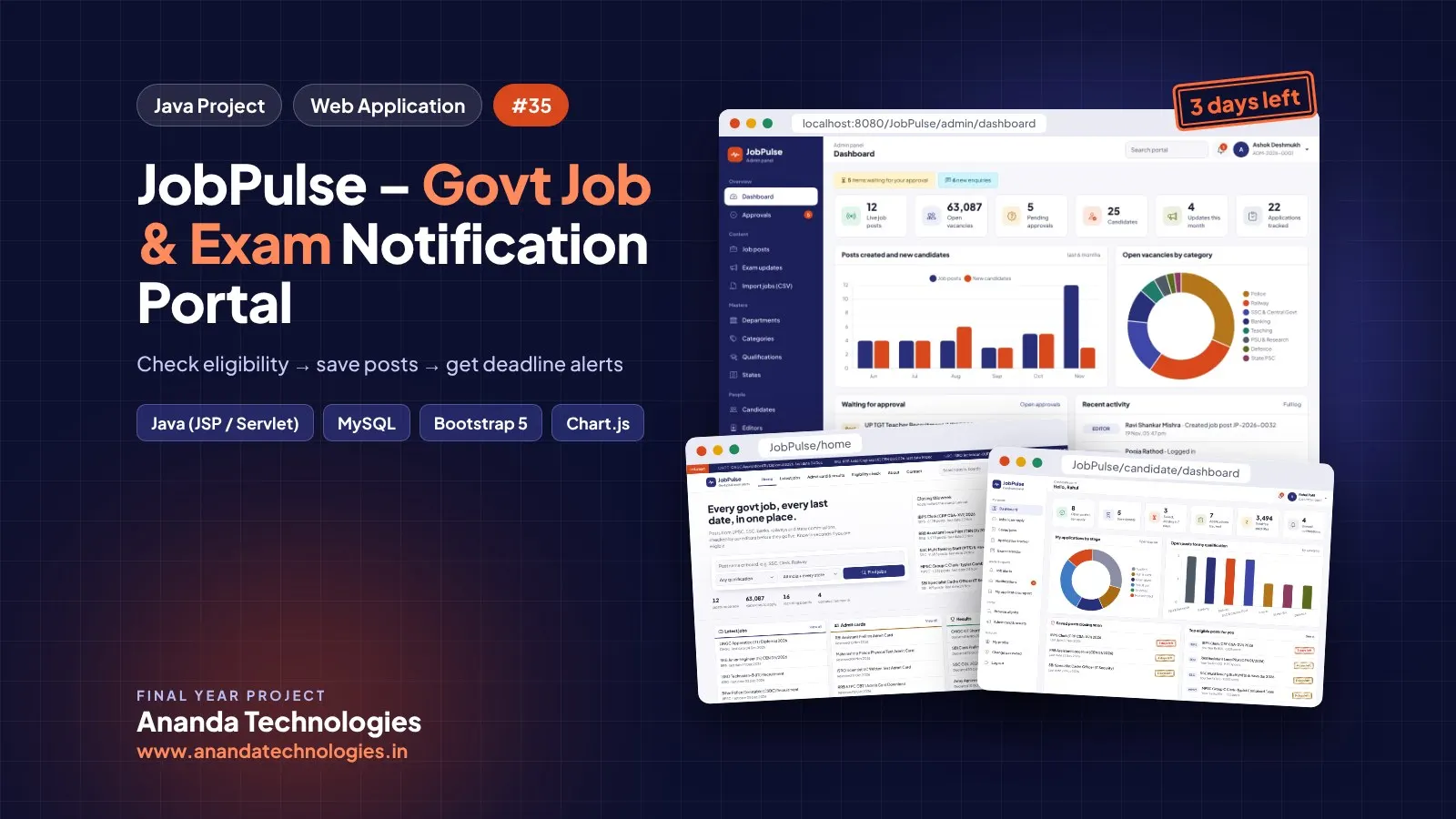
JobPulse is a govt job notification portal Java project for BCA / BSc final year students. Editors enter posts from official advertisements; the admin approves them after an automatic checklist; candidates whose job alerts match are notified at once. Comes with complete source code, MySQL database, report and full documentation.

Free abstract· Download₹0
Project price₹3,000₹5,000View Project
None of these fit your topic?Send your idea — we build it and share the quote first.Request custom project

Get TypeMaster for your submission

Leave your details and a counsellor will call to confirm your branch, any changes your guide needs, and how you want to pay.

  • Call 77739 07779, Mon–Sat, 10 am – 6 pm
  • WhatsApp +91 77739 07779
  • Visit us: 1st Floor, APMC Complex, Near Krushi Uttpan Bazar Samiti, New Mondha, Nanded