
Skip to content
Ananda Technologies Pvt. Ltd.
  • Java

SchoolVan

SchoolVan is a school van fee attendance Android project that works fully offline on the phone for BCA / BSc final year students.

Platform
Android App (Java + SQLite, offline)
1-on-1 setup
AnyDesk / Meet
Setup time
1 Hour
Download access
8 months
1 / 5

About this project

FULL PROJECT TITLE

SchoolVan - Van Driver Student Fee & Attendance

Use this title in your synopsis and report.

SchoolVan is a school van fee attendance Android project that works fully offline on the phone for BCA / BSc final year students. It keeps vans, schools, route stops, helpers and students; marks morning pickup and afternoon drop stop by stop with a live route strip; creates monthly fee dues with concessions; collects full or part payments adjusted. Comes with complete source code, SQLite database, report and full documentation.
Lakhs of school children in Indian towns travel daily in private vans run by an owner-driver and a helper. The list of children, the trip register and the monthly fee diary are kept on paper, so fee months are forgotten, part payments are disputed, helper cash is not tracked and renewal dates of the van's insurance, PUC and permit are missed.

SchoolVan – School Van Fee Attendance Android project is an offline Android app that replaces this diary. It keeps vans, schools, route stops, helpers and students; marks morning pickup and afternoon drop stop by stop with a live route strip; creates monthly fee dues with concessions; collects full or part payments adjusted to the oldest pending month; gives numbered PDF receipts with the amount in words; keeps helper cash pending until the owner verifies it; records fuel and other expenses; and gives six reports, alerts and a daily reminder. All data stays in SQLite on the phone, with backup and restore.

How it works

  • Owner sets up vans, schools, route stops, helpers and students (fee and concession)
  • Every morning and afternoon the helper marks P / A / L stop by stop; the route strip shows progress
  • On the 1st the owner creates the month's dues; overdue fees appear in alerts
  • Owner or helper collects fee; the amount clears the oldest months; a numbered receipt is shared
  • Owner verifies helper cash, adds expenses and checks the six reports

Users

  • Owner – Login and security question; vans with document dates; schools and route stops; helpers (PIN, block); students (add, edit, left, van pass); monthly dues; fee collection and receipt cancel; helper cash verification; expenses and fuel; 6 reports; alerts; activit
  • Helper – PIN login; students of own van; mark morning pickup / afternoon drop; message parent of absent child; collect fee (cash pending verification); own receipts; alerts of own van; profile and PIN change

Highlights

  • A ready Android app with demo data in which a van owner can run one month of trips, fees, expenses and reports, with all records correct and printable.
  • Works without internet; data stays on the owner's phone
  • No fee month or part balance is forgotten; proof of payment for parents
  • Helper cash is visible until handed over
  • Real monthly profit and mileage of each van
  • Sample data and demo logins so every screen has data on the first run

What you get

  • Complete Android Studio project (Java, SQLite) – works fully offline
  • Ready APK to install on an Android phone (if included in the ZIP)
  • Project report (64 pages) with all diagrams, abstract, project explanation with viva questions
  • Setup guide and README with a 10-minute demo script
  • Setup help from Ananda Technologies

Who can use this project

BCA and BSc (CS / IT) final year students who want an offline Android project in Java with source code – no server or internet needed, easy to explain in viva and enough content for 3 students and 3 college demos.

Frequently asked questions

  • Does it need internet or a server? No, all data is saved in SQLite on the phone; it works fully offline.
  • How do I run it? Open the folder in Android Studio and press Run, or install the APK on any Android 7.0+ phone.
  • Can 3 students share this project? Yes, the README gives a 3-student split and a 3-demo plan.
  • Is the report editable? Yes, the report is given in Word and PDF.

Who can take it

Students who need a working project with source code, report and setup help for their submission.

Branches: Computer Science & Engineering (CSE), Information Technology (IT)

We make it easy for you

  • 1-on-1 session on AnyDesk or Google Meet
  • We install the full project on your laptop
  • We explain the flow, modules and database for your viva
  • Report and step-by-step setup guide included
  • WhatsApp help whenever you get stuck

What you get

Everything unlocks in My projects right after payment.

  • Source codeComplete, working source code
  • Project reportEditable report / documentation
  • Setup guideStep-by-step installation guide
  • Viva questionsCommon viva questions with answers

Project report preview

The first 5 pages of the report that comes with this project — 64 pages in the full report. Tap a page to read it — swipe for the next page.

Included free with this project

1-on-1 setup session on AnyDesk or Google Meet

After you buy, we schedule a session at a time that suits you. Our developer installs the complete project on your own laptop, runs it with you and explains it — so you can present it with confidence.

  1. 1

    Pick a time

    We call or WhatsApp you to fix the slot

  2. 2

    We install it

    Full setup on your system over AnyDesk

  3. 3

    We explain it

    Flow, modules and database on Google Meet

Modules inside

18 working modules — each one is explained in the report.

  • Login for 2 roles: Owner, Helper
  • Separate dashboard for every role
  • Login and security question
  • PIN login
  • Vans with document dates
  • Students of own van
  • Schools and route stops
  • Mark morning pickup / afternoon drop
  • Helpers (PIN, block)
  • Message parent of absent child
  • Collect fee (cash pending verification)
  • Monthly dues
  • Own receipts
  • Fee collection and receipt cancel
  • Alerts of own van
  • Helper cash verification
  • Profile and PIN change
  • Expenses and fuel

Want an extra module or a change?

We can add the features your guide asked for. Tell us what to change and get a quote on WhatsApp.

Customise this project

Technology used

Built with
Java (Android Studio)SQLite database (offline)Material ComponentsPdfDocument API (PDF receipts and reports)Works on Android 7.0 and above
Runs as
Android App (Java + SQLite, offline)
Setup time
1 Hour with the guide
Documents
Project Abstract (2 pages, Word + PDF), Project Report (64 pages, Word + PDF) with architecture, DFD, ER, use case, activity and sequence diagrams, Project Explanation with viva questions and answers (Word + PDF), Setup Guide with step-by-step installation and common errors (Word + PDF), Screenshots of every screen, README with logins, 3-student split and 10-minute demo script

How buying works

  1. 1

    Read the free abstract

    Sign in and download it (3 per day)

  2. 2

    Pay securely

    UPI, card or net banking

  3. 3

    Download instantly

    Source code and report in My projects for 8 months

  4. 4

    1-on-1 setup session

    We install it on your laptop and explain it

How to run it

An overview — the full guide comes with the project, and we help you if anything doesn’t start.

  1. 1Open Android Studio > File > Open > select SchoolVan (inside 48_SchoolVan).
  2. 2Wait for Gradle sync (first time needs internet on the laptop). If asked "Gradle 8.7 is incompatible with JVM ...", click "Use JVM 21" (or set Gradle JDK = jbr-17 / jbr-21 in Settings > Build Tools > Gradle).
  3. 3Connect a phone (USB debugging ON) or start an emulator (API 24+), press Run.
  4. 4Ready APK for a quick look: Website_Upload\SchoolVan.apk.
  5. 5JVM tests (optional): gradlew testDebugUnitTest (22 tests).

Questions about SchoolVan

What do I get when I buy SchoolVan?

Complete source code, the database, project abstract (2 pages, word + pdf), project report (64 pages, word + pdf) with architecture, dfd, er, use case, activity and sequence diagrams, project explanation with viva questions and answers (word + pdf) and help to run it on your laptop. Files unlock in your dashboard right after payment.

Can I see the abstract before buying?

Yes. Sign in and download the free abstract from this page, and check it with your guide first.

Will you help me run and explain the project?

Yes. After you buy, we schedule a 1-on-1 session on AnyDesk or Google Meet. Our developer installs the complete project on your own laptop, runs it with you and explains the flow, modules and database so you are ready for your viva.

Can the project be changed for my college?

Small changes such as adding a module or changing fields are possible. Tell us before you pay and we will confirm what we can do and the cost.

Similar projects

All Java projects →
Java40% OFF

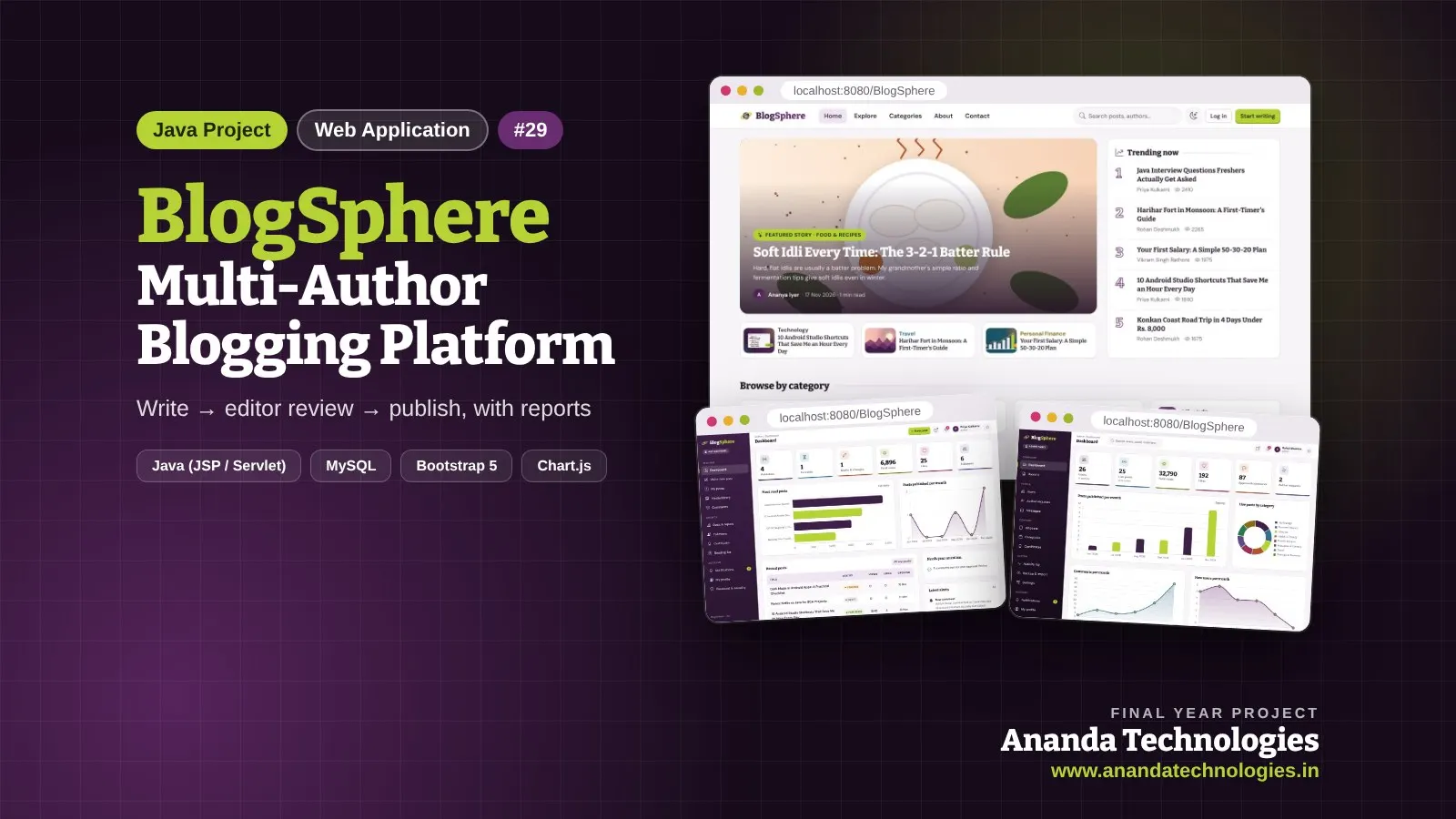
JobPulse - Govt Job & Exam Notification Portal

JobPulse is a govt job notification portal Java project for BCA / BSc final year students. Editors enter posts from official advertisements; the admin approves them after an automatic checklist; candidates whose job alerts match are notified at once. Comes with complete source code, MySQL database, report and full documentation.
Free abstract· Download₹0
Project price₹3,000₹5,000View Project
Java40% OFF

BlogSphere - Multi-Author Blogging Platform

BlogSphere is a multi author blogging platform Java project for BCA / BSc final year students. Readers join free to read, like, save, comment, follow authors and report wrong content, and can apply to become authors. Comes with complete source code, MySQL database, report and full documentation.

Free abstract· Download₹0
Project price₹3,000₹5,000View Project
None of these fit your topic?Send your idea — we build it and share the quote first.Request custom project

Get SchoolVan for your submission

Leave your details and a counsellor will call to confirm your branch, any changes your guide needs, and how you want to pay.

  • Call 77739 07779, Mon–Sat, 10 am – 6 pm
  • WhatsApp +91 77739 07779
  • Visit us: 1st Floor, APMC Complex, Near Krushi Uttpan Bazar Samiti, New Mondha, Nanded