
Skip to content
  • Android
  • Java
  • 33% OFF

Smart Parking Slot Booking System

Smart Parking Slot Booking System is a final year Android project with source code where drivers find free bays in nearby parking lots, book a bay, pay from an in-app wallet and enter by scanning a QR pass. Charges are calculated by the actual minutes parked, with an AI occupancy forecast and a Gemini parking assistant. Includes a parking-owner app, PHP admin panel, MySQL database, full report and setup help.

ForDiplomaMCAB.Tech· CSE, IT

Platform
Android + Web API
1-on-1 setup
AnyDesk / Meet
Setup time
2 Hour
Download access
8 months
  • Source code
  • Project report
  • Setup guide
1 / 5

About this project

Finding parking in a busy city wastes time and fuel, and paper tickets charge by the full hour. The Smart Parking Slot Booking System Android project solves this: drivers see live free bays in nearby lots, book a bay before they arrive, enter with a QR pass and pay only for the minutes they actually parked. Parking owners manage their lots, bays and gate from their own app, and the admin controls everything from a web panel.

How it works

  • The driver searches nearby lots and sees free bays now plus the predicted free bays at arrival time
  • A smart recommender ranks lots by distance, price, predicted space and rating ("Best pick")
  • The driver picks a bay on a live bay grid, chooses the time and pays the estimate from the wallet
  • At the gate the owner scans the QR pass; the meter starts and the app shows a live HH:MM:SS meter
  • At exit the fare is calculated in 15-minute blocks; extra is refunded, overstay is charged at 1.5x
  • Unused bookings expire after the 30-minute hold with a small no-show fee
  • The driver gets a PDF receipt and can rate the lot

Users

  • Driver: find lots, book bays, wallet, entry/exit QR, live meter, receipts, AI assistant, reviews
  • Parking Owner: lots and bays, gate scanner, today's bookings, occupancy and revenue reports with AI insights
  • Admin (web): approve owners and lots, drivers, bookings, payments, reviews, cities, notices, reports, settings

Highlights

  • 3 roles, 23 app screens, 15 admin pages, 35 APIs, 15 database tables
  • Occupancy forecast from 4 weeks of booking history + live correction (runs in the app)
  • Gemini "Ask ParkPass" assistant and owner insights, both with offline fallback
  • Wallet with Razorpay test-mode top-up (server-side signature check) and demo top-up switch
  • Safe money handling: token login, row locks, prepared statements, password hashing
  • Full validations in the app and on the server; 8,800+ realistic sample bookings and demo logins

What you get

  • Complete Android Studio source code (Java) and PHP admin panel + APIs
  • MySQL database file with sample data
  • Project report (Word, 56 pages, with DFD, ER, UML, sequence and activity diagrams)
  • 2-page abstract, project explanation with viva questions, setup guide
  • Online installation help and code explanation session

Who can use this project

Final year BE / B.Tech, MCA, BCA and Diploma students of Computer Science and IT looking for an Android project with source code and documentation, especially smart city, QR code and booking system projects.

Frequently asked questions

Can I run it without internet? Yes. Booking, QR gate pass, meter and reports run on your local XAMPP server; only the Gemini assistant and Razorpay need internet (offline fallbacks are included). How is the parking fee calculated? By actual minutes in 15-minute blocks; leaving within 10 minutes is free and staying past the booked time is charged at 1.5x. Do I need a real Razorpay account? No. A demo top-up works out of the box; free Razorpay test keys can be added in admin settings. Can two people book the same bay? No. The server locks the bay while booking, so double booking is not possible.

Who can take it

  • Diploma (Polytechnic) · best fit
  • MCA · best fit
  • BE / B.Tech · best fit

Branches: Computer Science & Engineering (CSE), Information Technology (IT)

We make it easy for you

  • 1-on-1 session on AnyDesk or Google Meet
  • We install the full project on your laptop
  • We explain the flow, modules and database for your viva
  • Report and step-by-step setup guide included
  • WhatsApp help whenever you get stuck

What you get

Everything unlocks in My projects right after payment.

  • Source codeComplete, working source code
  • Project reportEditable report / documentation
  • Setup guideStep-by-step installation guide

Project report preview

The first 5 pages of the report that comes with this project — 56 pages in the full report. Tap a page to read it — swipe for the next page.

Included free with this project

1-on-1 setup session on AnyDesk or Google Meet

After you buy, we schedule a session at a time that suits you. Our developer installs the complete project on your own laptop, runs it with you and explains it — so you can present it with confidence.

  1. 1

    Pick a time

    We call or WhatsApp you to fix the slot

  2. 2

    We install it

    Full setup on your system over AnyDesk

  3. 3

    We explain it

    Flow, modules and database on Google Meet

Modules inside

16 working modules — each one is explained in the report.

  • Driver registration with vehicle details and login (email or mobile)
  • Nearby parking lots with live free bays and filters
  • Occupancy forecast at arrival time (smart model in the app)
  • Best-pick lot recommender (distance, price, space, rating)
  • Live bay grid booking with date, time and duration
  • In-app wallet with Razorpay / demo top-up and transaction history
  • QR entry pass and exit QR
  • Live parking meter with extend option
  • Pay-by-minute billing with refund and overstay charge
  • PDF receipt, booking history and lot reviews
  • Ask ParkPass AI assistant (Gemini + offline answers)
  • Parking owner: lots, bays and maintenance manager
  • Owner gate scanner for entry and exit
  • Owner reports: occupancy, revenue, busy hours, AI pricing tips, weekly PDF
  • Admin: owner and lot approval, drivers, bookings, payments
  • Admin: reviews, cities, notices, printable reports, settings

Want an extra module or a change?

We can add the features your guide asked for. Tell us what to change and get a quote on WhatsApp.

Customise this project

Technology used

Built with
Android (Java) - Android StudioVolley (REST API calls)PHP 8 (APIs + Admin Panel)MySQL (XAMPP / phpMyAdmin)ZXing (QR code generate and scan)Gemini API (AI assistant and insights)Razorpay Checkout (test mode wallet top-up)PdfDocument (receipts and reports)
Runs as
Android + Web API
Setup time
2 Hour with the guide
Documents
Project abstract (Word + PDF, 2 pages), Project report (Word, 56 pages, with all UML / DFD / ER diagrams), Project explanation with 25 viva questions (Word + PDF), Installation / setup guide (Word + PDF), Database SQL with sample data, App mockups and admin panel screenshots, Test results, README

How buying works

  1. 1

    Read the free abstract

    Sign in and download it (3 per day)

  2. 2

    Pay securely

    UPI, card or net banking

  3. 3

    Download instantly

    Source code and report in My projects for 8 months

  4. 4

    1-on-1 setup session

    We install it on your laptop and explain it

How to run it

An overview — the full guide comes with the project, and we help you if anything doesn’t start.

  1. 1Install XAMPP and start Apache and MySQL
  2. 2Copy Web_PHP\41-parkpass to C:\xampp\htdocs\academic-projects\41-parkpass
  3. 3Import Database\android_smart_parking.sql in phpMyAdmin
  4. 4Open http://localhost/academic-projects/41-parkpass/admin and log in (admin@parkpass.in / admin123)
  5. 5Optional: add a free Gemini key and Razorpay test keys in Admin > Settings
  6. 6Open Android_App\ParkPass in Android Studio and let Gradle sync (internet needed once)
  7. 7If asked "Gradle 8.9 is incompatible with JVM 25", click Use JVM 21
  8. 8On the login screen set the server to 10.0.2.2 (emulator) or your PC's IP (phone)
  9. 9Log in as driver riya.k@gmail.com / 123456 and owner sameer@saiparking.in / 123456

Questions about Smart Parking Slot Booking System

What do I get when I buy Smart Parking Slot Booking System?

Complete source code, the database, project abstract (word + pdf, 2 pages), project report (word, 56 pages, with all uml / dfd / er diagrams), project explanation with 25 viva questions (word + pdf) and help to run it on your laptop. Files unlock in your dashboard right after payment.

Can I see the abstract before buying?

Yes. Sign in and download the free abstract from this page, and check it with your guide first.

Will you help me run and explain the project?

Yes. After you buy, we schedule a 1-on-1 session on AnyDesk or Google Meet. Our developer installs the complete project on your own laptop, runs it with you and explains the flow, modules and database so you are ready for your viva.

Can the project be changed for my college?

Small changes such as adding a module or changing fields are possible. Tell us before you pay and we will confirm what we can do and the cost.

Which courses is Smart Parking Slot Booking System suitable for?

It suits Diploma (Polytechnic), MCA, BE / B.Tech students from Computer Science & Engineering (CSE) and Information Technology (IT).

Similar projects

All Android projects →
AI & MLJava33% OFF

Diploma (Polytechnic), MCA, BE / B.Tech

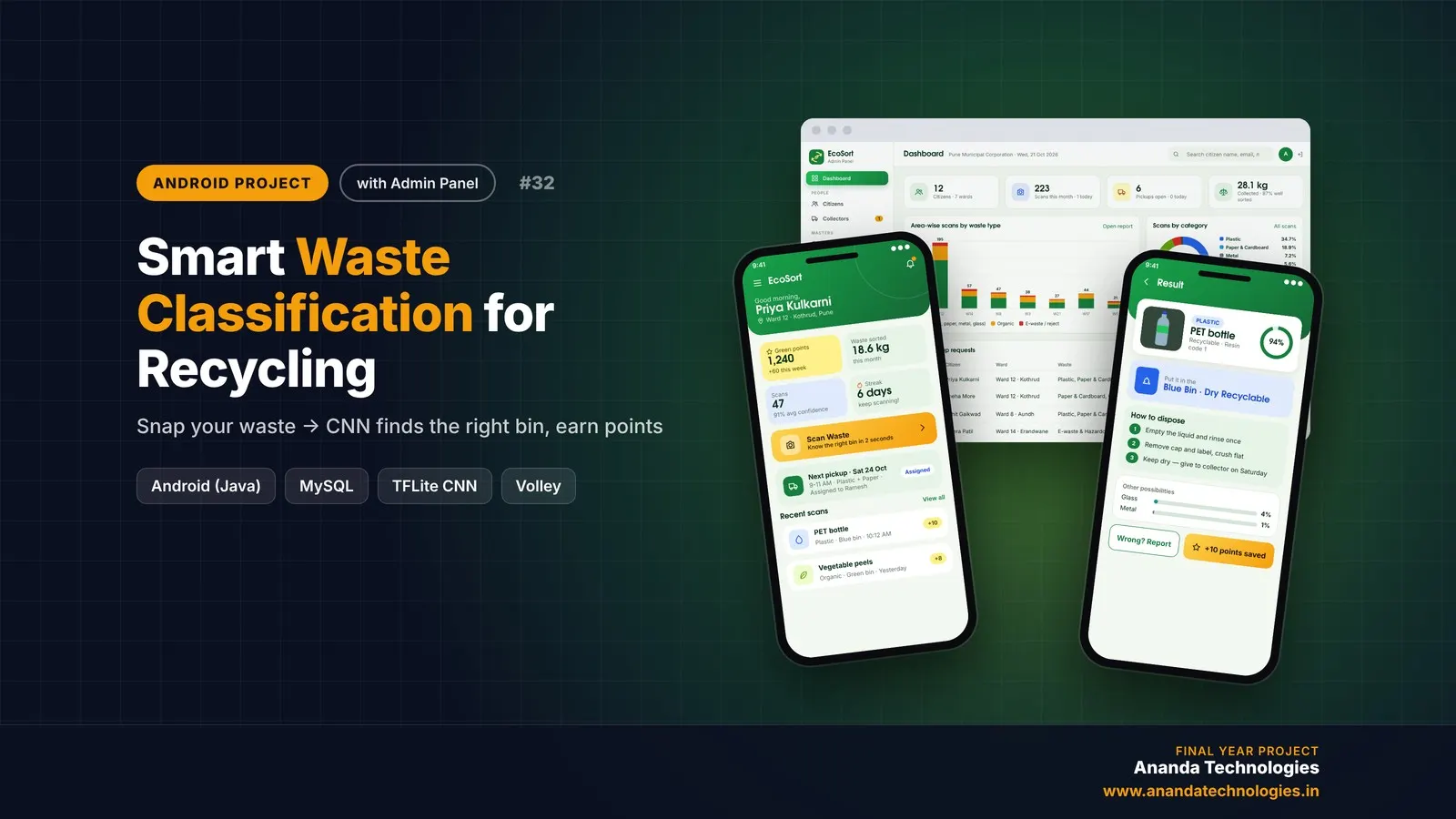
Smart Waste Classification for Recycling

EcoSort is a smart waste classification Android project for final year students, with full source code. Citizens photograph any waste item and an on-device TensorFlow Lite CNN tells the right bin and disposal steps, while collectors verify segregation at the door and citizens earn green points. Includes PHP admin panel, MySQL database, 55-page report, abstract and setup guide.

Project price₹8,000₹12,000View Project
AI & MLJava33% OFF

Diploma (Polytechnic), MCA, BE / B.Tech

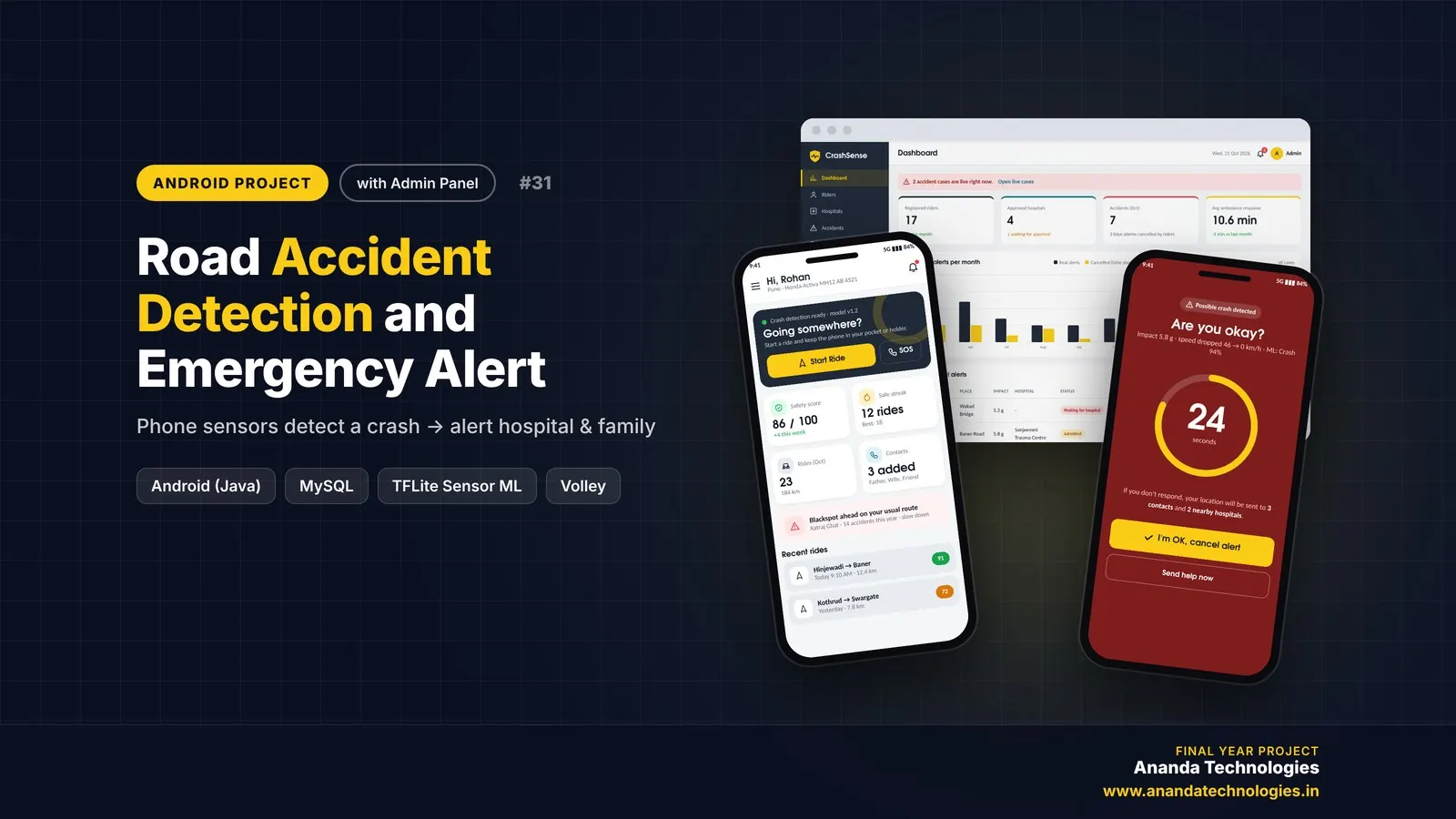
Road Accident Detection and Emergency Alert

Road Accident Detection and Emergency Alert is a final year Android project with source code that turns the rider's phone into an automatic crash detector. A TensorFlow Lite model reads accelerometer, gyroscope and GPS speed, starts a 30-second countdown after a crash and alerts the nearest hospital and family by SMS. It includes rider and hospital apps, a PHP admin panel, MySQL database, report and setup help.

Project price₹8,000₹12,000View Project
AI & MLJava33% OFF

Diploma (Polytechnic), MCA, BE / B.Tech

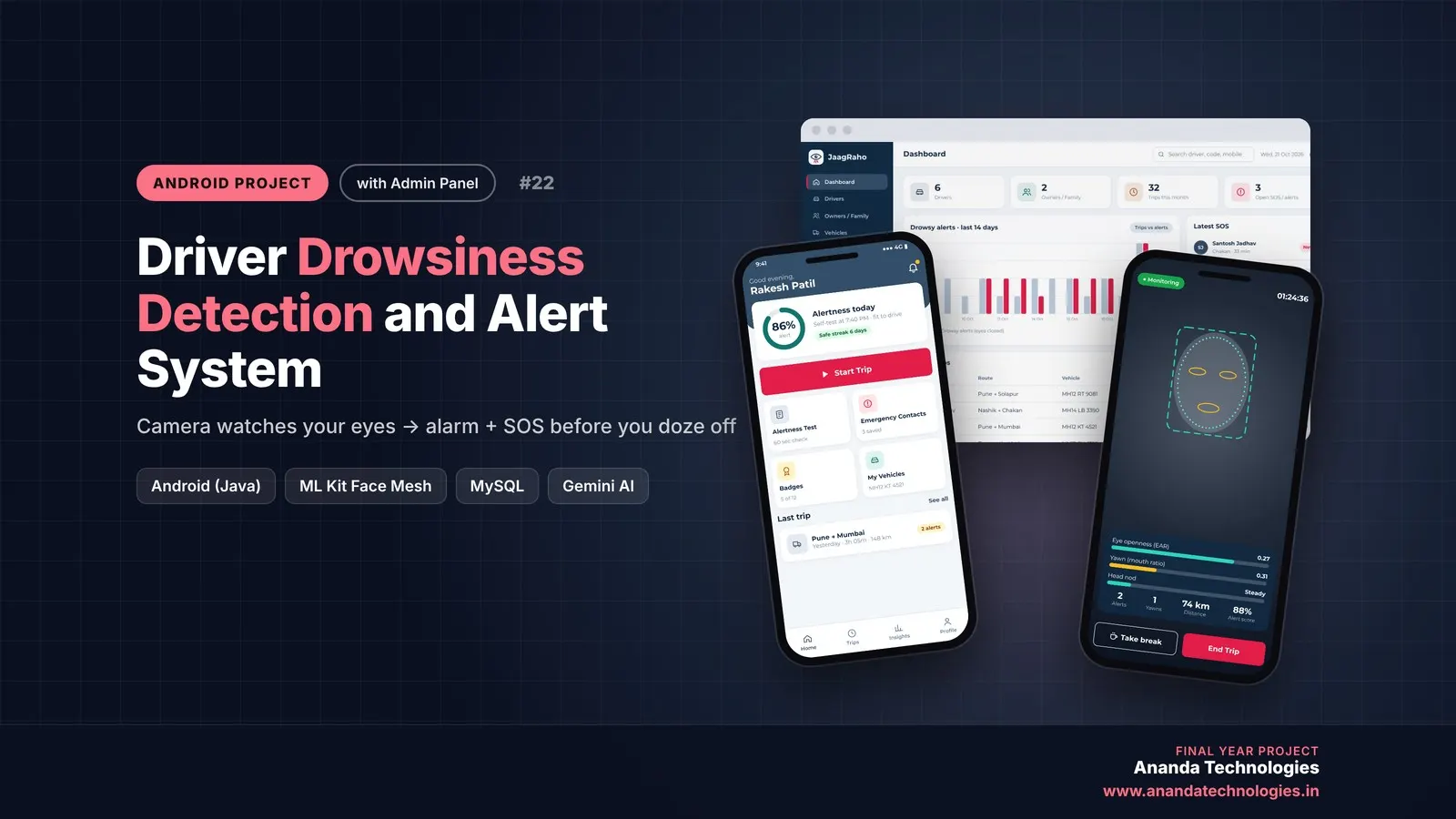
Driver Drowsiness Detection and Alert System

Driver Drowsiness Detection and Alert System (JaagRaho) is a final year Android project with source code that watches the driver's eyes, yawns and head nods through the phone's front camera and raises a loud alarm before the driver falls asleep. If the driver does not respond, an SOS with live location goes to the fleet owner or family. Includes the Android app, admin panel, MySQL database, 54-page report, abstract and setup guide.

Project price₹8,000₹12,000View Project
None of these fit your topic?Send your idea — we build it and share the quote first.Request custom project

Get Smart Parking Slot Booking System for your submission

Leave your details and a counsellor will call to confirm your branch, any changes your guide needs, and how you want to pay.