Skip to content
  • AI & ML
  • Java
  • Android
  • 47% OFF

AI-based Personal Finance Advisor and Expense Tracker

PaisaPlan is an AI personal finance advisor and expense tracker Android project - a final year Android project with source code, database and a 60+ page report. Users add expenses by scanning a bill (ML Kit OCR) or sharing a bank SMS, the app picks the category itself, and Gemini AI gives a monthly health score with saving tips. It also has budgets with alerts, saving goals, a shared family wallet and a PHP admin panel.

ForDiplomaMCAB.TechM.Tech· CSE, IT

1-on-1 setup
AnyDesk / Meet
Download access
8 months
  • Full source code
  • Project abstract (Word + PDF, 2 pages)
  • Project report (Word, 60+ pages)
  • Project explanation with 30 viva questions (Word + PDF)

About this project

About the project

Most people find out they overspent only when the month is over, because expenses are spread across UPI apps, cards, cash and paper bills, and typing every entry into a diary is tiring. This AI personal finance advisor and expense tracker Android project (PaisaPlan) removes most of the typing and turns the numbers into clear advice.

An expense can be added in three quick ways: scan the printed bill with the phone camera, share a bank / UPI SMS to the app, or type a short note. The app reads the shop, amount, date, bill number and payment mode, selects the category automatically and checks it against the user's budgets. At month end, Gemini AI studies the spending and replies with a financial health score, what it noticed and practical saving tips with the rupees each tip can save.

How it works

  • Scan a bill: CameraX takes the photo and Google ML Kit reads the text on the phone itself
  • Simple rules find the shop name, grand total, date, bill number and payment mode - every field stays editable
  • Share any bank or UPI SMS to PaisaPlan and it opens a filled expense / income form
  • Admin keywords pick the category automatically; Gemini is asked only when no keyword matches
  • Monthly and category budgets raise an alert at the chosen % and again when the limit is crossed
  • Gemini AI returns a health score (0-100), insights, saving tips and suggested budgets for next month; offline rules give the same advice without internet
  • Family members spend from a shared wallet with monthly limits and can request money from the owner

Users

  • Main user - records income and expenses, sets budgets, gets AI advice, tracks saving goals and owns the family wallet
  • Family member - joins with an invite code, spends from the family wallet, scans bills and requests money
  • Admin - manages users, categories and keywords, Gemini settings, tips and notices, and prints monthly reports

Highlights

  • 3 roles, 19 Android screens, 29 JSON APIs, 14 admin panel pages, 12 MySQL tables
  • Bill OCR runs on the device (bill photo is compressed and saved for the admin to verify)
  • Duplicate bill check by bill number and amount
  • AI works with a free Gemini API key; without a key the app still works with keyword categories and offline advice
  • Charts (donut + 6-month bars) and a monthly PDF statement made on the phone
  • Validations in the app and again in PHP, bcrypt passwords, token on every API call, prepared statements, CSRF check in admin forms
  • Sample data with demo logins (main user, two family members, admin); sample dates follow the import day so the current month always has data

What you get

  • Full Android Studio project (Java) and PHP admin panel + APIs source code
  • MySQL database (.sql) with sample data
  • Project report in Word (60+ pages) with UML, DFD, ER diagrams and test cases
  • 2-page project abstract (Word + PDF)
  • Project explanation with 30 viva questions
  • Step-by-step setup guide (PDF), README and screenshots
  • Setup help if you get stuck

Who can use this project

Suitable as a final year Android project with source code for BE / B.Tech (Computer, IT, ENTC), MCA, BCA and Diploma students, and as an M.Tech mini project. It covers useful topics for the viva: OCR, use of a Gemini AI model through an API, budget alert logic, a client-server Android app with a PHP / MySQL back end, and a bill scanner OCR Android project module you can explain step by step.

Frequently asked questions

Does the bill scan work without internet? Yes. ML Kit text recognition runs on the phone; internet is needed only to save the entry on your server and for Gemini advice.

Is a paid Gemini key needed? No. A free key from Google AI Studio is enough, and without any key the app gives offline rule-based advice.

Does the app read all my SMS? No. It reads only the message you share to it or paste, so no SMS permission is asked.

Can I run it on a real phone? Yes. Keep the phone and laptop on the same Wi-Fi and type the laptop IPv4 address on the login screen.

Who can take it

  • Diploma (Polytechnic) · best fit
  • MCA · best fit
  • BE / B.Tech · best fit
  • M.Tech · best fit

Branches: Computer Science & Engineering (CSE), Information Technology (IT)

We make it easy for you

  • 1-on-1 session on AnyDesk or Google Meet
  • We install the full project on your laptop
  • We explain the flow, modules and database for your viva
  • Report and step-by-step setup guide included
  • WhatsApp help whenever you get stuck

What you get

Everything unlocks in My projects right after payment.

  • Full source codeWith the database
  • Project abstract (Word + PDF, 2 pages)
  • Project report (Word, 60+ pages)
  • Project explanation with 30 viva questions (Word + PDF)
  • Installation / setup guide (Word + PDF)
  • Database SQL with sample data

Included free with this project

1-on-1 setup session on AnyDesk or Google Meet

After you buy, we schedule a session at a time that suits you. Our developer installs the complete project on your own laptop, runs it with you and explains it — so you can present it with confidence.

  1. 1

    Pick a time

    We call or WhatsApp you to fix the slot

  2. 2

    We install it

    Full setup on your system over AnyDesk

  3. 3

    We explain it

    Flow, modules and database on Google Meet

Modules inside

18 working modules — each one is explained in the report.

  • Main user registration and login (email or mobile)
  • Dashboard with spent vs budget ring, income, savings and saving rate
  • Add income / expense with payment mode and notes
  • Bill scan with camera and ML Kit OCR (shop, total, date, bill no, payment mode)
  • Share bank / UPI SMS to the app to create an entry
  • Automatic category from admin keywords with Gemini fallback
  • Duplicate bill check and bill photo upload
  • Monthly and category budgets with alerts at chosen % and on crossing
  • AI monthly advice: health score, insights, saving tips and suggested budgets
  • Offline rule-based advice when no internet or API key
  • Saving goals with progress and money needed per month
  • Family wallet with invite code, top-ups and member spending limits
  • Family member home, bill scan and money requests with approve / reject
  • Reports with donut and 6-month charts, top shops and monthly PDF statement
  • Notifications and saving tips
  • Admin: users, family wallets, requests, transactions with bill photos, goals
  • Admin: categories with keywords, AI settings (Gemini key and model), tips and notices, settings
  • Admin: dashboard chart and printable monthly report

Technology used

Built with
Android (Java) - Android StudioMaterial Components UI, CameraXGoogle ML Kit Text Recognition (on-device OCR)Google Gemini API (AI advice and category fallback)Volley (networking)PHP 8 (APIs + Admin Panel)MySQL (XAMPP / phpMyAdmin)Bootstrap 5 (admin panel)
Documents
Project abstract (Word + PDF, 2 pages), Project report (Word, 60+ pages), Project explanation with 30 viva questions (Word + PDF), Installation / setup guide (Word + PDF), Database SQL with sample data, App mockups and admin panel screenshots, README

How buying works

  1. 1

    Read the free abstract

    Sign in and download it (3 per day)

  2. 2

    Pay securely

    UPI, card or net banking

  3. 3

    Download instantly

    Source code and report in My projects for 8 months

  4. 4

    1-on-1 setup session

    We install it on your laptop and explain it

How to run it

An overview — the full guide comes with the project, and we help you if anything doesn’t start.

  1. 1Install XAMPP and start Apache and MySQL
  2. 2Copy the web folder 11-finance-advisor to C:\xampp\htdocs\academic-projects\
  3. 3Import android_finance_advisor.sql in phpMyAdmin
  4. 4Open the admin panel and login with admin@gmail.com / admin123
  5. 5Optional: add a free Gemini API key in AI Settings
  6. 6Open Android_App\PaisaPlan in Android Studio and wait for Gradle sync
  7. 7If the popup 'Gradle 8.9 is incompatible with JVM 25' appears, click Use JVM 21
  8. 8Run the app and set the server: 10.0.2.2 for emulator or laptop IPv4 for a phone
  9. 9Login with aarav@gmail.com / 123456 (main user) or riya@gmail.com / 123456 (family member)

Questions about AI-based Personal Finance Advisor and…

What do I get when I buy AI-based Personal Finance Advisor and…?

Complete source code, the database, project abstract (word + pdf, 2 pages), project report (word, 60+ pages), project explanation with 30 viva questions (word + pdf) and help to run it on your laptop. Files unlock in your dashboard right after payment.

Can I see the abstract before buying?

Yes. Sign in and download the free abstract from this page, and check it with your guide first.

Will you help me run and explain the project?

Yes. After you buy, we schedule a 1-on-1 session on AnyDesk or Google Meet. Our developer installs the complete project on your own laptop, runs it with you and explains the flow, modules and database so you are ready for your viva.

Can the project be changed for my college?

Small changes such as adding a module or changing fields are possible. Tell us before you pay and we will confirm what we can do and the cost.

Which courses is AI-based Personal Finance Advisor and… suitable for?

It suits Diploma (Polytechnic), MCA, BE / B.Tech, M.Tech students from Computer Science & Engineering (CSE) and Information Technology (IT).

Similar projects

All AI & ML projects →
AndroidJava33% OFF

Diploma (Polytechnic), MCA, BE / B.Tech, M.Tech

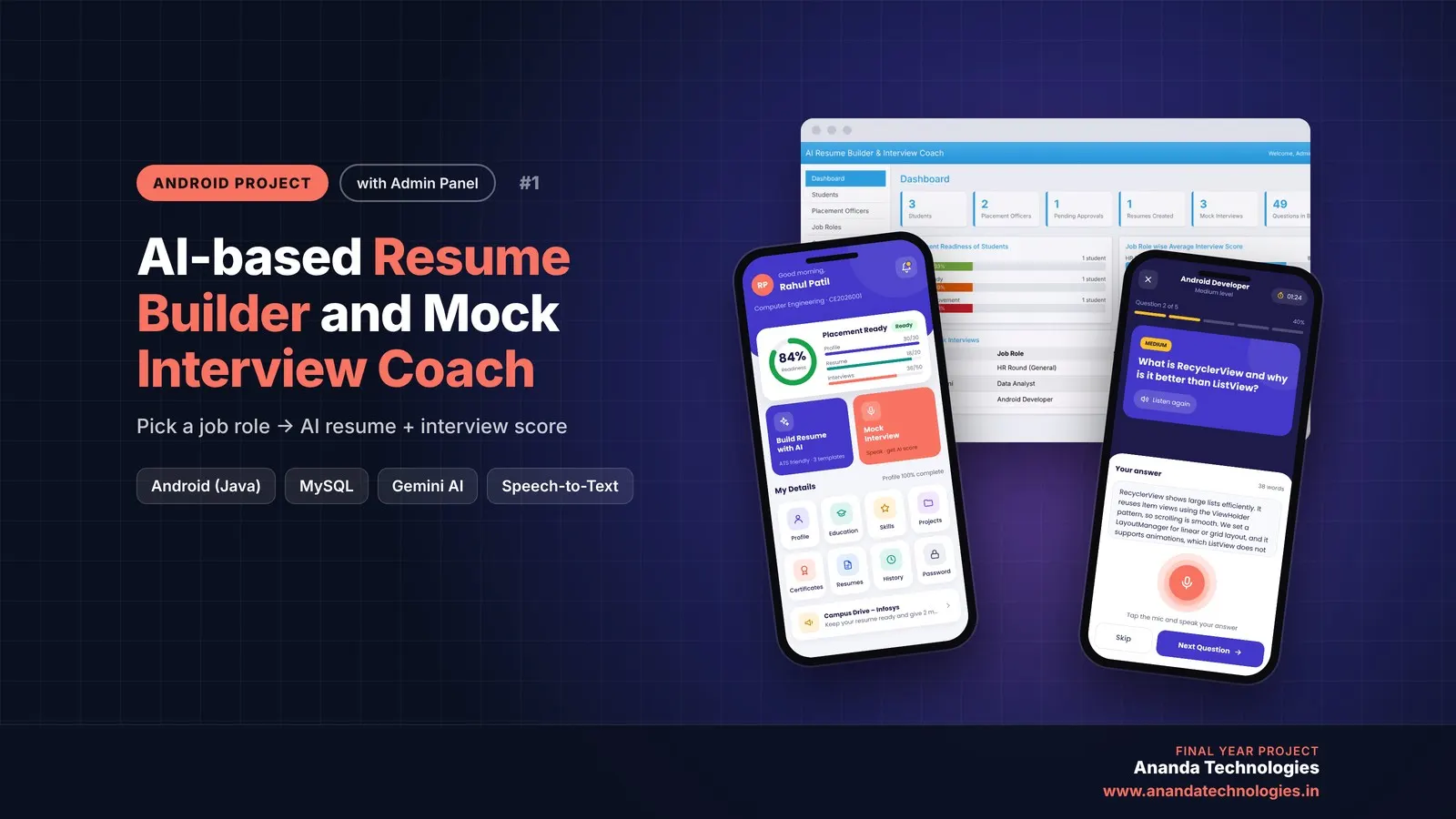
AI-based Resume Builder and Mock Interview Coach

AI Resume Builder and Mock Interview Coach is a final year Android project with source code that writes an ATS-friendly resume for the selected job role using Google Gemini AI and conducts spoken mock interviews with an AI score and feedback for every answer. It includes a placement officer app, a web admin panel, MySQL database and full project report.

Project price₹8,000₹12,000View Project
JavaAndroid33% OFF

Diploma (Polytechnic), MCA, BE / B.Tech

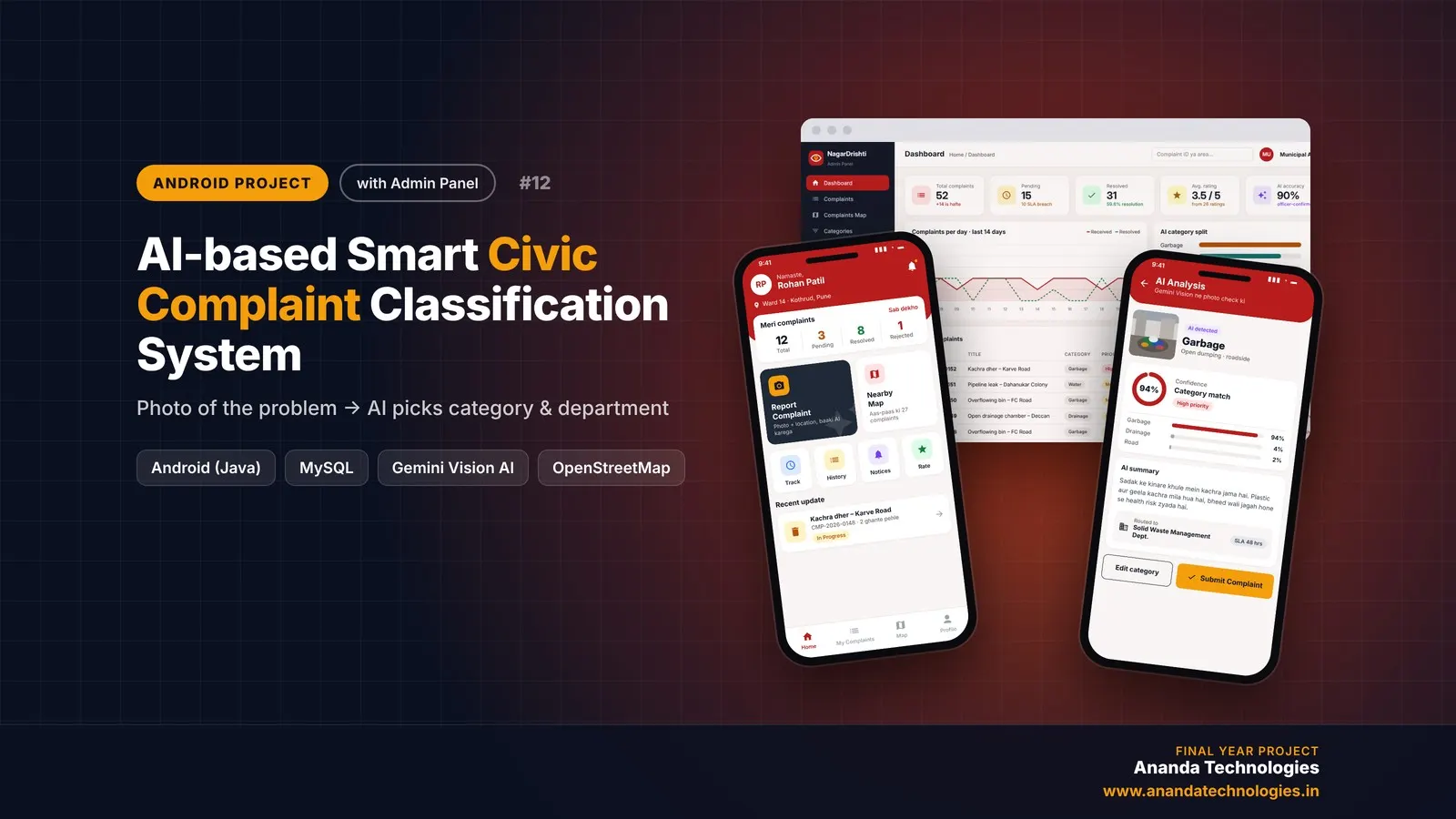
AI-based Smart Civic Complaint Classification System

AI civic complaint Android project (NagarDrishti) – a final year Android project with source code where citizens report garbage, potholes, water leaks or broken street lights with a photo and GPS, and Gemini Vision AI detects the category and priority. The complaint is routed automatically to the right department and officer with an SLA deadline, and comes with a PHP admin panel, MySQL database, project report and setup help.

Project price₹8,000₹12,000View Project
AI & MLJava33% OFF

Diploma (Polytechnic), MCA, BE / B.Tech

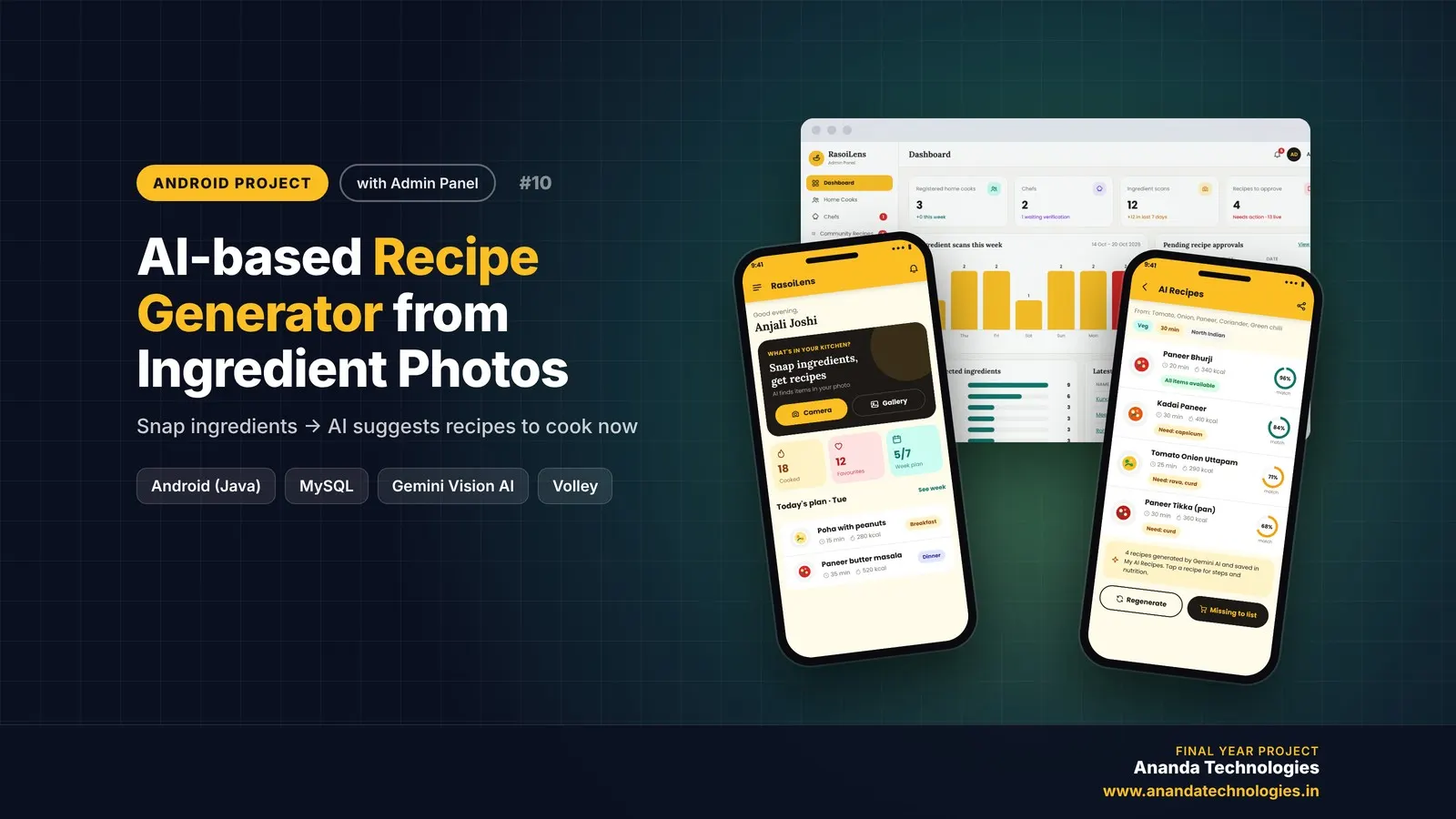
AI-based Recipe Generator from Ingredient Photos

AI-based Recipe Generator from Ingredient Photos is a final year Android project with source code that turns a photo of the ingredients at home into ready-to-cook recipes. Google Gemini AI finds the ingredients and writes recipes with match %, missing items and nutrition, while home cooks plan meals and shopping, chefs share recipes and the admin manages everything from a web panel. Includes Android app, PHP admin panel, MySQL database, report, abstract and setup guide.

Project price₹8,000₹12,000View Project

Get AI-based Personal Finance Advisor and… for your submission

Leave your details and a counsellor will call to confirm your branch, any changes your guide needs, and how you want to pay.