Skip to content
  • AI & ML
  • Java
  • Android
  • 33% OFF

Fruit and Vegetable Quality Grading using Image Classification

FreshGrade is a fruit and vegetable quality grading Android project for final year students, with full source code. A seller photographs produce, an on-device CNN (TensorFlow Lite) grades it A Fresh, B Average or C Spoiled, and the app suggests a fair price from the mandi rate; buyers order graded produce and re-check quality on delivery. Includes PHP admin panel, MySQL database, 60-page report, abstract and setup guide.

ForDiplomaMCAB.Tech· CSE, IT

Platform
Android + Web API
1-on-1 setup
AnyDesk / Meet
Setup time
2 Hour
Download access
8 months
  • Source code
  • Project report
  • Setup guide

About this project

About the project

Fresh fruits and vegetables in Indian mandis are still graded by eye. It is slow, every trader judges differently, farmers get one flat price even for a good lot, and hotels or retailers often receive lower quality than promised. Fruit and vegetable quality grading Android project FreshGrade solves this with the phone camera. The seller takes 1 to 5 photos of a lot, a CNN image classification model running on the phone gives Fresh, Average and Spoiled percentages, and the app turns them into a clear Grade A, B or C with a suggested price, shelf-life estimate and a PDF quality certificate. Buyers see the grade before they buy and can re-check the same produce on delivery.

How it works

  • Seller selects the produce (tomato, onion, mango and 13 more) and takes 1-5 photos with the camera or gallery
  • MobileNetV2 CNN in TensorFlow Lite grades every photo on the phone: score = fresh% + 0.55 x average% + 0.10 x spoiled%
  • Batch score decides the grade: A (Fresh) 80+, B (Average) 50+, else C (Spoiled) - limits set by admin
  • Suggested price = today's mandi rate x grade factor (A 1.10, B 0.85, C 0.40) plus shelf life in days
  • Seller publishes a listing with the grade badge and quality certificate; Grade C cannot be sold
  • Buyer orders, seller accepts, dispatches and delivers; stock is reserved automatically
  • Buyer re-checks quality on delivery; if the grade dropped, the app calculates the fair price and claim, and the admin resolves the dispute

Users

  • Seller (farmer / vendor / FPO): scan and grade batches, price suggestion, listings, orders, disputes, quality reports, trust badge
  • Buyer (hotel / retailer / mess): shop graded produce, cart and checkout, order tracking, delivery re-check, disputes, ratings, purchase summary
  • Admin (web panel): approve sellers, produce and mandi rate masters, graded batches log, orders, disputes, notices, grading settings, printable reports

Highlights

  • 3 roles, about 25 Android screens, 16 admin web pages, 29 PHP API files, 14 database tables
  • On-device CNN (MobileNetV2 transfer learning) with an offline colour-analysis fallback, so the app works even before the model is trained
  • Ready Google Colab notebook to train the model on free Kaggle datasets (FruitNet + Fresh/Stale fruits and vegetables)
  • PDF quality certificate and order invoice made in the app
  • Seller trust score with Gold / Silver / Bronze badges from ratings and re-check results
  • Charts: seller quality trend and grade split, buyer weekly spend, admin grade chart
  • Validations on phone and server: email, 10-digit mobile, pincode, quantity and price limits, date pickers, photo type and size, re-check time window
  • Secure PHP: prepared statements, password hashing, form tokens in the admin panel
  • Sample data with demo logins for seller, buyer and admin

What you get

  • Complete Android Studio source code (Java) and PHP admin panel + APIs
  • MySQL database file with sample data
  • Model training script and Colab notebook
  • Project report (Word, 60 pages) with all UML diagrams, DFD and ER diagram
  • Project abstract (Word + PDF), project explanation with viva questions
  • Step-by-step setup guide (PDF) and installation help

Who can use this project

Final year students of BE / B.Tech Computer Engineering, IT and AI & DS, MCA, BCA and Diploma (Computer / IT) looking for an Android project with source code, a machine learning image classification project, a TFLite CNN Android project or an agriculture-based final year project with documentation and report.

Frequently asked questions

Does the app need internet to grade a photo? No. Grading runs on the phone with TensorFlow Lite; internet is needed only to save the batch and for listings and orders.

Is the trained model included? A ready Colab notebook trains it in about 30-40 minutes on a free GPU. Until then the app grades with a built-in colour check, so all demos still work.

Can I run it on a real phone? Yes. Enter your laptop's Wi-Fi IP on the login screen; the emulator uses 10.0.2.2.

Which produce items are supported? 16 items such as tomato, onion, potato, capsicum, mango, banana, apple and pomegranate; the admin can add more.

Who can take it

  • Diploma (Polytechnic) · best fit
  • MCA · best fit
  • BE / B.Tech · best fit

Branches: Computer Science & Engineering (CSE), Information Technology (IT)

We make it easy for you

  • 1-on-1 session on AnyDesk or Google Meet
  • We install the full project on your laptop
  • We explain the flow, modules and database for your viva
  • Report and step-by-step setup guide included
  • WhatsApp help whenever you get stuck

What you get

Everything unlocks in My projects right after payment.

  • Source codeComplete, working source code
  • Project reportEditable report / documentation
  • Setup guideStep-by-step installation guide

Included free with this project

1-on-1 setup session on AnyDesk or Google Meet

After you buy, we schedule a session at a time that suits you. Our developer installs the complete project on your own laptop, runs it with you and explains it — so you can present it with confidence.

  1. 1

    Pick a time

    We call or WhatsApp you to fix the slot

  2. 2

    We install it

    Full setup on your system over AnyDesk

  3. 3

    We explain it

    Flow, modules and database on Google Meet

Modules inside

18 working modules — each one is explained in the report.

  • Seller and buyer registration with admin approval for sellers
  • Login with Seller / Buyer selection and server IP setting
  • Camera / gallery photo capture with type and size check
  • On-device CNN quality grading (Fresh / Average / Spoiled)
  • Batch grading with 1-5 photos and batch score
  • Suggested price from mandi rate and grade factor
  • Shelf-life estimate for room temperature and cold storage
  • PDF quality certificate and scan history
  • Listing management: create, edit, hide, sold out
  • Seller dashboard, orders (accept / reject / dispatch / deliver) and quality reports
  • Buyer shop with search, category, grade filter and sorting
  • Listing detail with per-photo results, seller badge and reviews
  • Cart, checkout with delivery date and invoice PDF
  • Delivery quality re-check with fair price and claim calculation
  • Disputes: buyer claim, seller refund offer, admin decision
  • Ratings, seller trust score and badges, notifications
  • Admin: categories, produce, mandi rates, sellers, buyers, batches, listings, orders
  • Admin: disputes, notices, grading settings and printable reports

Technology used

Built with
Android (Java) - Android StudioVolley (HTTP requests)TensorFlow Lite - MobileNetV2 CNN (on-device image classification)PHP 8 (APIs + Admin Panel)MySQL (XAMPP / phpMyAdmin)Material Components, Android PdfDocumentPython, TensorFlow / Keras on Google Colab (model training)
Runs as
Android + Web API
Setup time
2 Hour with the guide
Documents
Project abstract (Word + PDF, 2 pages), Project report (Word, 60 pages, with DFD, ER and all UML diagrams), Project explanation with 20+ viva questions (Word + PDF), Installation / setup guide (Word + PDF), Database SQL with sample data, Model training script and Colab notebook, App and admin panel screenshots, README quick start

How buying works

  1. 1

    Read the free abstract

    Sign in and download it (3 per day)

  2. 2

    Pay securely

    UPI, card or net banking

  3. 3

    Download instantly

    Source code and report in My projects for 8 months

  4. 4

    1-on-1 setup session

    We install it on your laptop and explain it

How to run it

An overview — the full guide comes with the project, and we help you if anything doesn’t start.

  1. 1Install XAMPP and start Apache and MySQL
  2. 2Copy the folder 29-fresh-grade to C:\xampp\htdocs\academic-projects\
  3. 3Import android_fresh_grade.sql in phpMyAdmin
  4. 4Open the admin panel at localhost/academic-projects/29-fresh-grade (admin@freshgrade.in / admin123)
  5. 5Open the FreshGrade folder in Android Studio and let Gradle sync
  6. 6If the JVM 25 popup comes, click "Use JVM 21"
  7. 7Run on the emulator (server 10.0.2.2) or a phone (laptop Wi-Fi IP)
  8. 8Login as seller (ramesh.patil@gmail.com / seller123) or buyer (hotel.sahyadri@gmail.com / buyer123)
  9. 9Optional: train the model in Colab and copy fruit_quality.tflite to the app assets folder

Questions about Fruit and Vegetable Quality Grading…

What do I get when I buy Fruit and Vegetable Quality Grading…?

Complete source code, the database, project abstract (word + pdf, 2 pages), project report (word, 60 pages, with dfd, er and all uml diagrams), project explanation with 20+ viva questions (word + pdf) and help to run it on your laptop. Files unlock in your dashboard right after payment.

Can I see the abstract before buying?

Yes. Sign in and download the free abstract from this page, and check it with your guide first.

Will you help me run and explain the project?

Yes. After you buy, we schedule a 1-on-1 session on AnyDesk or Google Meet. Our developer installs the complete project on your own laptop, runs it with you and explains the flow, modules and database so you are ready for your viva.

Can the project be changed for my college?

Small changes such as adding a module or changing fields are possible. Tell us before you pay and we will confirm what we can do and the cost.

Which courses is Fruit and Vegetable Quality Grading… suitable for?

It suits Diploma (Polytechnic), MCA, BE / B.Tech students from Computer Science & Engineering (CSE) and Information Technology (IT).

Similar projects

All AI & ML projects →
AI & MLJava33% OFF

Diploma (Polytechnic), MCA, BE / B.Tech

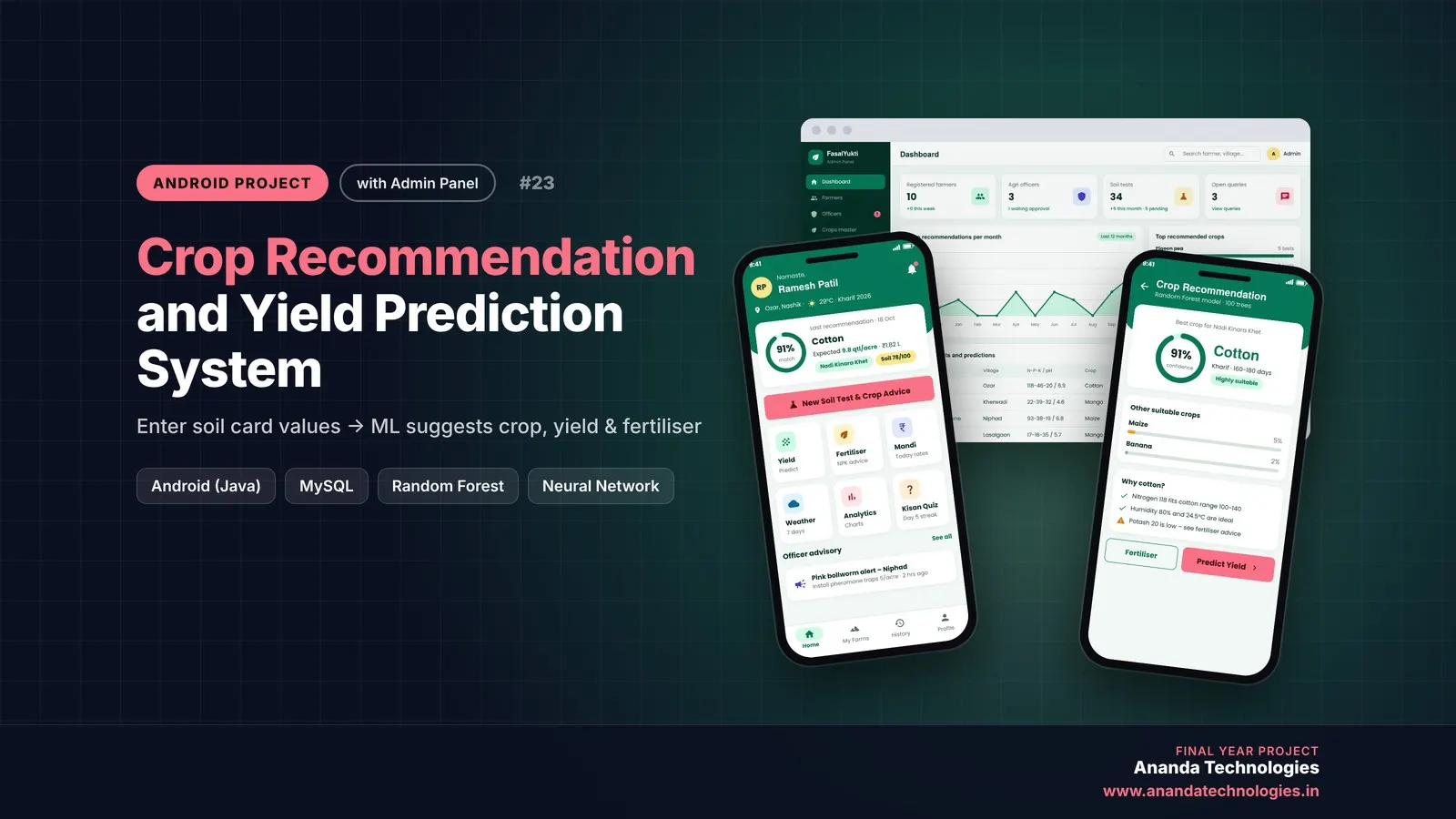
Crop Recommendation and Yield Prediction System

Crop Recommendation and Yield Prediction System is a final year Android project with source code that tells a farmer the best crop for his soil, the expected yield and income, and exactly how much fertiliser to buy. A Random Forest and a neural network run inside the app, agriculture officers verify soil tests and answer questions, and the admin manages everything from a web panel. Includes database, 50-page report, abstract and setup guide.

Project price₹8,000₹12,000View Project
AI & MLJava33% OFF

Diploma (Polytechnic), MCA, BE / B.Tech

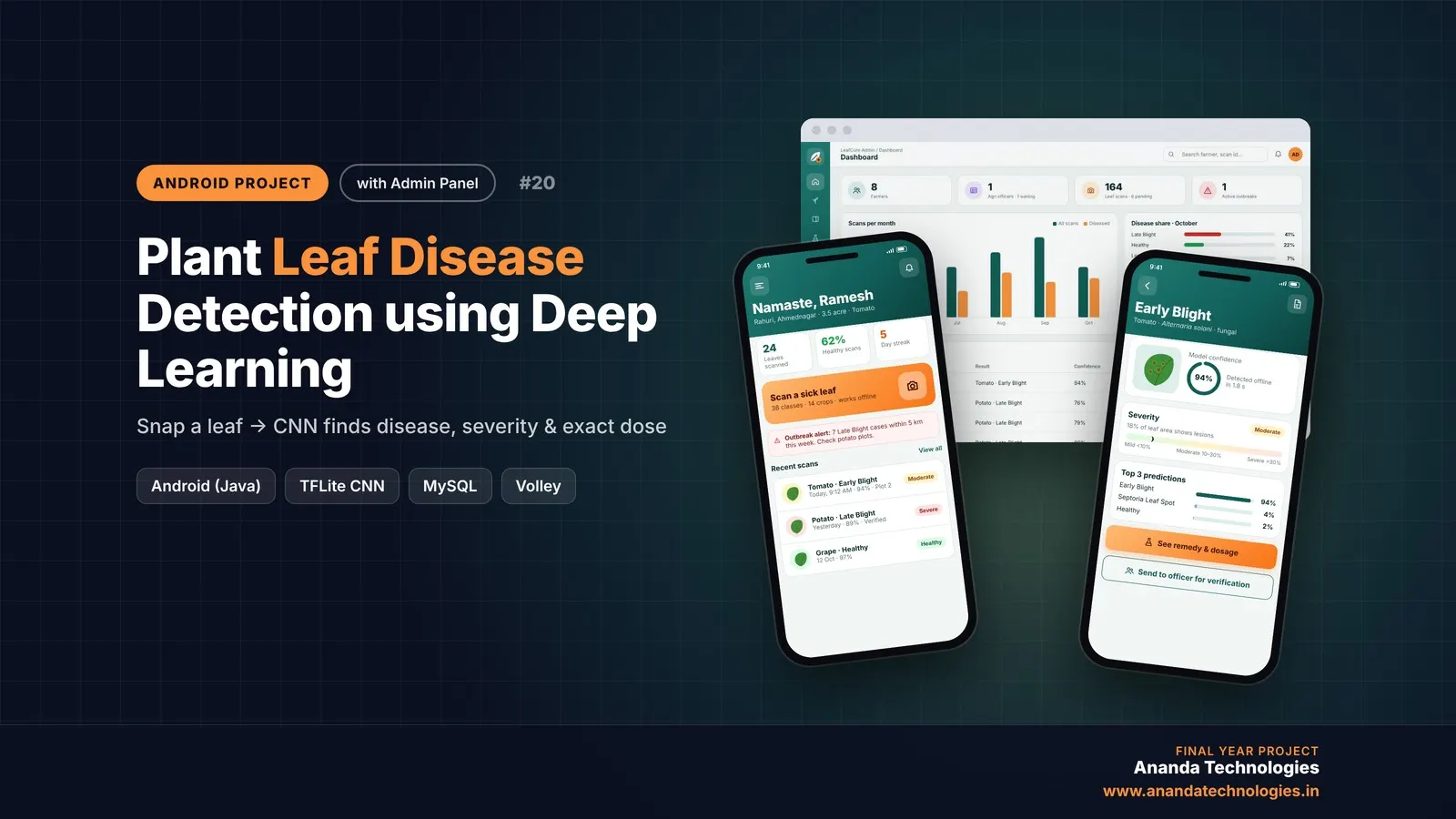
Plant Leaf Disease Detection using Deep Learning

LeafCure is a plant leaf disease detection Android project for final year students, with full source code. A farmer photographs a leaf and an on-device CNN (MobileNetV2, TensorFlow Lite) names the disease, measures its severity and calculates the exact remedy dose for the farm, while agriculture officers verify scans and get outbreak alerts on a disease map. Includes PHP admin panel, MySQL database, Colab training notebook, 50+ page report and setup guide.

Project price₹8,000₹12,000View Project
AI & MLJava33% OFF

Diploma (Polytechnic), MCA, BE / B.Tech

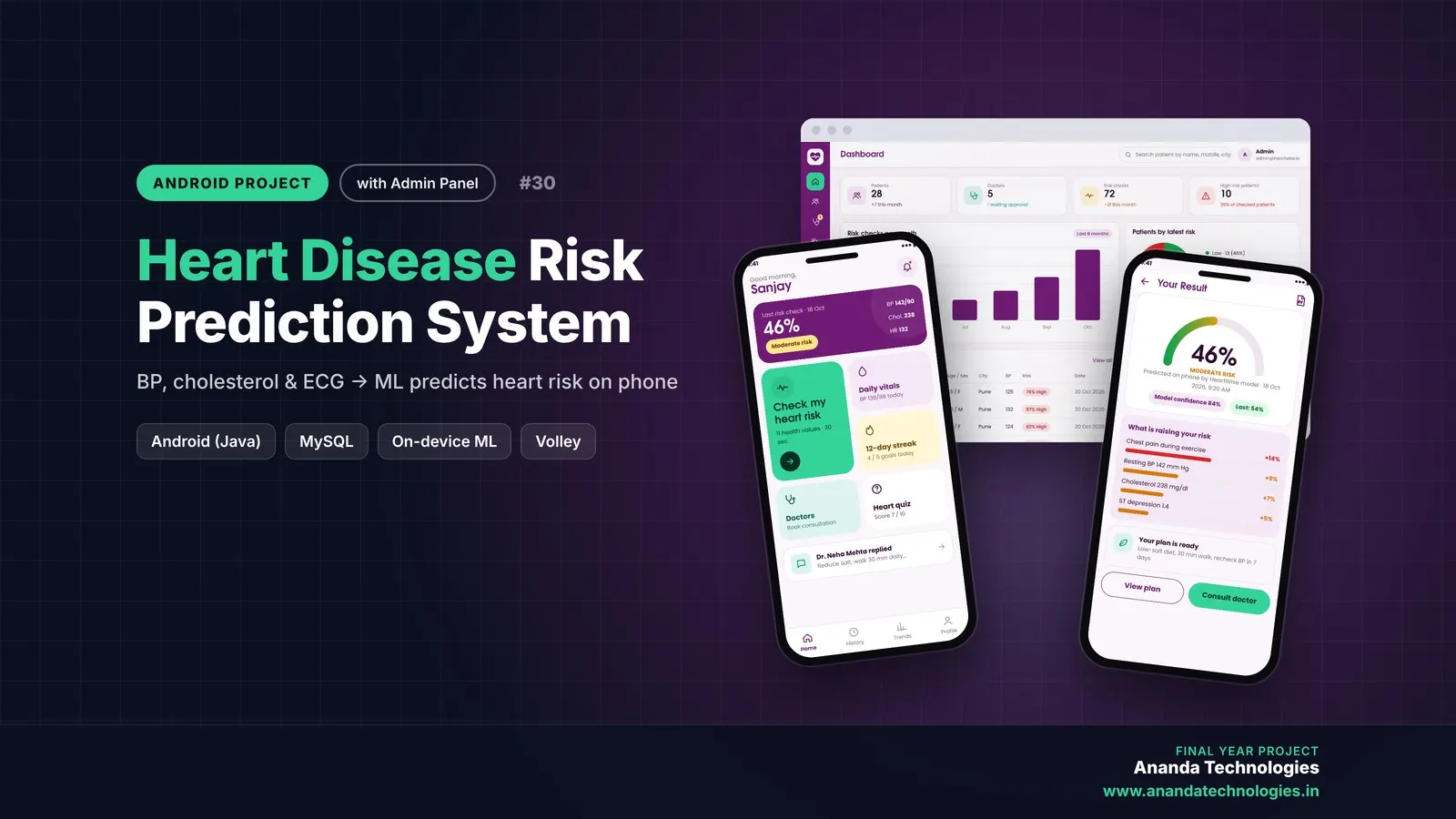
Heart Disease Risk Prediction System

Heart Disease Risk Prediction System (HeartWise) is a final year Android project with source code that predicts heart disease risk from 11 clinical values using a neural network running on the phone itself. Patients get an explained risk score, PDF report, trends and daily goals, doctors send advice and e-prescriptions, and an admin panel manages everything. Includes database, 54-page report, abstract and setup guide.

Project price₹8,000₹12,000View Project

Get Fruit and Vegetable Quality Grading… for your submission

Leave your details and a counsellor will call to confirm your branch, any changes your guide needs, and how you want to pay.